
Publishing checklist · Oct 18, 2026
Workflow documentation review checklist before publishing
A practical final review for checking that a workflow guide is accurate, private, usable and delivered in the format readers expect.
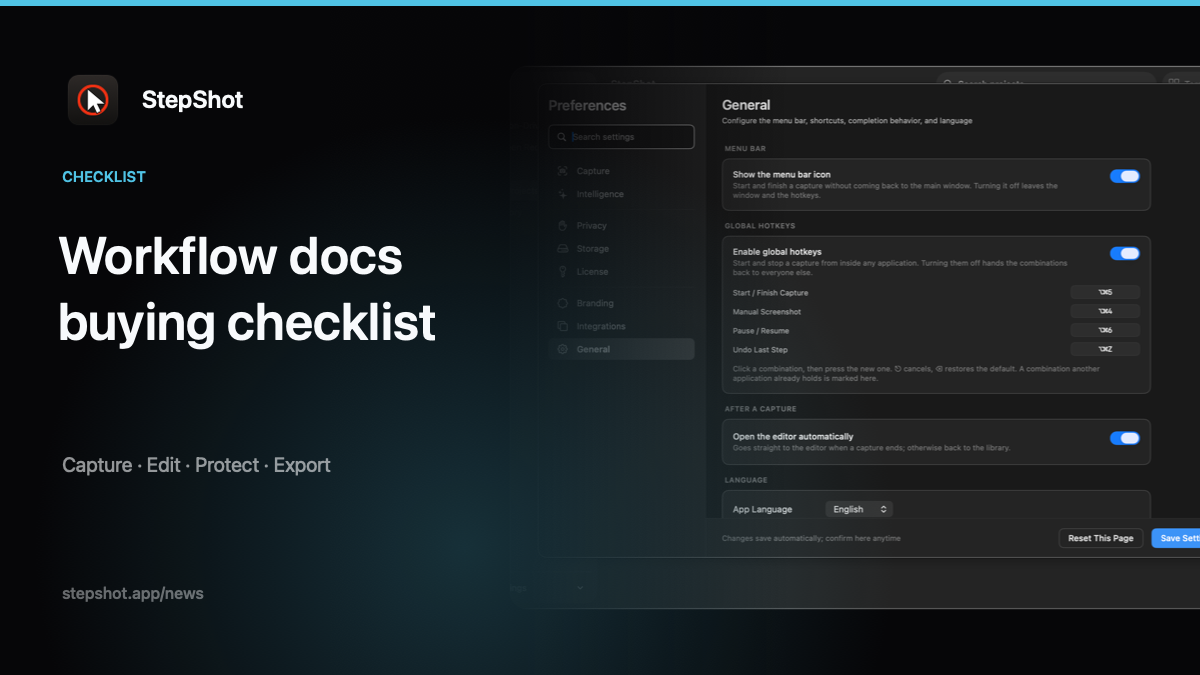
A workflow guide can look polished and still fail at the moment a reader needs it. A label may have changed, a screenshot may expose an internal URL, or an export may omit the image that makes a step understandable. A short review before publishing catches these failures while the source project is still easy to edit.
1. Re-run the intended starting state
Write down the starting conditions before you review the words: the application version, account role, required permissions, sample data and expected destination. Ask a reviewer to begin from that state and follow the guide without verbal help. Record where they pause, interpret a phrase differently or cannot confirm what happened.
Check that each step describes one observable action. “Configure the account” is a goal, not an instruction. A useful step names the control, the value to choose and the result that proves the action worked. Keep optional branches separate from the normal path, and mark recovery steps as recovery instead of presenting them as required for everyone.
2. Match every claim to evidence
Compare captions, headings and screenshots with the actual workflow. A screenshot should show the control a reader must find, while the surrounding text should explain context that the image cannot. Remove inferred claims about permissions, automatic changes or hidden system state unless you can reproduce them.
For a deeper reader test, use the first-time reader SOP test. It turns confusion into specific edits instead of relying on the author's familiarity with the process.
3. Inspect privacy at the source and output
Review more than the visible screenshot. Check window titles, browser addresses, filenames, notifications, captions, links and document metadata for credentials, customer information and internal identifiers. Replace live values with safe samples. If a pixel needs to be hidden, redact it locally and inspect the result at the same scale a reader will use.
Then open the exact artifact you plan to share. Privacy mistakes often enter during export or when a reviewer copies a source image into another document. The export-boundary privacy guide covers this source-to-recipient check.
4. Test links, access and maintenance
Open every internal and external link from the published location, including links in a PDF or knowledge-base page. Confirm that the intended audience can access the destination and the software account required to complete the task. A technically correct guide is still unusable if its reader cannot reach the next screen.
Record an owner, review trigger and source project location. UI changes, permission changes, policy updates and repeated support questions are better review triggers than an arbitrary date alone. Keep the old version's status clear so readers do not accidentally follow an archived procedure.
5. Verify the final export
Review the artifact in its delivery environment, not only in the editor. Check page breaks, image sharpness, headings, numbering, alt text where applicable and the document title. For Markdown, verify image paths and relative links. For self-contained HTML, open the file with network access unavailable and confirm that the images and styles still appear. For PDF, inspect the first page, the last page and a representative middle page.
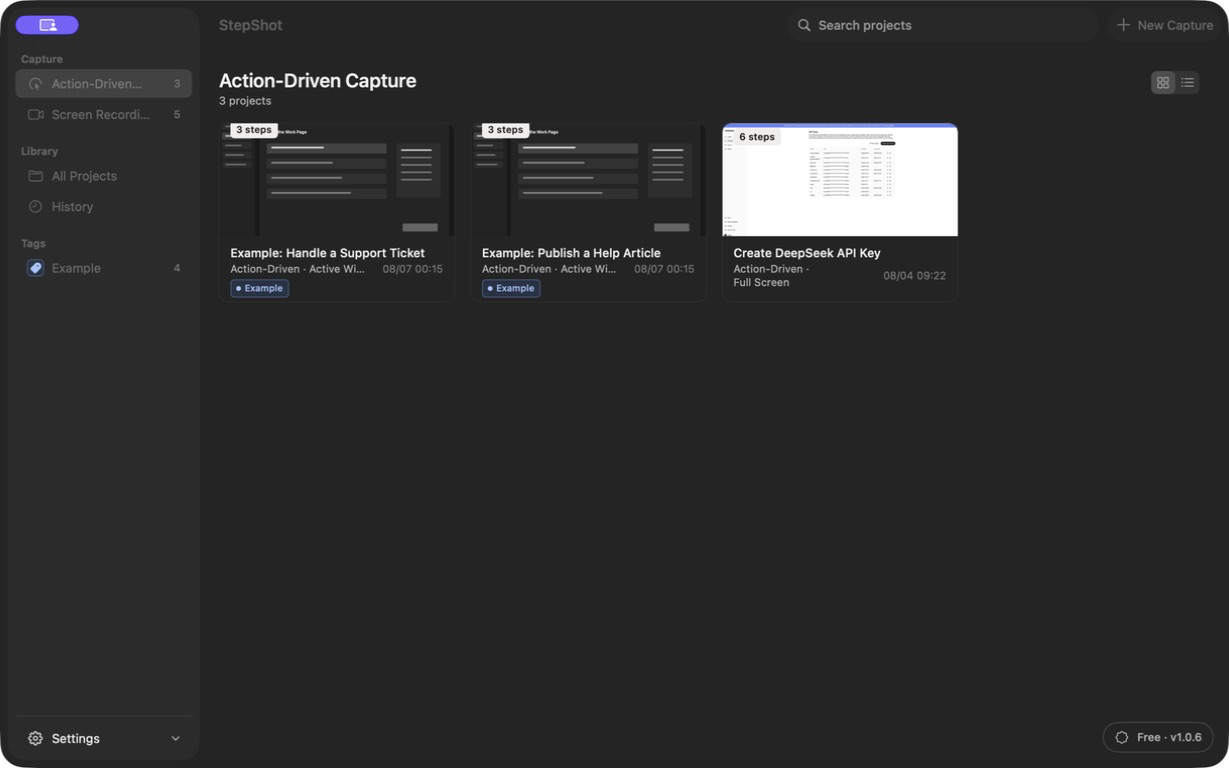
StepShot keeps capture and editing local, then exports the reviewed project to PDF for paid licenses or to Markdown and self-contained HTML within the applicable plan limits. Read the capture guide for the supported workflow modes and review the generated file before sharing.
Publish only what passed
Sign off with a small record: reviewer, date, source version, tested path, privacy result, export format and publication location. If a check fails, keep the draft private, fix the editable source and repeat the affected test. A repeatable review is what turns a captured workflow into documentation that readers can trust and maintain.