
SOP review · Sep 27, 2026
How to test an SOP with a first-time reader
A guide can look complete to its author while leaving a new reader unsure where to begin. Test the task, not just the prose.
Authors know the route through a system and often fill missing details from memory. A first-time reader has only the published instructions, the access they were given and the interface in front of them. A short observed run reveals the gaps that a spelling check or a quick screenshot review cannot. The goal is not to measure how fast someone learns; it is to learn whether the document supports the task without private coaching.
Choose a real task and a realistic reader
Start with one bounded outcome: for example, create a test record, change a setting in a safe environment or locate an existing report. State the starting permissions, application version, sample data and expected end state. Do not ask a reader to work in production with live customer information merely to validate a guide. If the procedure requires an administrator, recruit a reader with that role or explicitly mark the access-dependent steps for later review.
Use someone who did not write the SOP but resembles its intended audience. Give them the same file or knowledge-base page future readers will receive, not the editable source plus extra verbal context. Set an appropriate time window and tell them that unclear instructions are findings about the document, not mistakes by the tester.
Observe without silently repairing the guide
Ask the reader to say what they expect each step to accomplish. Watch for pauses, wrong turns, unfamiliar terms and controls whose labels do not match the screenshot. Record the step number, the visible state and the question asked. Avoid immediately explaining the correct click; that would hide the ambiguity you are trying to discover. Intervene when safety, access or an irreversible action requires it, and note that the test was interrupted.
Separate a missing prerequisite from a confusing instruction. If the reader cannot see a control because their account lacks a role, the fix may be a permissions note near the start. If the control has moved, the screenshot and its action text both need review. If a result takes time to appear, add an observable checkpoint rather than an invented waiting time.
Check the outcome and the recovery path
At the end, have the reader show the expected result in the application. Ask where they would resume after a harmless error or a reopened session. A guide that ends with “click Save” but never explains how to confirm success can leave someone repeating a risky action. Write down unsupported branches as open questions; do not turn an untested guess into an instruction.
Review the exact delivered document as well. Inspect text and images at its normal reading size, follow its links and check for private identifiers in the screenshots. A reader test of an editor draft does not prove that a later PDF, Markdown or HTML export is complete. The SOP export review checklist covers that separate final-file pass.
Revise only what the evidence supports
Group findings by severity: blocked task, misleading action, unclear checkpoint or minor wording. Reproduce a changed screen yourself before replacing evidence. Update the relevant steps, then ask the reader to try the repaired section without a spoken explanation. Record the owner, approval and next review trigger alongside the current copy. A single test is useful evidence, not proof that every role, device or exception path works.
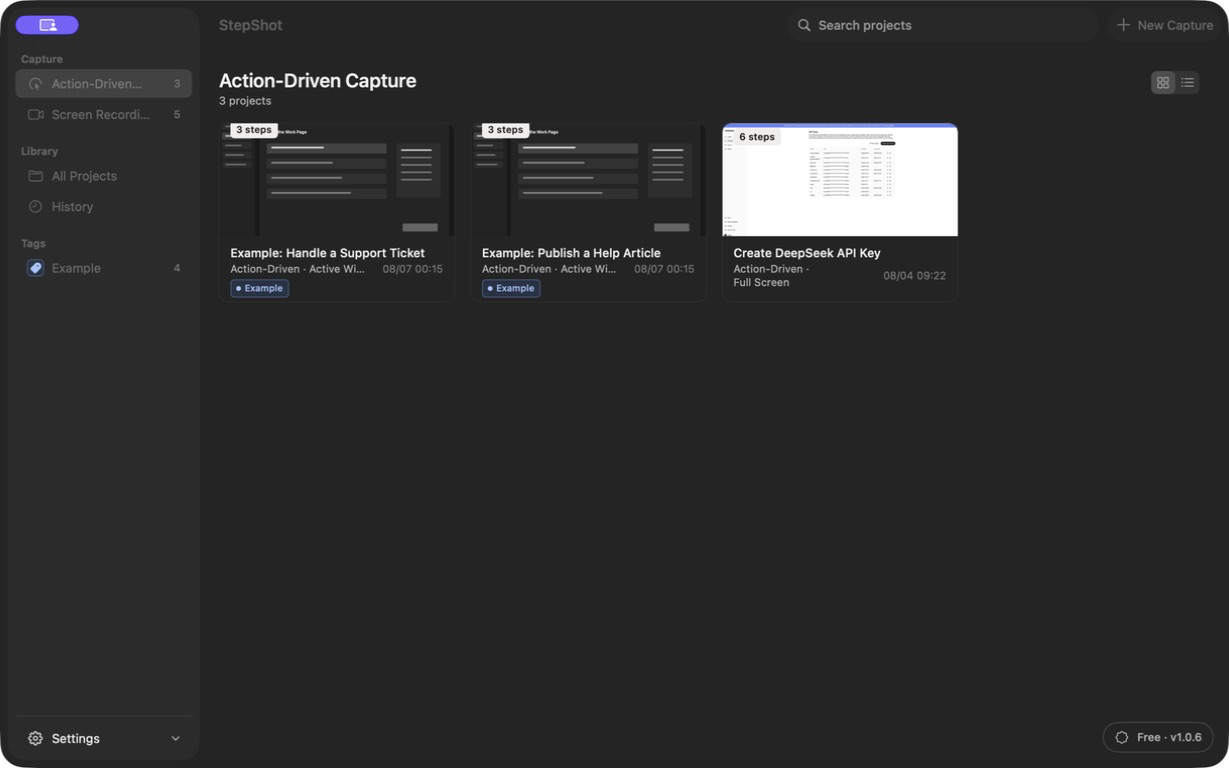
StepShot for macOS 14 and later can capture a real workflow into editable steps, then lets the author reorder, annotate and revise before export. Capture, editing and export happen locally by default; optional cloud optimization uses a user-configured OpenAI-compatible endpoint, with visual samples requiring separate consent and local sanitization. The human still owns the test, approval and distribution. See the editor guide for revisions and the version-control guide for keeping the approved copy identifiable.