
AI SOP guide · Sep 15, 2026
AI SOP prompts: turn workflow evidence into reliable drafts
A useful prompt does not ask AI to invent a procedure. It defines how captured evidence should be organized, what must remain unchanged and where a person still needs to decide.
AI can make an SOP draft easier to scan, but a polished sentence is not proof that the underlying action is correct. The strongest input is a recorded workflow with ordered actions, visible outcomes and enough context to explain why each step exists. Treat the prompt as an editing brief for that evidence, not as a request to reconstruct a process from memory.
Start with the evidence the model may use
List the source material before describing the desired style. For a software procedure, that normally means the captured action sequence, the application and screen involved, the labels visible to the operator and the result observed after each meaningful action. State that the model may clarify or reorganize this material but must not introduce buttons, menu names or outcomes that are absent from the evidence.
This boundary is especially important when interfaces change by role, account state or language. If a captured label is ambiguous, the draft should flag it for review instead of guessing. A short unresolved note is more useful than a confident instruction that sends readers to a control they cannot find.
Define the reader and the finish line
Name who will follow the SOP, what they know already and what successful completion looks like. “Write for a new support specialist who has access to the billing console” gives the editor a better constraint than “make this clearer.” Add prerequisites that cannot be inferred from the screen, such as required permissions, an approved input file or a test account.
Then define the finish line as an observable state: a confirmation message appears, a record has the expected status or an exported file exists in the chosen location. This helps keep the procedure focused on completing a task rather than merely describing interface motion.
Specify what AI may change
A practical prompt separates facts from presentation. Allow the model to shorten titles, remove repetition, group closely related actions and match a chosen tone. Protect action order, exact product labels, warnings, prerequisites and author-edited text unless a reviewer explicitly approves a change.
Ask for uncertainty to be visible. Useful markers include “verify this label,” “confirm this permission” or “add the expected result.” Do not ask the model to fill those gaps automatically. Also request one meaningful action per step, active verbs and direct success checks. These constraints make changes easier to compare against the recorded workflow.
Set privacy limits before optimization
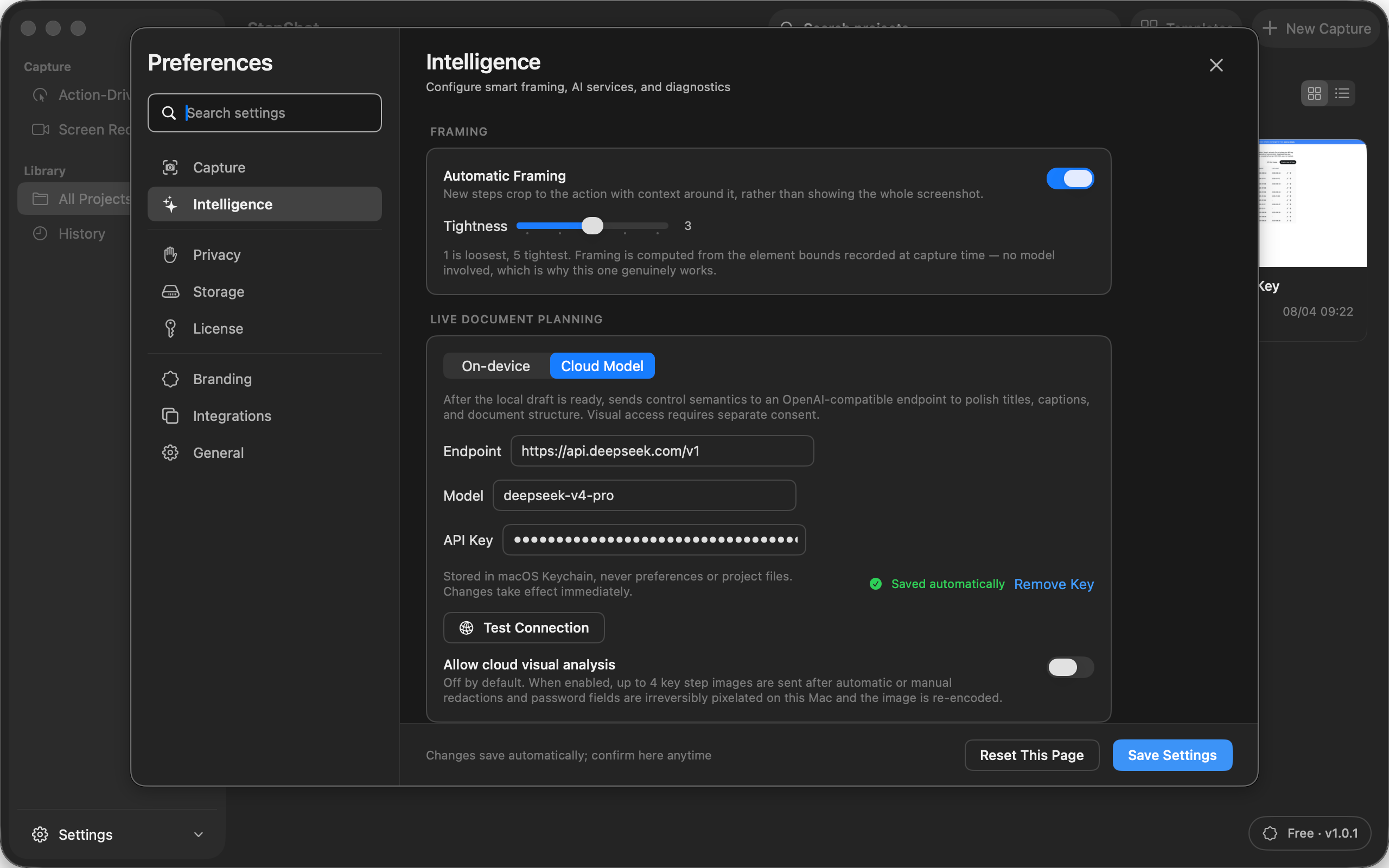
Minimize the material sent to any external model. Text semantics are often enough to improve structure and wording. If screenshots are genuinely necessary, review them for private information first and define which frames may be shared. Provider retention, access and regional requirements remain decisions for the team using that service.
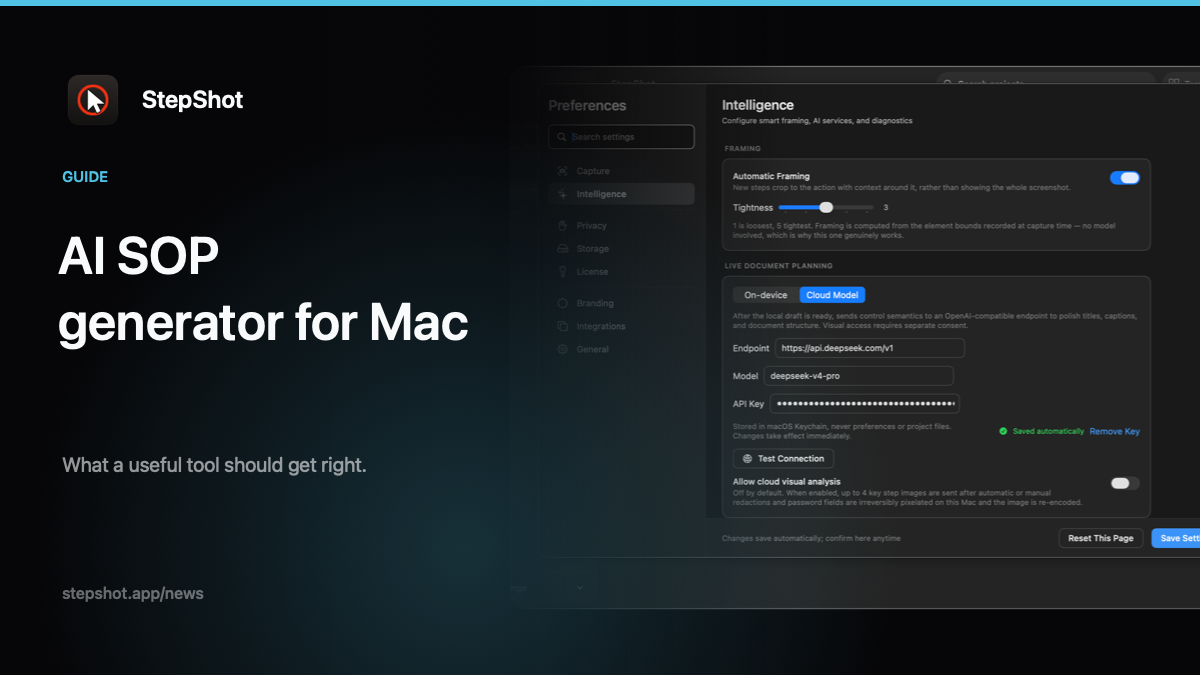
In StepShot, local intelligence creates the base document without a cloud model. Optional optimization uses an OpenAI-compatible endpoint configured by the user. Visual analysis is a separate opt-in and can send up to four samples only after local redaction and re-encoding. See the AI screenshot privacy guide for a fuller review process.
Review the diff, then test the task
The final prompt should request suggestions, not silent replacement. Compare every proposed title, instruction, visibility change and reorder against the evidence. Preserve deliberate author edits, reject unsupported detail and test the approved sequence in the actual product. The AI SOP review checklist covers the final accuracy and privacy pass.
StepShot supports this evidence-first workflow by capturing real Mac actions, generating a local draft, presenting optional cloud suggestions for selective approval and keeping manual edits protected. After review, the same guide can be exported as PDF, Markdown or self-contained HTML. Explore the verified workflow on the features page or start with the capture guide.