
AI SOP checklist · Sep 1, 2026
AI SOP generator review checklist for reliable guides
An AI-generated SOP is a draft, not evidence that a workflow is correct. Review what happened, what the model changed and what readers will receive.
Start with a recorded workflow
A reliable SOP begins with the real task, performed in the current interface. Before asking AI to improve anything, confirm the starting state, required access and intended result. Capture the meaningful actions and the screen state after each one. This gives reviewers evidence to compare with every generated title or instruction.
Do not ask a language model to invent missing clicks, field values or policy decisions. If the source workflow has a gap, repeat that part of the task and capture it. Generation can make a weak source sound confident; it cannot turn an unobserved action into a verified fact.
Separate evidence from wording
Label what came directly from the workflow: application names, visible controls, action order and observed results. Treat summaries, transitions and explanations as editable language. This distinction makes review practical. A reviewer can improve a sentence without accidentally approving a changed action.
For every step, ask two questions: does the instruction describe what actually happened, and does the screenshot show the expected result? Reject suggestions that add capabilities, prerequisites or outcomes absent from the evidence. Preserve deliberate warnings and author-written exceptions even when shorter prose looks cleaner.
Review structure one decision at a time
AI can help combine repetitive wording, propose headings and make a long procedure easier to scan. Review those changes individually. Merging two steps may hide a required confirmation; reordering steps may move an action before its prerequisite. A useful SOP lets a reader stop after each instruction and decide whether it succeeded.
Check branches explicitly. If administrators and standard users see different controls, document the conditions instead of blending both paths into one universal sequence. Keep failure handling close to the action that can fail, and distinguish recovery advice from the main path.
Minimize and inspect shared data
Before using any cloud model, understand exactly what the tool sends. Prefer text semantics when images are not necessary. If visual context is useful, select the smallest representative set and remove names, email addresses, account identifiers, tokens and unrelated background content first.
Automated detection can identify likely sensitive regions, but it is not a guarantee. Inspect every selected image and the final output yourself. Also check the provider, endpoint and retention terms that apply to your configuration. A bring-your-own endpoint gives the operator control over the service choice; it does not make every endpoint private by default.
Test the finished SOP where it will live
Review the exported artifact, not only the editor. For PDF, inspect page breaks, image scale and printable contrast. For Markdown, verify relative image paths after moving the files into the knowledge base. For self-contained HTML, open the file independently and check navigation, images and text at the size readers will use.
Ask someone who did not create the SOP to perform the task from its stated starting point. Record where they pause, choose the wrong control or cannot verify the result. Those observations should drive revisions before stylistic preferences do.
Keep human approval visible
Record an owner, review date and trigger for the next check, such as an application release or policy change. Do not describe an SOP as permanently current. The useful claim is narrower: a named person verified this version against a defined workflow on a specific date.
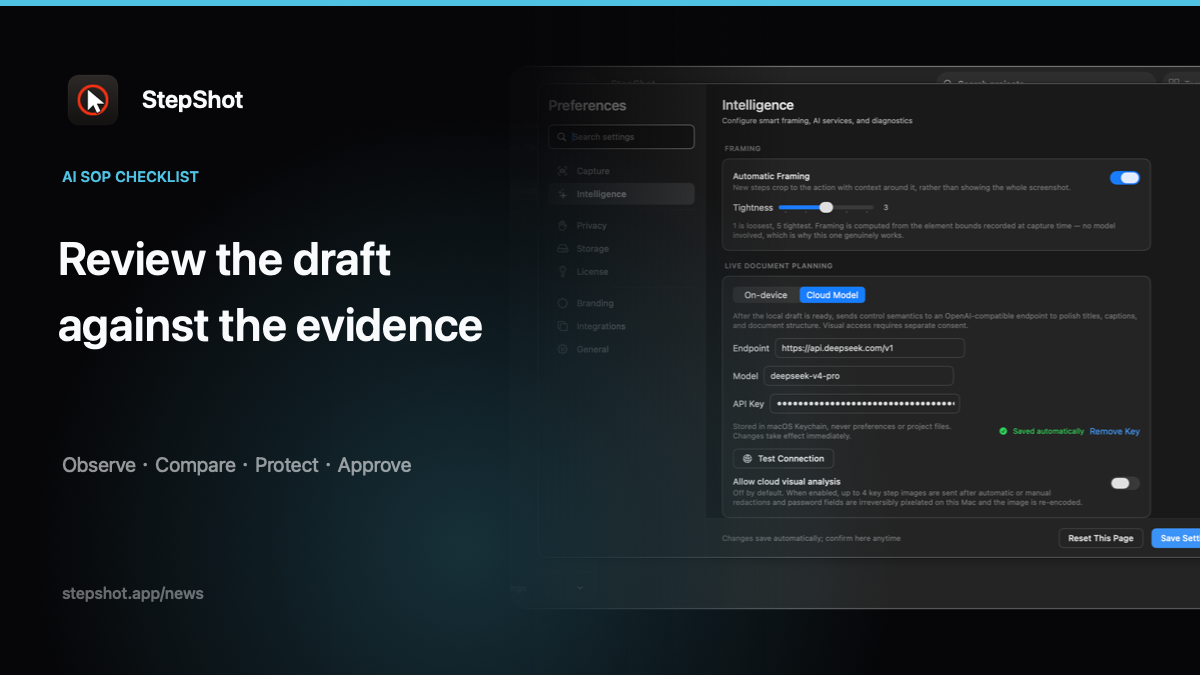
StepShot for macOS 14 and later creates a complete local draft from a recorded workflow before any optional cloud optimization. Its OpenAI-compatible planner sends text semantics by default; visual samples require separate consent and are sanitized locally. Suggestions remain reviewable, and a failed cloud request leaves the local draft intact.
Authors can reorder, crop, annotate and redact steps, then export PDF, Markdown or self-contained HTML. Free users can capture and edit without a time limit, with exports limited to the first 10 steps; PDF and full-length exports require a paid licence. See the feature overview, redaction guide and export documentation for the current product boundaries.
A five-part approval gate
Before publishing an AI-assisted SOP, confirm that the workflow was observed, every action matches its evidence, each generated change was reviewed, private information was removed and the final format works in its destination. If any answer depends only on fluent wording, return to the source workflow.