
Product update · October 20, 2026
StepShot 1.0.7: update tutorials and publish from your Mac
A workflow changes, a screenshot goes out of date, and a guide needs to reach your team. StepShot 1.0.7 connects those parts of the authoring process.
Keep guides current without replacing the original
StepShot 1.0.7 is now available for Mac. This release focuses on what happens after the first recording: maintaining a tutorial, reviewing its changes and placing the approved result where readers already work. Capture and editing remain local, and connecting a publishing service is optional.
Use Tutorial update comparison in the editor to select a newer recording or record the workflow again. StepShot highlights changes to steps, screenshots, order and wording. Nothing is accepted by default. Choose the changes you want and create a separate updated copy while keeping the original tutorial and recording.
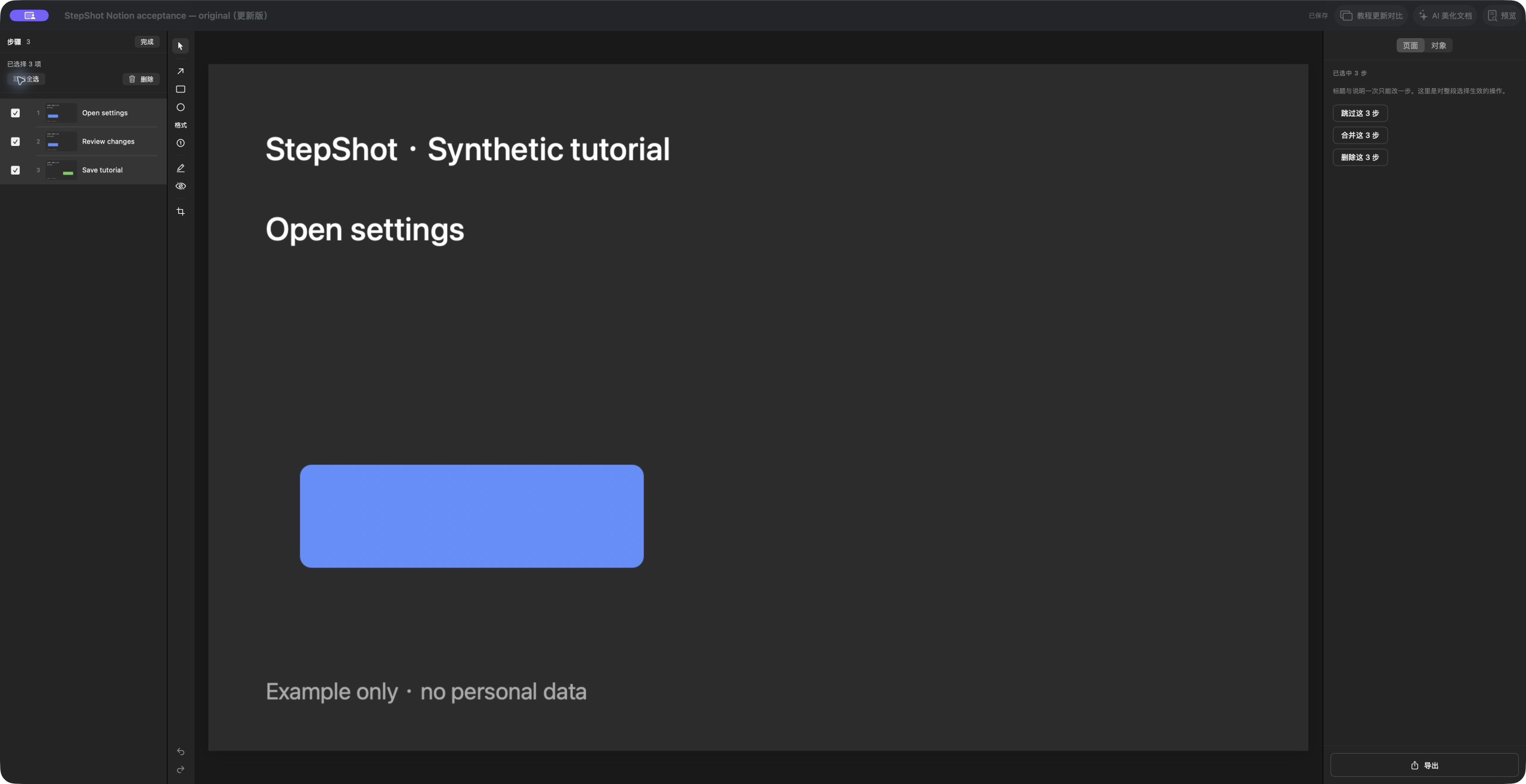
This is useful when a settings page moves or a process gains an extra action. It also keeps editorial decisions with the author: application switches can remain part of the record, and unwanted steps can be selected and deleted in the editor.
Publish the result to Google Drive or Notion
Google Drive becomes an export destination for PDF, self-contained HTML and Markdown with images in a ZIP. The upload window shows actual bytes sent, percentage and speed, with cancellation and retry. A transfer reaches success only after Drive confirms the saved file.
Notion publishing creates an editable tutorial page with native titles, numbered steps, images and tip blocks. Connect your own workspace, choose an authorized parent page and publish. Readers with the appropriate Notion access can continue editing there. See the dedicated Google Drive and Notion announcements for setup and scope.
A clearer daily editing and recording experience
The update restores multiselect and deletion in the library and step editor, makes interrupted-capture reminders dismissible, and fixes the recording window picker and duplicate floating-toolbar arrow. The authorization callback page uses the StepShot logo, a dark appearance and localized status messages.
The release supports macOS 14 or later on Apple Silicon and Intel. Free capture and editing remain unlimited; free exports cover the first 10 captured steps, while PDF and branding require a paid license. Download the current installer from Downloads, or use Check for Updates in the app. The formal release record contains build and installer verification details.