
Product update · October 20, 2026
Publish editable StepShot tutorials to Notion
Turn a reviewed Mac workflow into a Notion page your team can keep editing, using native content blocks instead of a single attached document.
Connect the workspace you actually use
Notion publishing is now part of StepShot 1.0.7 for Mac. Authors can capture a workflow, review the screenshots and publish a structured page into a knowledge base. The result contains native page titles, headings, numbered steps, explanatory paragraphs, screenshot images and tip callouts.
The integration is available to users connecting their own workspaces; it is not limited to the developer account. In Settings → Integrations → Notion, choose Connect and follow the official Notion authorization page. Select the pages StepShot may access. There is no configuration upload, integration token entry or developer registration for the end user.
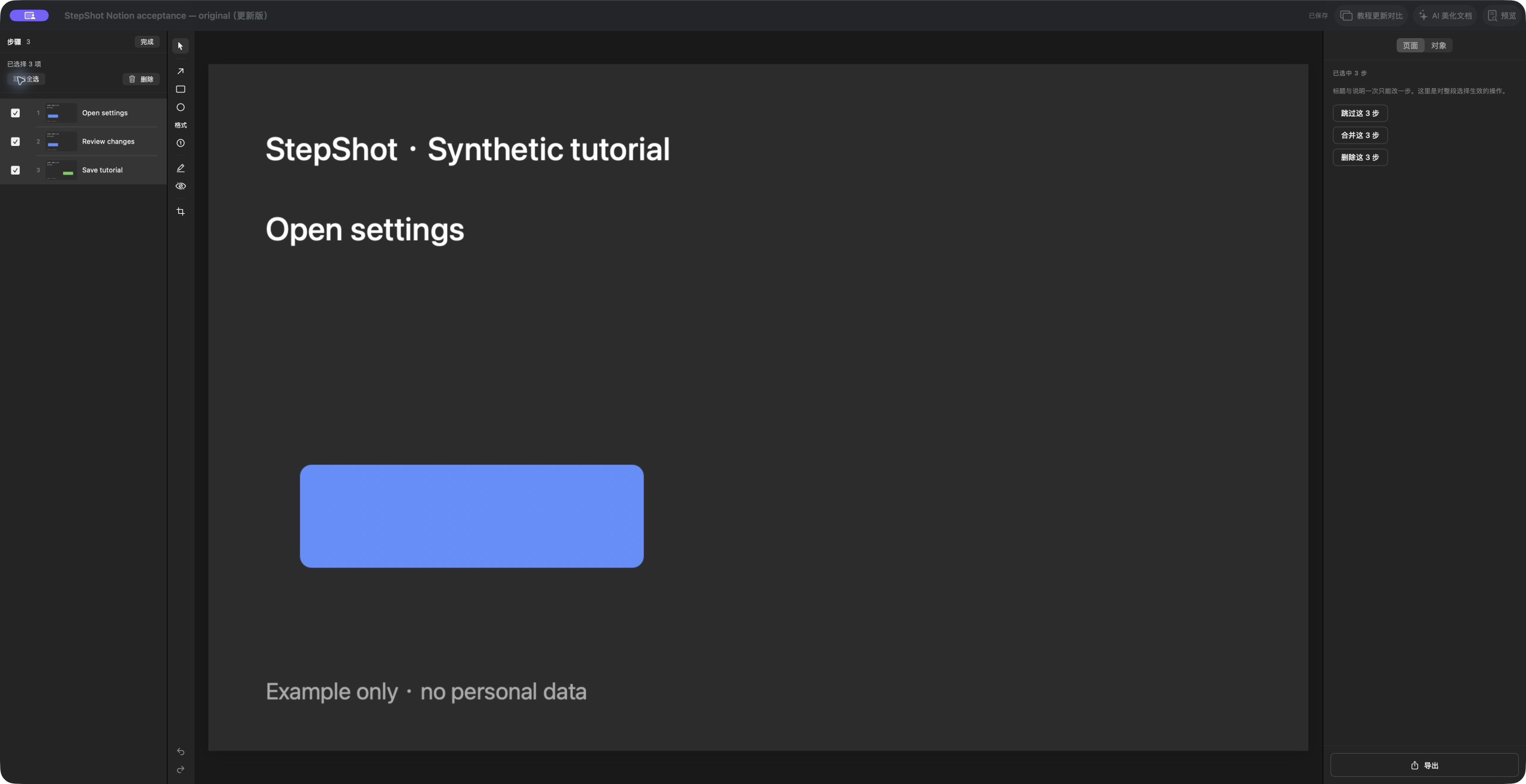
Publish beneath an authorized parent page
Open Export in the StepShot editor, choose Notion, select the step range and image quality, and review redactions. Search for or browse an authorized parent page. Publishing creates a separate tutorial child page, so the selected parent page is a destination rather than an existing article to overwrite.
Screenshots use the same rendered annotations and redactions as the reviewed export. The editable project, source recording and raw capture files are not included. Free publishing covers the first 10 captured steps; paid licenses remove the step limit. Organization name and footer text are supported paid branding options, while PDF paper size, watermarks, logo and theme color do not map to the Notion page.
Continue editing where your team works
After publishing, use Open in Notion to inspect the new page. People with the appropriate workspace permissions can revise the title, wording, step content and image captions there. This makes the page suitable for internal onboarding, support procedures or operations guides that need an editorial handoff after capture.
Publishing does not start background two-way synchronization or automatically make the page public. Later edits in Notion are not pulled back into the StepShot source. Keep the local tutorial as the authoring record, and decide how to handle a newer edition before publishing another child page. Database-template publishing is outside this first release.
Handle interruptions with a visible result
You can cancel publishing. When a network interruption leaves a write result uncertain, StepShot asks you to inspect Notion rather than silently replaying it; an available page link helps with that check. Disconnecting removes the local credentials and keeps existing Notion pages. Start with the latest Mac release, see export entitlements, or read the 1.0.7 update.