
Step-by-step guide · Oct 7, 2026
Step-by-step guide for conditional software workflows
A recording shows one route through a task. A useful guide also tells readers when that route applies and what to do when it does not.
Start with the outcome, not the video timeline
A screen recording preserves motion, pauses and the path one operator took. It does not automatically explain which choices were required. Write down the intended outcome and the starting state before extracting steps: the application version, the role or permission level, and the input that determines the route. A reader should know whether the captured path applies before clicking anything. Keep environment details that matter; leave incidental window movements and waiting time out of the written sequence.
Identify each decision point
Watch for a menu choice, a validation result or a different screen after submitting a form. At each point, ask what visible condition determines the next action. Write that condition ahead of the instruction: “If the review status is Pending, open the review panel.” Follow it with the expected visible result. Do not write “otherwise, approve” just because the recording only showed one alternative. Record the other route separately and verify it with the right account or test data before including it.
Make the path readable without duplicating everything
For a short branch, place the conditional instruction where it occurs and give the reader a clear return point. For two substantially different routes, split them under descriptive headings and repeat only the shared setup and finish checkpoints. Name the condition in the heading, not merely “Option A.” Keep numbering stable within each route. A compact decision table can help an author check completeness, but the final guide should still tell someone precisely which action to take and how to recognize success.
Handle unseen routes honestly
Many recordings cover only the happy path. Mark a missing branch as an editorial question, not as a confident instruction. Reproduce it with a safe test account, ask the process owner to demonstrate it, or narrow the guide's scope to the observed case. If the interface changes by role, do not combine screenshots from different roles as though they formed one continuous session. Note the prerequisite and test each route from its own starting state. A screenshot can prove what appeared once; it cannot prove that every reader will see the same thing.
Test with someone who did not record it
Ask a first-time reader to choose a route using only the written condition, then follow its steps without narration. Watch for hesitation at transitions and ask the reader to point to the expected result after each important action. Check whether both paths rejoin cleanly, whether the guide identifies a stopping condition, and whether a failure sends the reader to an appropriate owner rather than an invented recovery action. Revise from observed trouble, then repeat the test on the other route if possible.
Use StepShot for evidence and editing
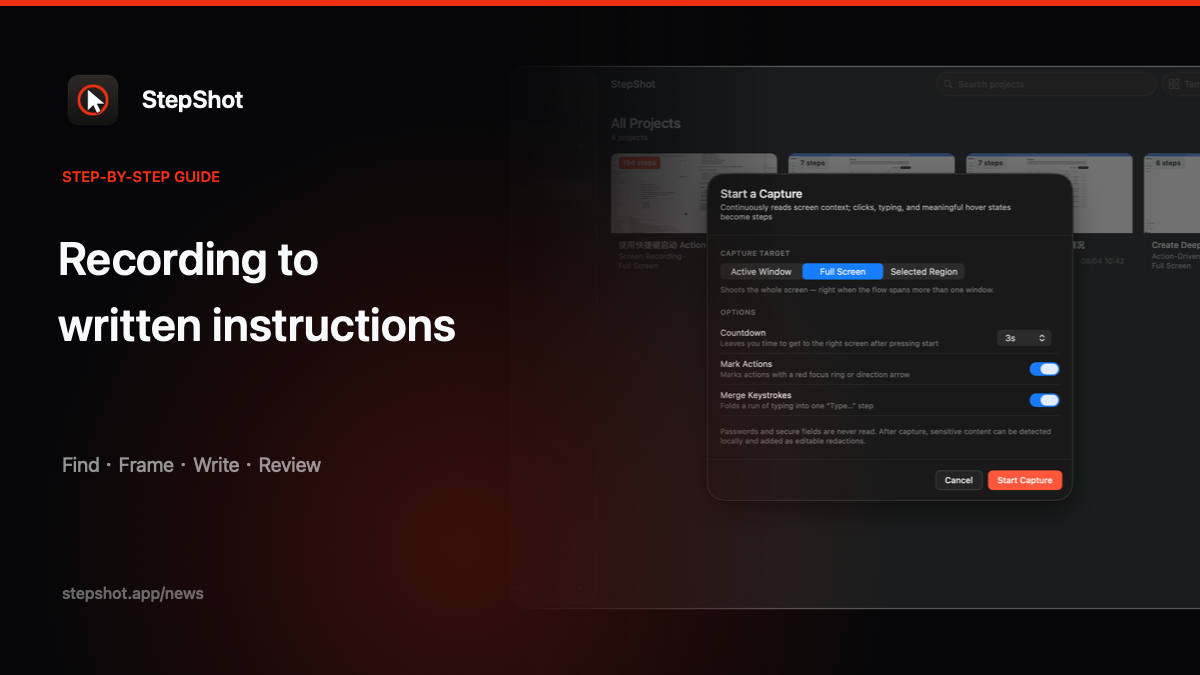
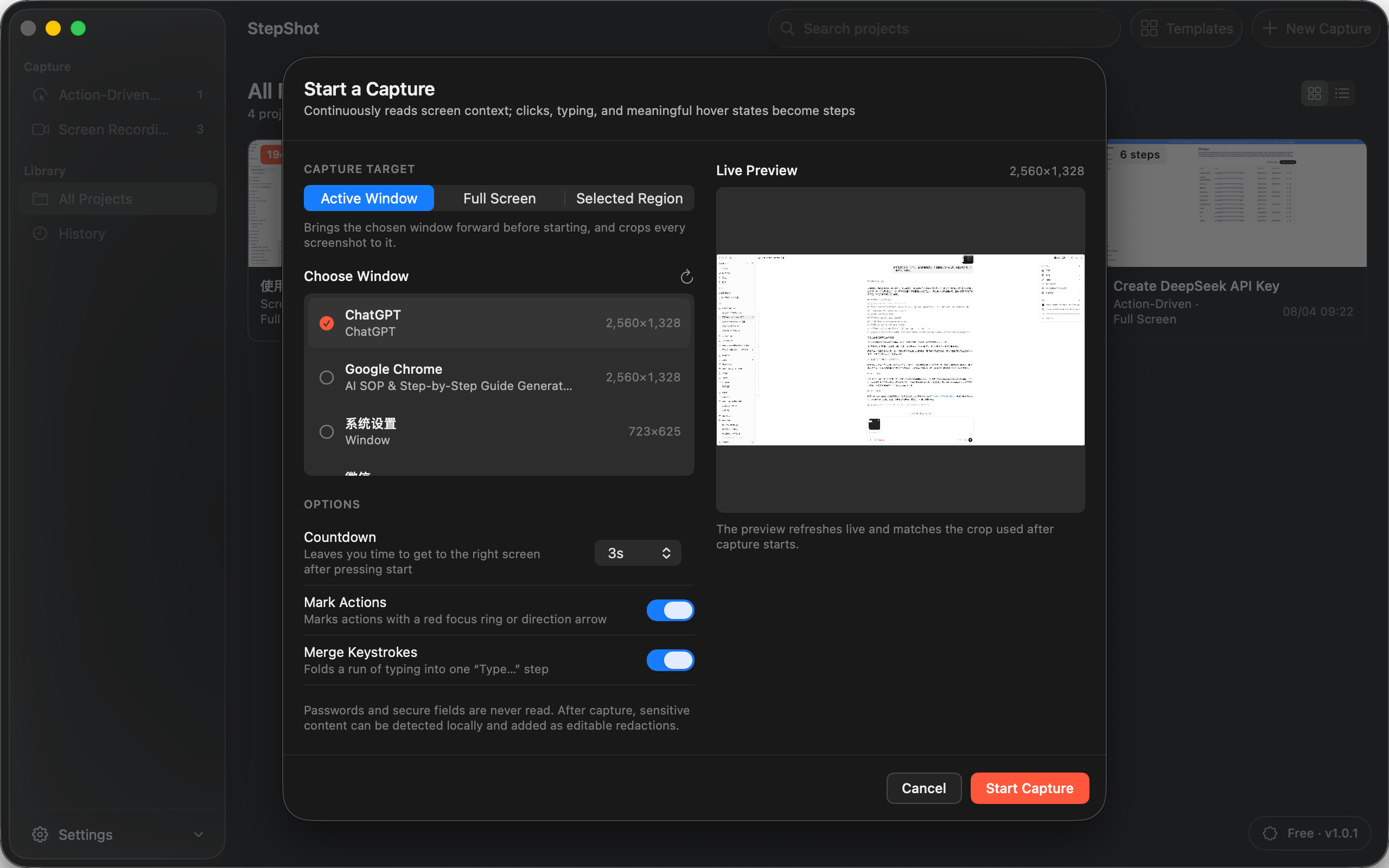
StepShot for macOS 14 and later captures real actions into an editable local draft. In recording mode, authors can revisit the video, locate a relevant frame and add or replace step evidence. They can reorder steps and add explanatory notes, then inspect the actual output before sharing. It is a documentation tool, not an automatic decision-tree verifier: the author must establish the branch conditions and review every claim. See the capture guide and the guide to uncertain steps for related checks.
Choose Markdown or self-contained HTML for an editable publishing workflow, or PDF when a fixed handout is needed, subject to the applicable plan limits. Inspect the final artifact for stale screenshots, personal data and ambiguous branches before anyone uses it as an SOP.