
AI SOP guide · Oct 6, 2026
AI SOP generator: handle uncertain steps without guessing
A polished instruction can still be wrong. Treat missing evidence as a review task, not an invitation to fill in the blanks.
Mark what the capture actually proves
A workflow capture may show a click and the resulting screen without showing why the operator made that choice. Before asking any AI system to improve the wording, separate observed actions from assumptions. Record the starting state, the visible control, the action and the result. If a permission, prerequisite or decision rule is not visible, label it as unverified. A fluent sentence does not turn an inferred requirement into a fact.
Keep an uncertainty list beside the draft
Review the sequence for gaps such as a menu that opened off-screen, an unexplained branch, a value copied from another system or a success state that was never checked. For each gap, write a question that can be answered by replaying the workflow or consulting its owner. For example: “Does this confirmation appear for every role?” is testable; “the confirmation always appears” is an unsupported instruction. Avoid burying such questions in a footnote after the guide is distributed.
Reproduce the missing transition
Return to the same application role and starting state when practical. Repeat only the uncertain section, noting what changes when the input or account differs. If the interface has changed, capture the current state instead of stretching an old screenshot to fit new instructions. When reproduction is impossible, ask an owner for the missing rule and identify that source in the editorial review record. Do not invent a screenshot, error message or exception path to make the document feel complete.
Constrain AI editing to supported claims
Give the editor or model the audience, terminology and observed sequence, then ask it to improve clarity while preserving the action order and marking unsupported claims for review. Check every proposed prerequisite, warning and outcome against the evidence. A model can suggest a more readable title or combine repetitive sentences, but it cannot verify that a setting exists in the reader's version of the software. The author remains responsible for the decision to include or remove each suggestion.
Approve the artifact a reader will use
Have a reviewer follow the instructions without relying on the original operator's memory. Check that every branch names its condition and every important action has an observable result. Inspect screenshots for personal data, credentials and unrelated windows; confirm redactions in the final exported file. Then check numbering, links, image clarity and the handoff to the next step. If a gap remains, hold publication or explicitly scope the guide to the verified path.
Where StepShot fits
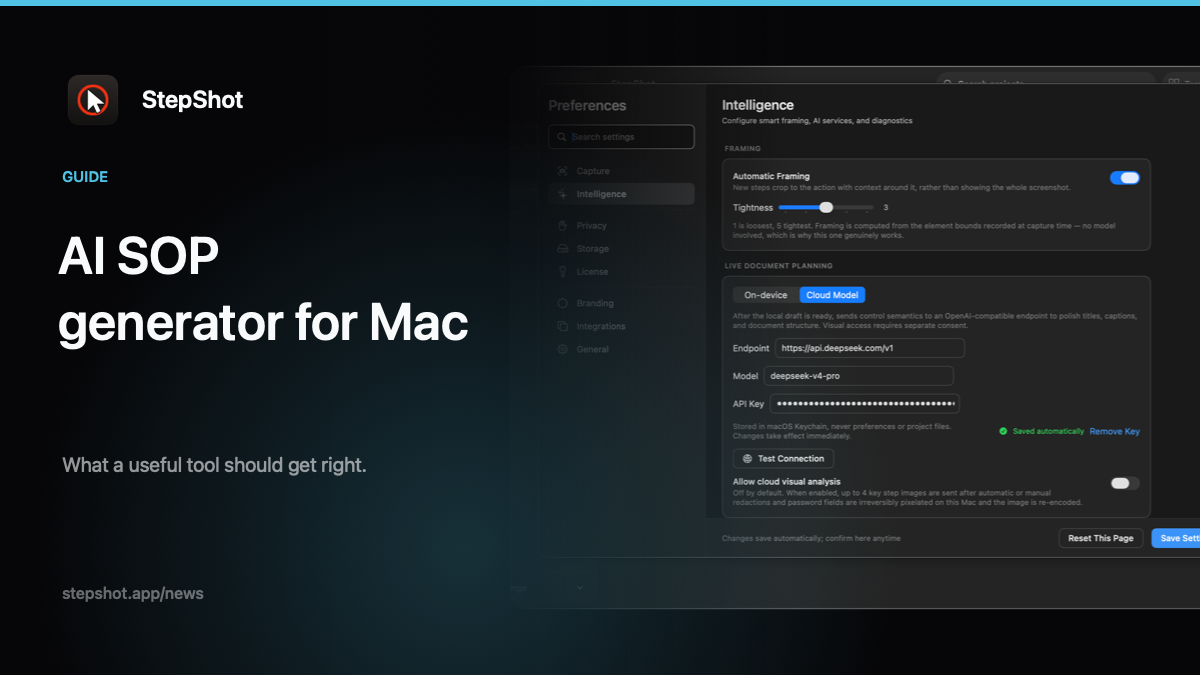
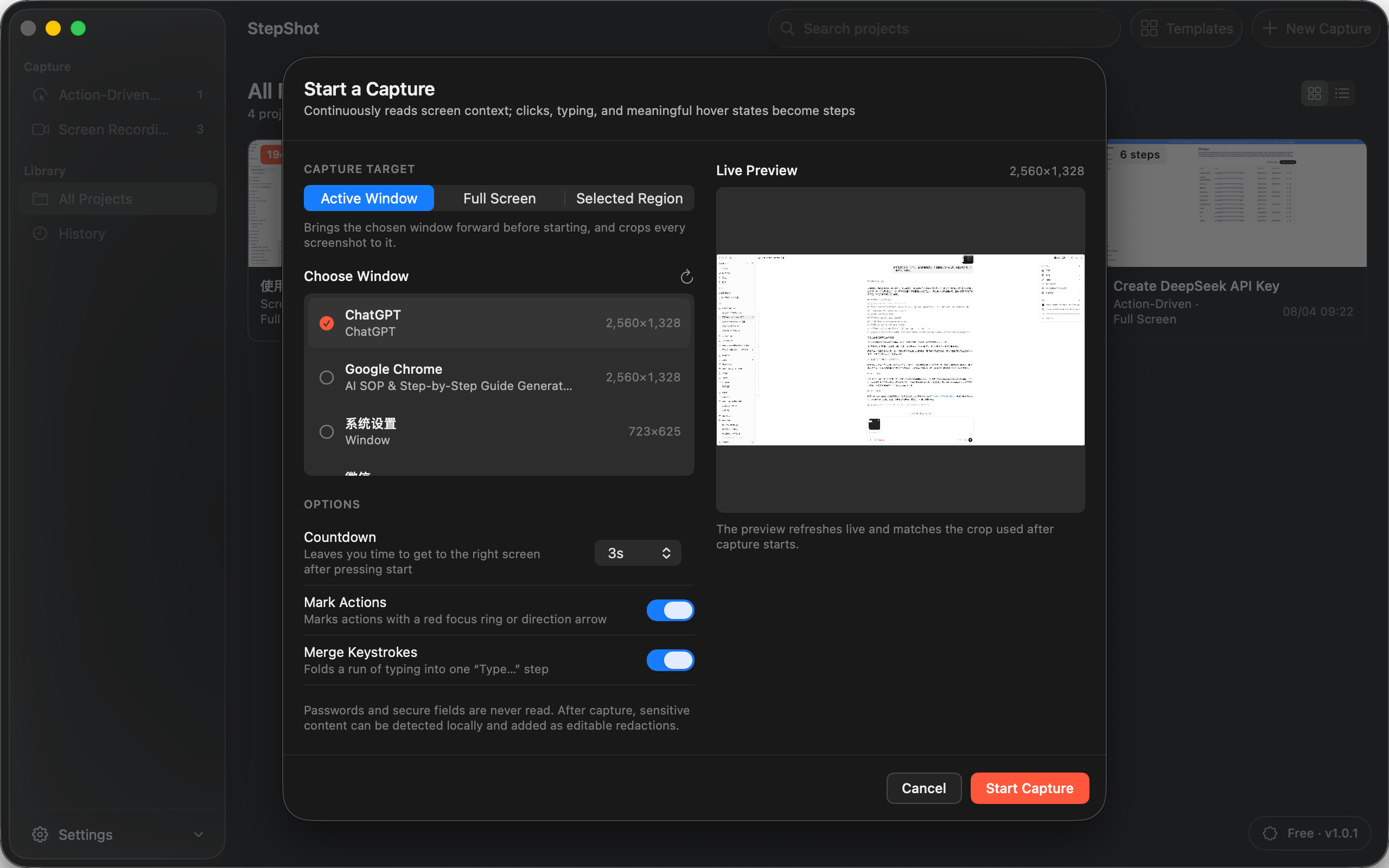
StepShot for macOS 14 and later builds an editable local draft from captured actions. Authors can reorder steps, add notes, inspect recorded context and review suggested changes before applying them. Its optional OpenAI-compatible cloud planner uses text semantics by default; sending locally sanitized visual samples requires separate consent. A cloud failure leaves the local draft intact. For more on those boundaries, read the AI SOP review checklist and the redaction guide.
Once the procedure has been verified, export it in the format the reader needs: Markdown or self-contained HTML within the applicable plan limits, or PDF with a paid entitlement. The export is the last review surface, not proof that an uncertain instruction has become true.