
SOP maintenance · Oct 11, 2026
SOP change log: what to record after updating a guide
A useful change log explains why the instructions changed, what was verified and which published copy readers should use now.
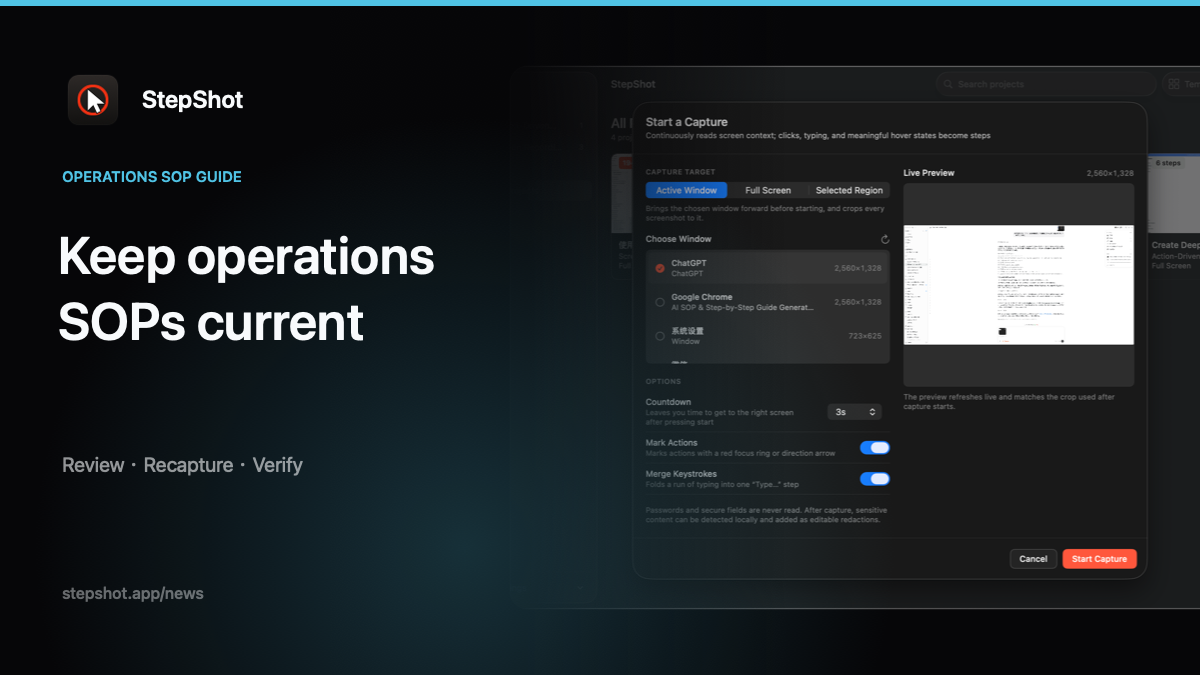
An SOP change log is not a list of file names or a claim that someone “updated screenshots.” It is a compact record that lets an owner, reviewer or future editor understand the difference between two approved versions. The log should be detailed enough to trace an important decision without duplicating the entire procedure.
Start with the trigger and scope
Record what caused the update: an interface change, a policy decision, a permission change, a failed reader test or a correction to inaccurate instructions. Add the date the change was observed and identify the application, process or policy version that was actually checked. Avoid vague notes such as “annual refresh” when the real trigger was a renamed control or a new approval step.
Define the affected section. List the first and last changed steps, plus any prerequisite, branch or expected result that was reviewed with them. A narrow scope makes the next review faster, but it must include the transitions into and out of the changed path. If the update changes the outcome of the task, treat it as a procedure change rather than a cosmetic edit.
Separate procedure changes from editorial changes
A procedure change alters what a reader must do, the order of actions, required access or the result they should observe. An editorial change improves wording, accessibility, layout or image clarity without changing the task. Log the distinction because the review burden is different. A corrected typo may need a quick proofread; a new permission prompt should be reproduced with the relevant role and tested from a known starting state.
For each material change, note the old instruction, the new instruction and the reason for replacing it. Do not infer a missing action from a release note or a plausible interface pattern. If the team could not reproduce a branch, record that limitation and assign verification instead of describing the branch as tested.
Link the evidence and review
Identify the editable source project and the evidence used for the update. That may include a fresh capture, a tested video frame, a policy source or a recorded result from a reader test. Keep sensitive test data out of the log. Use safe identifiers or restricted links when the supporting material contains private screens, customer information or internal systems.
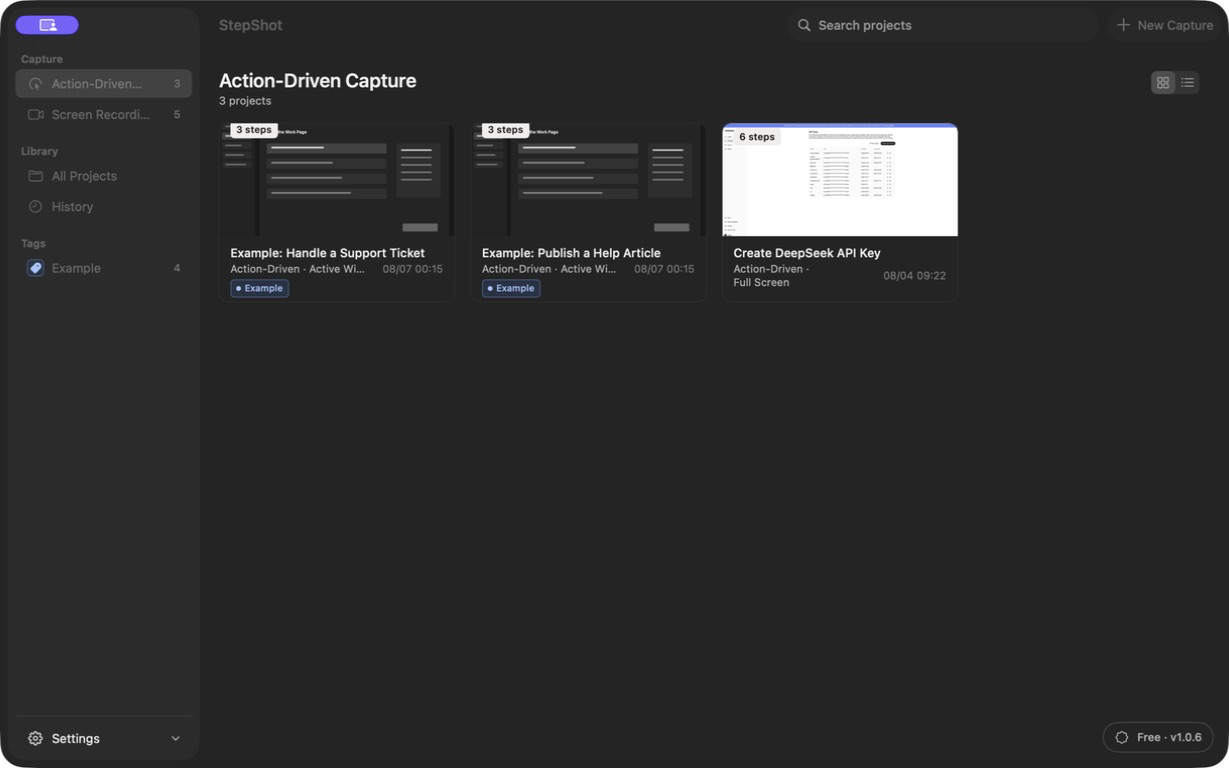
Record who performed the update, who reviewed it and what the reviewer checked. Useful checks include following the steps from the documented starting state, confirming observable results, inspecting screenshots and alt text, reviewing redactions, and opening the actual PDF, Markdown or HTML output. Approval should describe the tested artifact, not merely the editor view.
Name the published artifact
Add the publication date, version or revision identifier, destination and current reader link. If a PDF or other fixed file is retained for audit or training records, record its file name and archive location. If an old page redirects to a replacement, note that relationship. Readers should have one unambiguous route to the current instructions even when earlier editions remain available to maintainers.
Also record what was retired: superseded exports, screenshots, links or branches. This prevents an old attachment from being mistaken for the current SOP. The change log does not need to contain every removed image, but it should explain where the prior approved version can be found when retention is required.
Set the next trigger
Finish with the owner and the event that should reopen the guide. Interface, policy, permission and destination changes are concrete triggers. A calendar review can be a useful backstop, but a date alone does not prove that the live workflow still matches the document. Reader failures and support reports should also have a route back to the owner.
StepShot for macOS 14 and later keeps captured workflow steps editable so authors can revise text, order, framing, annotations and reviewed redactions before exporting. It does not publish to a knowledge base or maintain an external change log automatically. Teams remain responsible for approval, distribution and version records. For the surrounding workflow, see how to update a guide without rewriting it, SOP version control for small teams and the export review checklist.