
SOP export · Sep 25, 2026
SOP export review checklist: PDF, Markdown and HTML
An export is ready when the file your readers receive is accurate, readable and appropriate for its destination, not merely when the editor says it finished.
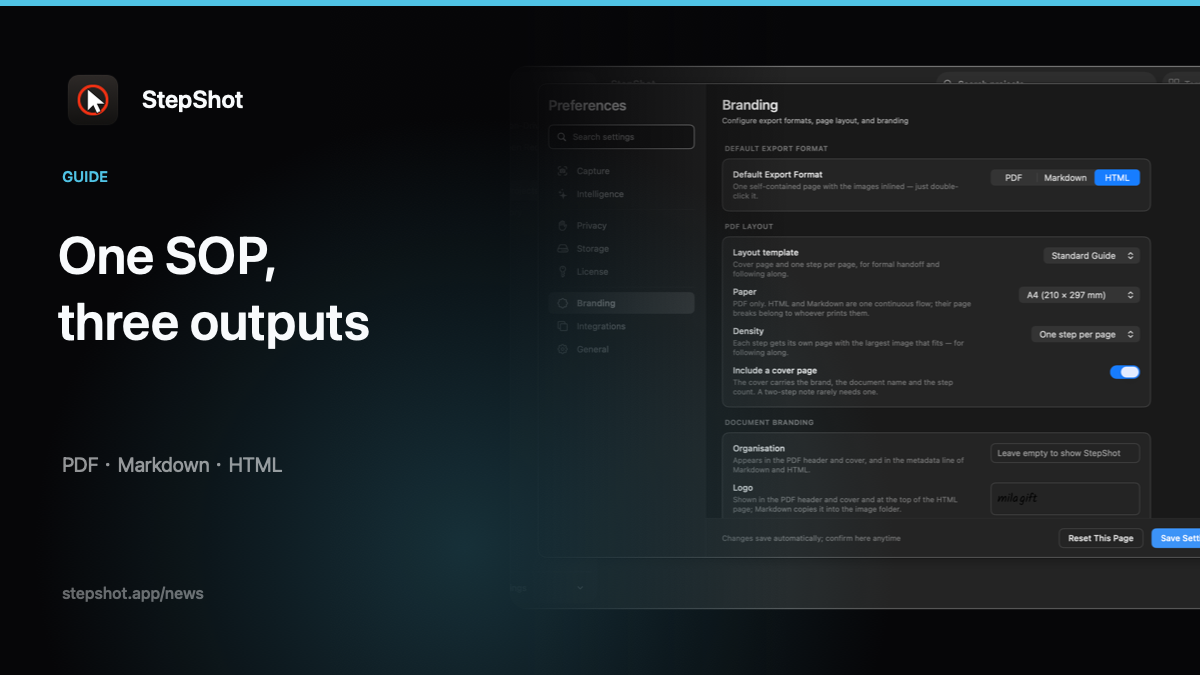
Different formats fail in different ways. A PDF can clip an annotation at a page break. A Markdown package can lose its image folder when it is moved. A self-contained HTML file can open successfully while still containing an old title or an unreviewed screenshot. Run the following checks against the actual artifact and its intended destination.
Start with the approved source
Record the workflow version, owner and export date before creating a file. Confirm that the editable project contains the approved steps in the right order, with headings, notes and recovery instructions where readers need them. Remove discarded experiments and duplicate captures from the export range. The source project is the place to correct content; the exported file is the place to verify delivery.
Check evidence and instructions together
Read every step without assuming the screenshot will fill in a missing verb. The action, visible target and expected result should agree. Check that click markers, crops and annotations point to the control named by the text. Re-run a short critical path when a UI state is easy to misread, such as a menu that closes after selection or a loading result that appears only briefly.
Inspect the first and last step especially carefully. A truncated range can make a guide look polished while omitting the setup or the handoff. Compare the number of exported steps with the approved range before publishing.
Review privacy in the rendered output
Search text for account names, customer identifiers, internal URLs and environment labels that do not belong in the destination. Inspect screenshots at readable size, including browser chrome, notifications, dialog edges and annotations. If a region needs protection, use irreversible pixel redaction and confirm that it survives the export rather than trusting an editable overlay.
Keep cloud boundaries explicit during review. StepShot captures, editing and export locally by default. Optional cloud optimization uses a user-configured OpenAI-compatible endpoint and sends text semantics by default; visual samples require a separate default-off consent and local sanitization first.
Apply format-specific checks
For PDF, open the pages at the intended paper size. Check page breaks, readable type, image scale, headers and footers, and whether a heading has been stranded at the bottom of a page. A PDF should be stable for printing and archiving, but that stability makes stale content easy to overlook.
For Markdown, move the document and its matching image directory to a clean test folder. Open the raw file, check relative paths and links, then render it in the real knowledge base or documentation pipeline. Confirm that the destination's Markdown dialect preserves headings, lists, code and alt text.
For self-contained HTML, open the file directly with network access disabled if your delivery promise is portability. Check images, navigation, text selection and responsive reading width. Verify that no external asset or stylesheet is required for the guide to remain usable.
Finish with a release decision
Name the reviewer and destination, save the approved artifact, and keep the editable source for the next change. Link the published guide to a clear owner and review trigger. If any check fails, return to the source project, export again and repeat the final-file review. A reliable SOP is not just well written; it is the exact, tested file the next person will open.
StepShot for macOS 14 and later turns a real workflow into editable steps and exports the reviewed result as PDF, Markdown or self-contained HTML. Authors can reorder, annotate, crop and redact before delivery. See the export documentation, redaction guide and format selection guide for the current workflow and licence limits.