
Screen recording alternative · Oct 14, 2026
Screen recording alternative for repeatable workflows
Video preserves a demonstration. A repeatable workflow guide must also help readers search, act, verify the result and recover when their screen differs.
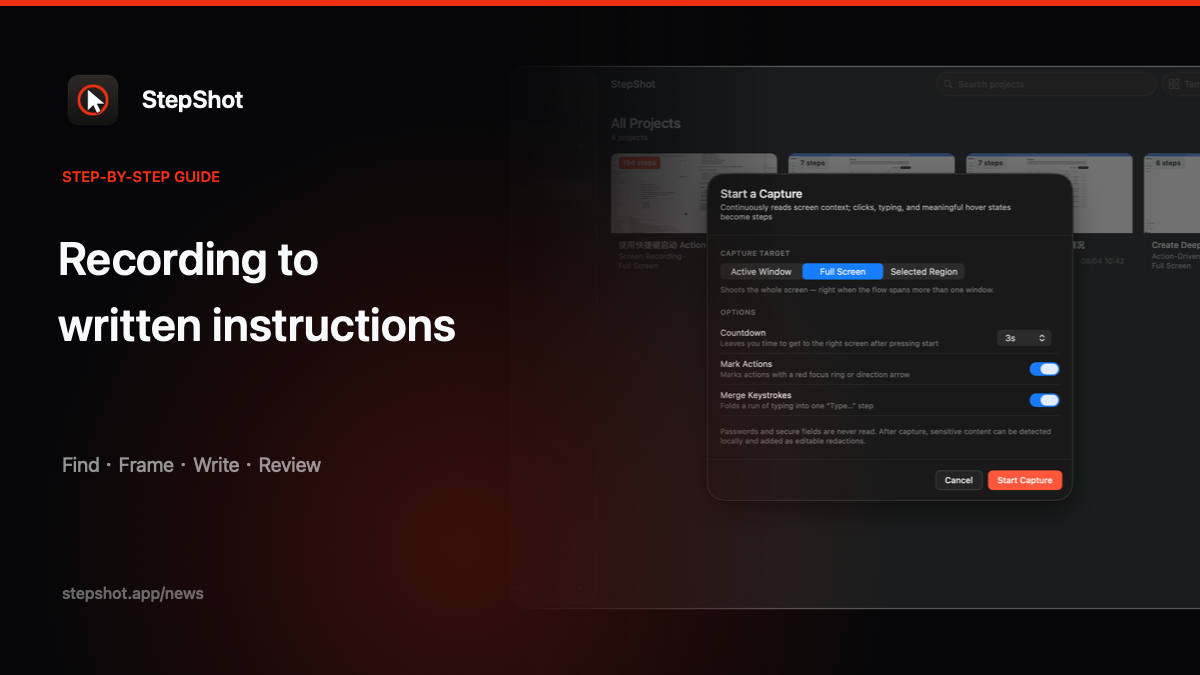
Choose the output by the reader's next action
A recording is useful when timing, movement or a complete visual demonstration matters. It is a poor primary format when someone needs to find one setting, copy a value or confirm whether a task is complete. Start with the reader's job: watch the whole demonstration, or complete one known procedure with as little searching as possible.
List the starting state, required access and final outcome before converting anything. Those boundaries keep a written guide from becoming a transcript of every pause and detour in the video.
Keep evidence, remove the timeline
Review the recording for meaningful actions and visible state changes. Keep the frame that proves a menu choice, entered value or success message. Drop mouse travel, waiting and narration that does not change what the reader should do. One action per step makes the result searchable without losing the evidence that explains it.
Make every step testable
Write the visible control name and the expected result. “Open Notifications and confirm the saved state” gives a reader a check; “continue” does not. If a recording shows only one branch, label the guide's scope instead of inventing an alternative route. Mark missing evidence as a question to verify with the process owner.
Compare maintenance costs before publishing
Ask how the guide will change when the interface moves. A long video may require a full re-recording when one control changes. An editable sequence can replace one stale frame, note or heading, then be tested from the same starting state. Keep the original recording when it helps an author recover evidence, but publish the format readers can maintain.
Inspect the exact output in its destination. Check image legibility, links, page breaks, personal data and any steps that depend on a role or permission. A guide is ready when another person can reach the stated outcome, not when the recording has been fully transcribed.
Use StepShot when actions matter more than playback
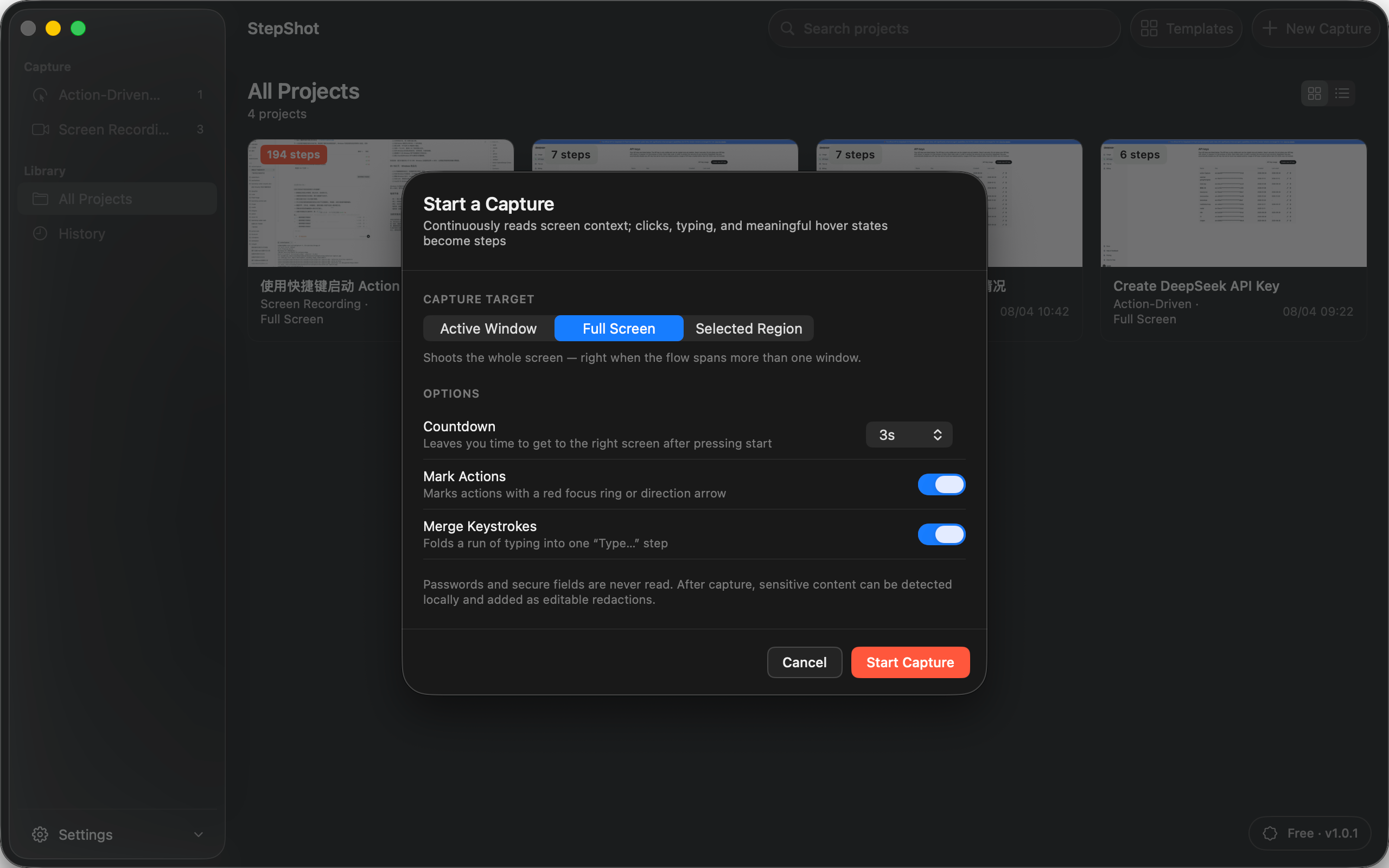
StepShot for macOS 14 and later captures real actions into an editable local draft, and its recording mode can preserve video evidence for frame selection and step repair. Authors can reorder steps, add notes and headings, review redaction candidates and export to PDF, Markdown or self-contained HTML. Capture and editing run locally by default; optional cloud planning uses text semantics by default, while visual samples require separate consent and local sanitization.
Read the capture guide for mode details and compare this approach with the screen recording to step-by-step guide workflow. Choose the format that leaves readers with the clearest next action and maintainers with the smallest safe change.