
Documentation comparison · Oct 10, 2026
PDF SOP vs interactive walkthrough: which should you use?
Choose the delivery format around the reader's task, not around whichever authoring tool is easiest to open.
A PDF standard operating procedure and an interactive walkthrough can describe the same software task, yet they place the instructions in different contexts. A PDF is a fixed document a reader can open, review and retain. An interactive walkthrough presents guidance alongside a particular interface, often as the reader acts. Neither format makes an inaccurate procedure reliable. Start with a verified workflow and decide where the reader will need help.
Compare the moment of use
Choose a PDF SOP when the procedure needs a stable copy for review, training or a handoff that spans several applications or offline activities. The reader can skim prerequisites, compare screenshots and print or archive the approved version. A fixed document also makes it easier to say exactly which edition a reviewer accepted. Its weakness is distance from the live interface: readers must switch between the document and the task, and a changed screen will not update the PDF.
An interactive walkthrough can be appropriate when a person needs a cue at a specific point in an application. It can reduce context switching for a supported path, but its usefulness depends on the reader's access to the application, the walkthrough's placement and the current interface. Before choosing one, test what happens when a control moves, the user lacks a permission, or the workflow crosses into another tool. These are design questions for a candidate solution, not promises that every walkthrough product handles them.
Check evidence and exception paths
For a repeatable SOP, write the starting state, expected result and any required role. Capture the normal path, then list branches that were actually tested. A PDF can show a decision and its alternatives together, while in-context guidance may reveal one branch at a time. In either case, do not invent steps for a permission error or an unobserved recovery path. Reproduce it, capture evidence and have a reviewer validate the result.
Ask a first-time reader to perform the task without the author nearby. Watch where they pause and whether they can tell that the task succeeded. A beautiful overlay or a polished PDF cannot compensate for an omitted prerequisite. The first-time reader test offers a practical review method for either format.
Plan for access, privacy and updates
Confirm whether the reader can reach the destination. A PDF attachment can circulate beyond its original permission boundary; an in-app guide may be inaccessible to a trainee without the relevant account or role. Review screenshots, captions, filenames and links for sensitive context before distributing either version. If the workflow includes private information, use safe sample data and inspect the exact delivered output rather than trusting a draft view.
Assign an owner and a review trigger for interface, policy and permission changes. For a PDF, record the source project, approved edition, publication location and replacement path. For an interactive walkthrough, test its triggers and navigation against the current application after each relevant change. Retire stale instructions in the channels where readers actually encounter them. The publishing handoff checklist covers access and ownership for a document destination.
Use both when the tasks differ
A short in-context cue may help someone complete a frequent action, while a reviewed PDF explains prerequisites, decisions and exception handling for training or audit. If maintaining two versions is too costly, choose one authoritative source and explicitly schedule checks for the other surface. Do not assume an export automatically stays synchronized with a live application.
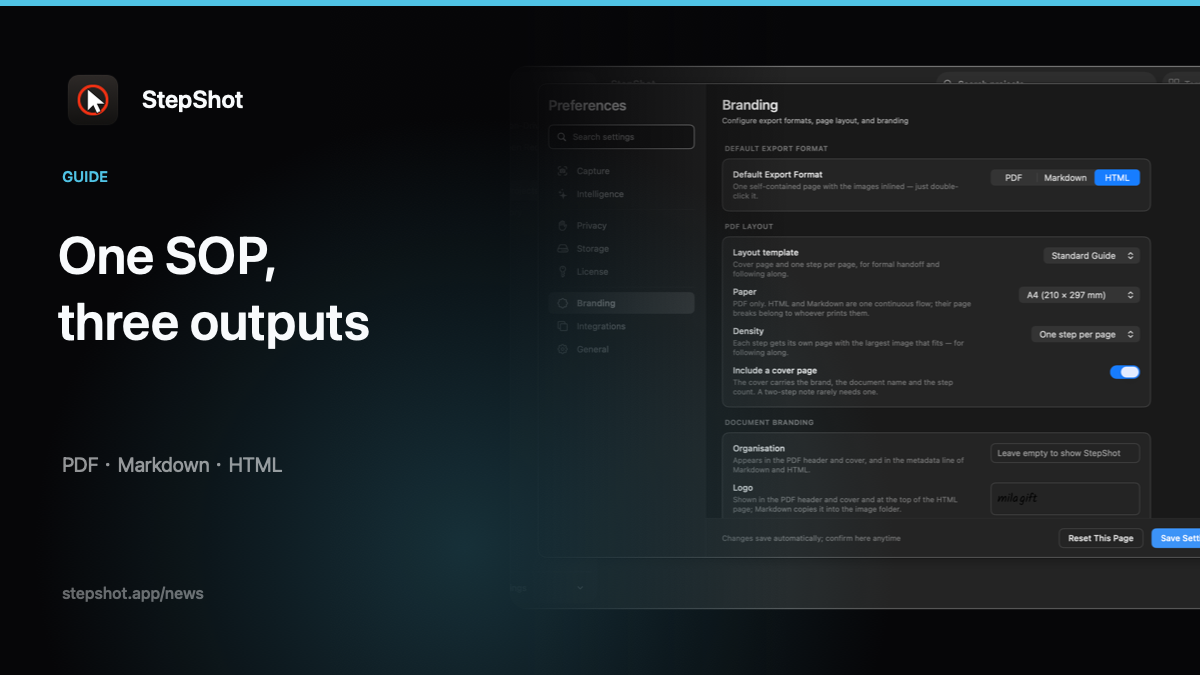
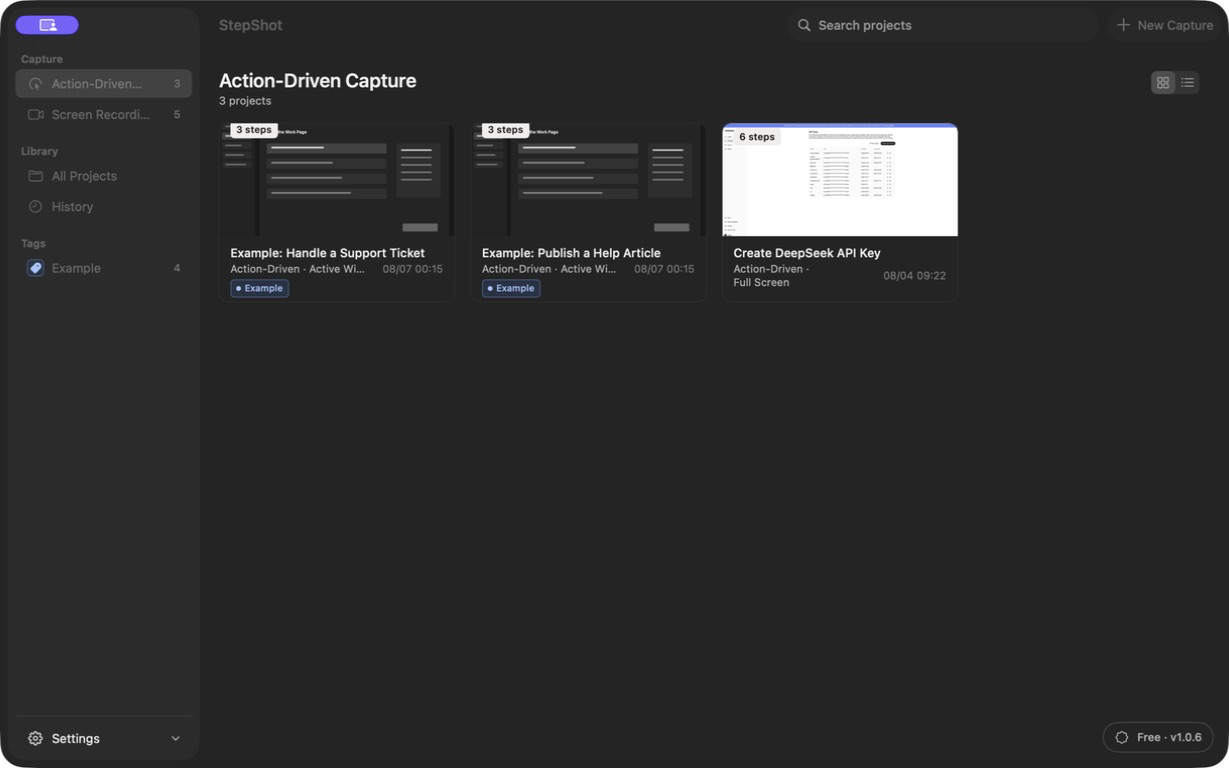
StepShot for macOS 14 and later helps authors capture real workflow steps, edit screenshots and instructions, and export a reviewed document. It produces PDF for paid licenses, or Markdown and self-contained HTML within the applicable plan limits; it does not install interactive overlays in another application. Capture and editing run locally by default. Optional cloud optimization uses a user-configured endpoint, sends text semantics by default and requires separate consent for locally sanitized visual samples. See the export guide to choose a document format after checking the reader's actual task.