
Knowledge base · Oct 9, 2026
SOP knowledge base publishing handoff checklist
An approved export is only half the job. Check the destination, reader access and future ownership before calling an SOP published.
A workflow guide can be accurate in its source project and still fail after it enters a knowledge base. An image folder may be missing, a link may point to an editor-only URL, or the audience may lack permission to open the page. Treat publication as a handoff between the author, the destination system and the next person who must maintain the procedure.
Name the owner and the intended reader
Record the procedure owner, the reviewer and the audience before choosing an export. Specify the task the reader should finish, the required application role and the environment used to verify the steps. If the guide describes only one path through a conditional workflow, say so in the introduction; do not imply that an untested branch has been approved.
Agree on a review trigger, such as an interface change, a permission change or a new support escalation. A calendar date alone cannot catch a changed button label. Keep an editable source and a record of which exported copy was approved so that the next maintainer can find the correct starting point.
Match the file to the publishing system
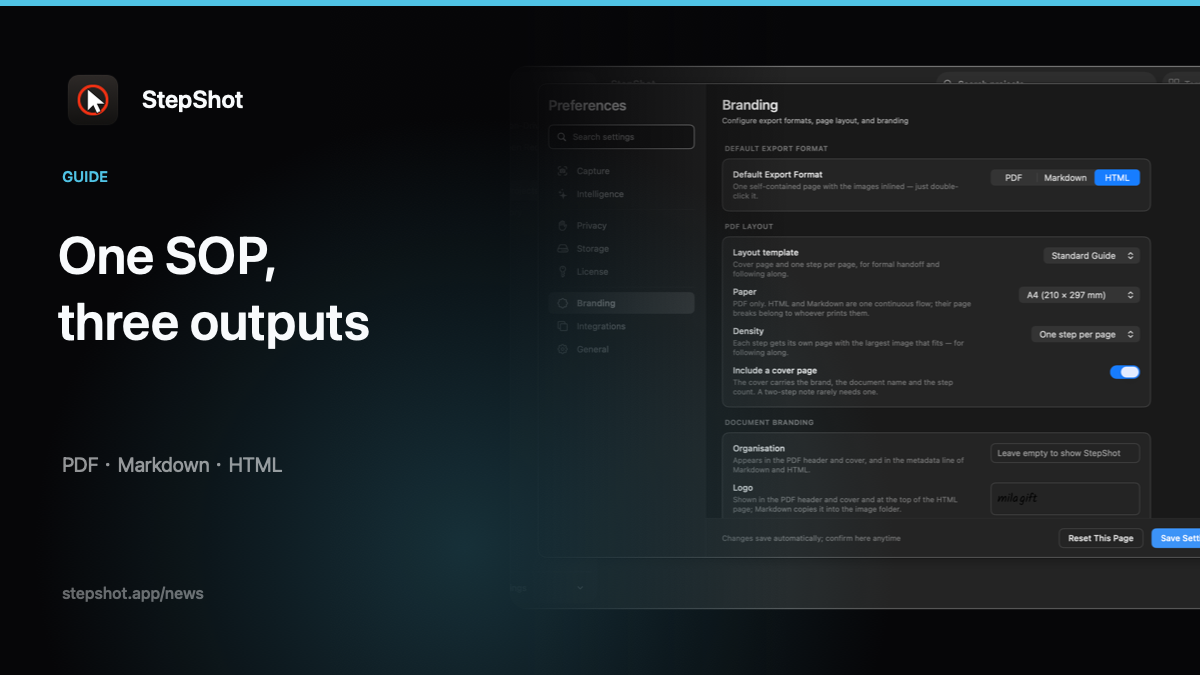
Markdown is useful when the knowledge base accepts a document plus an image directory. Move both together into a clean test location, render the document in the actual destination and check relative image paths. Do not assume that syntax, tables or embedded HTML render identically in every Markdown implementation.
A self-contained HTML file works when an approved channel accepts a portable browser document. Open the delivered copy separately and confirm its images are embedded and its links point where intended. PDF fits a fixed, reviewed handout, but a PDF attachment is not a substitute for a searchable knowledge-base article when readers need to discover and update individual steps. Choose the format based on the destination's real capabilities, not on its file extension alone.
Test the published page as a reader
Use a reader account, or a reviewer with the same access, to open the draft location. Check that the title is searchable, navigation and cross-links work, screenshots remain legible at normal width, and the first and last steps are present. Follow the instructions against the relevant version of the application. If the guide references a setting or a result that cannot be reproduced, return it to the owner instead of smoothing over the gap in prose.
Check privacy at the destination as well as in the export. Verify that screenshots, captions, alt text, filenames and linked documents disclose only what this audience needs. Review local redaction candidates manually and inspect the rendered files. Then verify page permissions and sharing settings; a private source folder does not make a published attachment private.
Make replacement and withdrawal possible
Before publishing, note the existing page URL, its inbound links and the prior approved version. Decide whether a revision should replace the page, carry a visible change note or be withheld while a broken workflow is repaired. After publication, reopen the page through its normal navigation and search path. If verification fails, withdraw or restore the prior approved copy according to your team's process, and tell the owner which check failed.
The final handoff should include the published URL, source project location, export format, reviewer, verification date and next review trigger. Avoid including passwords, tokens or customer data in that record. These are editorial controls, not claims that any export tool can automatically validate a knowledge base.
Where StepShot fits
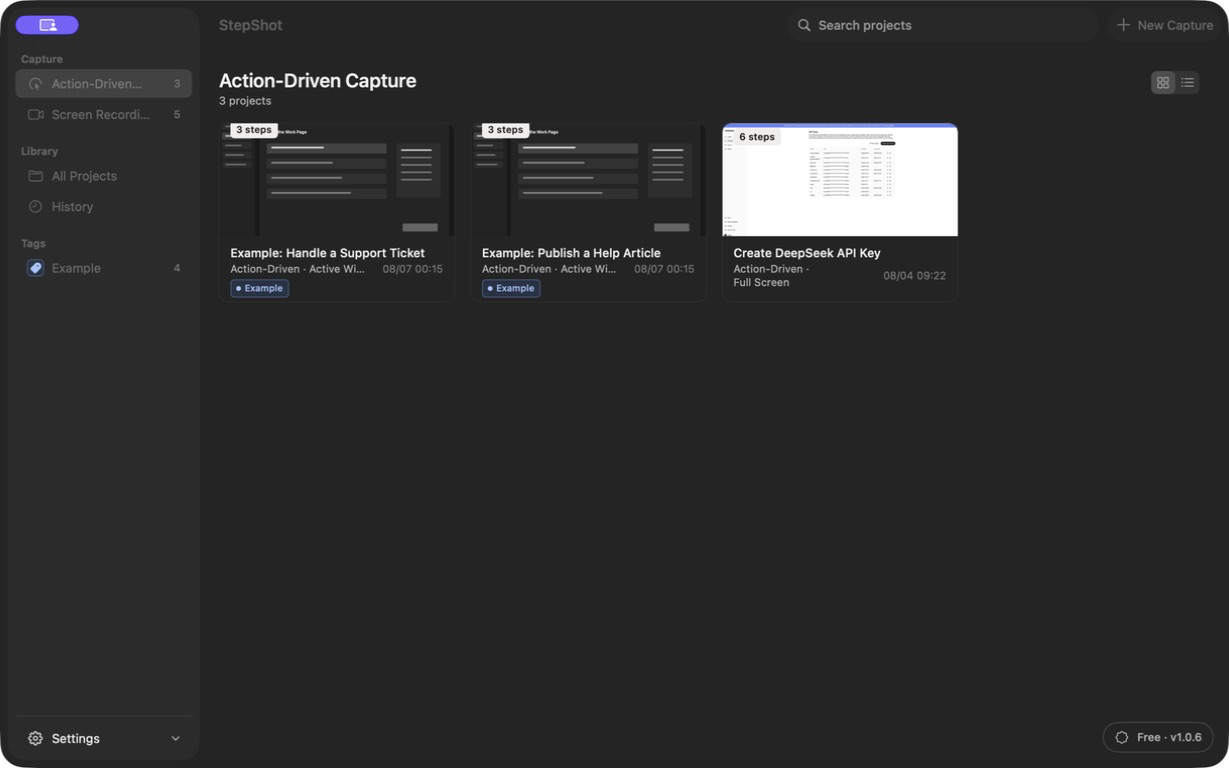
StepShot for macOS 14 and later captures and edits workflow steps locally by default. Authors can review and redact screenshots, then export Markdown with a companion image folder or self-contained HTML; PDF export is a paid feature. The free tier exports the first 10 captured steps in supported formats. StepShot does not publish directly into a knowledge base: the author remains responsible for destination access, formatting and reader acceptance. See the export documentation, the file review checklist and the current entitlement details before handoff.