
AI step-by-step guide · Aug 24, 2026
What AI should and should not write in a step-by-step guide
AI is useful when it edits language around an observed workflow. It becomes unreliable when it is asked to invent actions, results or safety claims that the captured evidence does not support.
Start with evidence before asking for prose
A step-by-step guide makes a factual promise: another person should be able to follow its instructions and reach the intended result. The safest source is a real run through the task. Screenshots, the application and control context, the action taken and the state that followed give the author evidence to check.
AI should work inside that boundary. When a model receives a vague request such as “write the setup procedure,” it may produce fluent steps that name a control from an older interface, skip a prerequisite or describe a result that never appeared. Polished language cannot repair missing evidence.
Let AI improve expression and structure
Once a complete draft exists, AI can reduce genuine editorial work. It can propose concise titles, turn interface context into readable descriptions, make terminology consistent and adjust detail for a known audience. It can also identify likely repetition, suggest grouping related actions and flag an instruction whose purpose is unclear.
These are proposals, not silent replacements. The original and suggested text should be visible together, and authors should be able to accept only the useful changes. Manually written instructions need protection from later optimization passes.
Do not let AI invent actions or outcomes
A model should not add an unobserved click, reorder dependent steps without review or assert that a submission succeeded when the captured result does not show success. It should not guess field values, permissions, menu names or exception paths. Those details belong to the workflow evidence and the subject-matter expert who can repeat the task.
The same rule applies to omissions. Hiding a step may improve readability, but only an author can decide whether it was noise or a necessary confirmation. Skipped actions should remain inspectable and restorable instead of disappearing behind an opaque quality score.
Keep privacy and safety decisions human
AI must not decide that a screenshot is safe to publish. Authors need to inspect customer details, internal identifiers, access tokens and any information revealed by the surrounding interface. Automated redaction candidates can help, but every region and the finished output still require review.
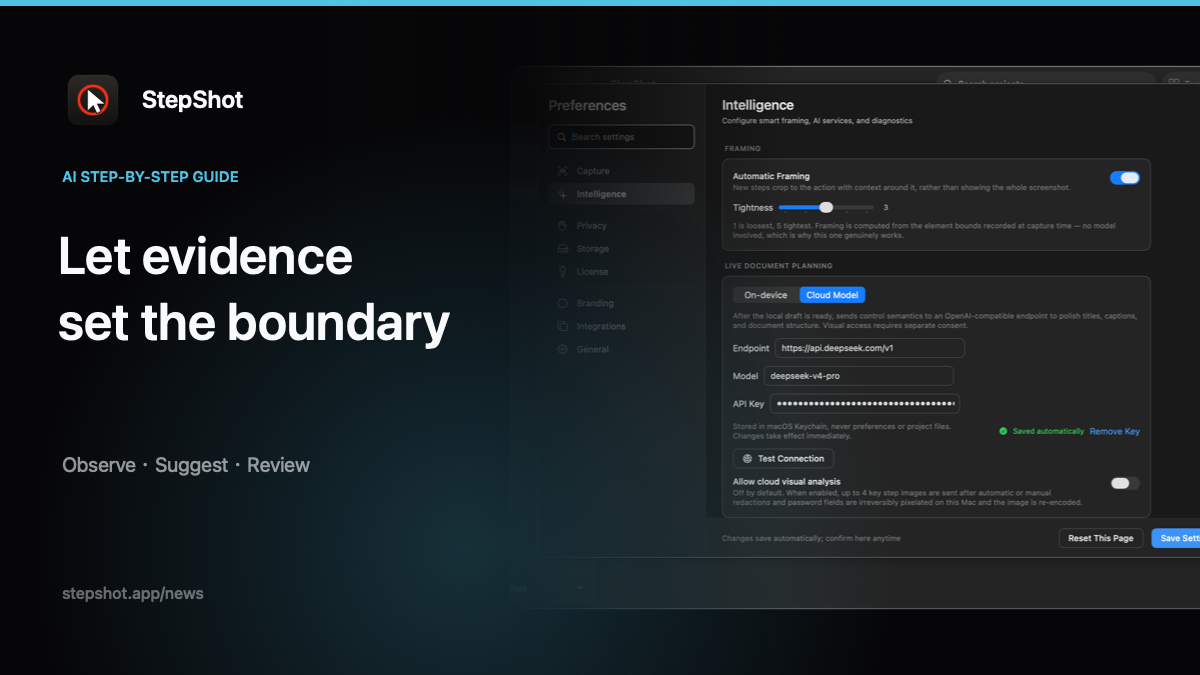
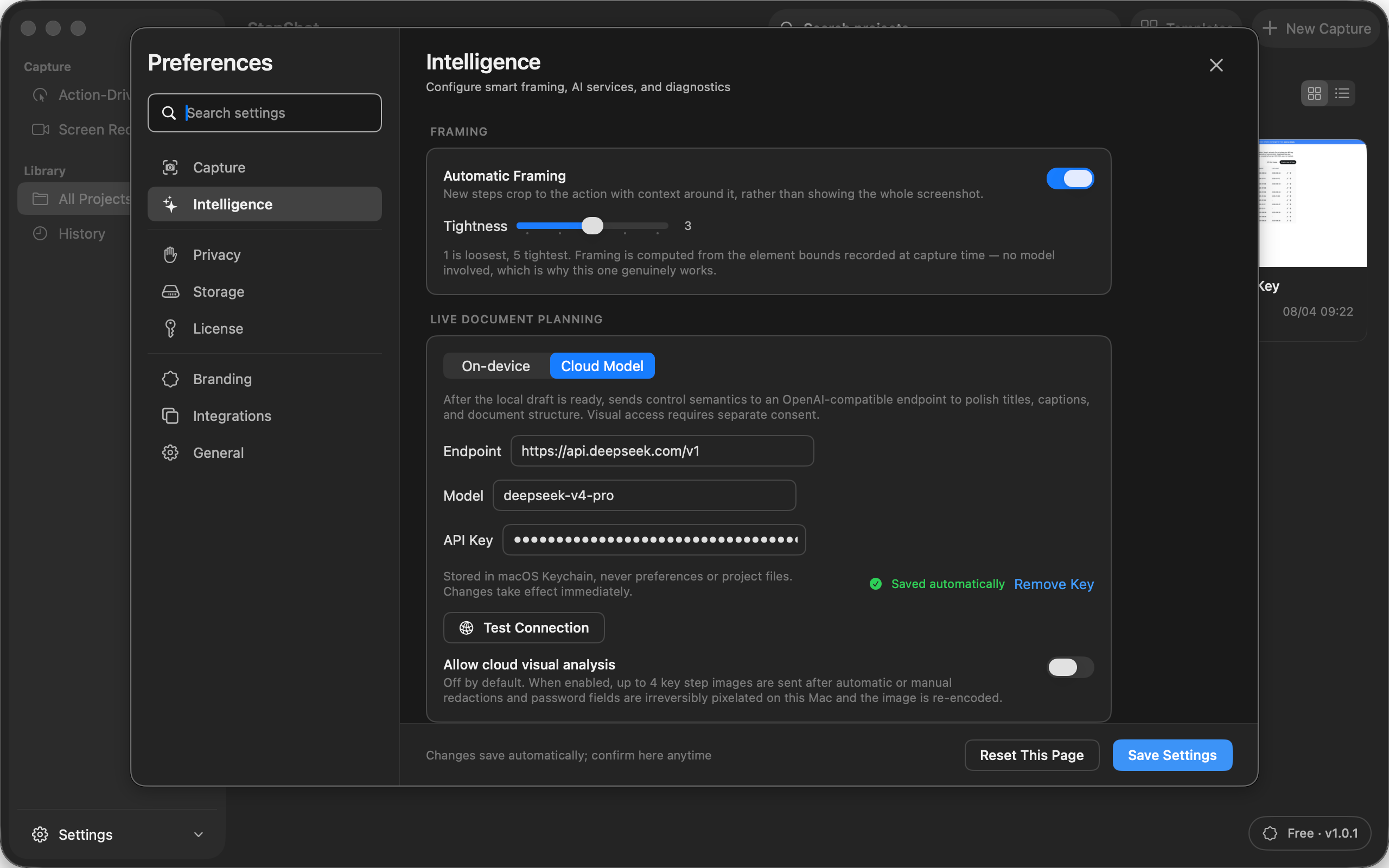
Cloud inputs also need an explicit boundary. Text semantics and screenshots do not carry the same disclosure risk. A documentation tool should make cloud optimization optional, send only the information required and obtain separate consent before attaching locally sanitized visual samples.
Use a practical approval checklist
Before publishing, compare every imperative sentence with the captured action. Confirm that each named control exists, every prerequisite appears before it is needed and every claimed result is visible or independently verified. Review all skipped steps, sensitive regions, links and exported files. Finally, ask someone other than the author to follow the guide when the procedure matters operationally.
This division of labor is simple: AI can help write clearly, but evidence determines what happened and a person approves what others should do.
How StepShot applies the boundary
StepShot for macOS 14 and later captures a real workflow and creates a complete, editable draft with its local planner. Authors can inspect keep and skip reasons, restore actions and edit every title and description. An optional OpenAI-compatible model configured by the user can suggest changes to names, text, visibility and order; suggestions are reviewed individually, and a failed request leaves the local draft intact.
Cloud optimization sends text semantics by default. Visual samples require a separate default-off consent, are limited to four and are sanitized locally first. Authors can then export the reviewed guide as PDF, Markdown or self-contained HTML.
See the StepShot workflow and AI features, learn how to capture a real task, or read why human-reviewed AI documentation beats black-box generation.