
AI documentation · Aug 18, 2026
Human-reviewed AI documentation beats black-box generation
AI can make workflow documentation faster, but speed is not the same as reliability. A useful system should show authors what it changed, preserve the evidence behind each step and require a deliberate decision before the guide is published.
Begin with observed work, not a generated guess
A dependable procedure starts with what someone actually did: the application, the control they used, the action they took and the state that followed. Those observations give an author something concrete to verify. A model asked to invent an entire process from a short prompt has no equivalent evidence and can produce fluent instructions that omit a prerequisite, name the wrong control or describe a path that never occurred.
Capture also limits the problem AI needs to solve. Instead of deciding what happened, the system can focus on useful editorial work: grouping related actions, removing repetition, improving titles and adjusting detail for the intended audience.
Keep a complete local draft before optional AI
The first draft should not depend on a network request. A local planner can turn recorded actions and interface semantics into an editable sequence, including a reason for keeping or skipping each event. If a cloud model is unavailable, times out or returns an invalid response, the author still has the captured screenshots and a usable document.
This separation makes failure predictable. It also lets a team decide that a particular workflow must remain local without losing the basic benefits of automatic step creation. Optional AI becomes an enhancement to an existing document rather than a gate between capture and the author's work.
Present suggestions as a review, not a replacement
When AI proposes a new title, description, order or visibility decision, show the original and proposed values together. Authors should be able to accept some suggestions, reject others and undo an applied batch. Text they edited manually needs protection from a later optimization pass.
That review is more than an interface detail. It preserves accountability. A subject-matter expert can check whether a shortened instruction lost an important warning, whether a reordered step violates a dependency, or whether a polished description claims an outcome the screenshot does not demonstrate.
Make evidence and uncertainty inspectable
A strong AI documentation workflow keeps the source context close to the generated words. Each step can retain its screenshot, application and control context, action target, observed result and the reason it was included. Low-confidence decisions should be easier to find, not hidden behind a single quality score for the whole guide.
Skipped events deserve the same treatment. Duplicate clicks and low-value scrolling often should disappear from the final SOP, but an author needs a way to inspect and restore them. Explainable filtering turns automation into an editable decision trail.
Set a clear privacy boundary for every request
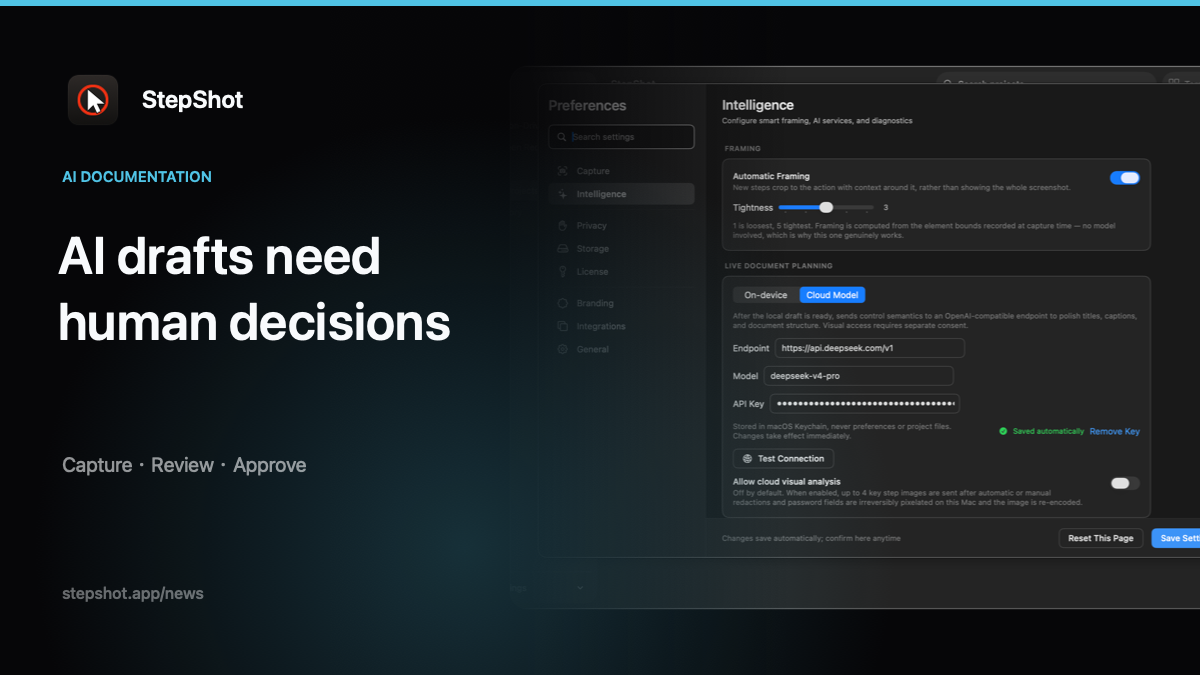
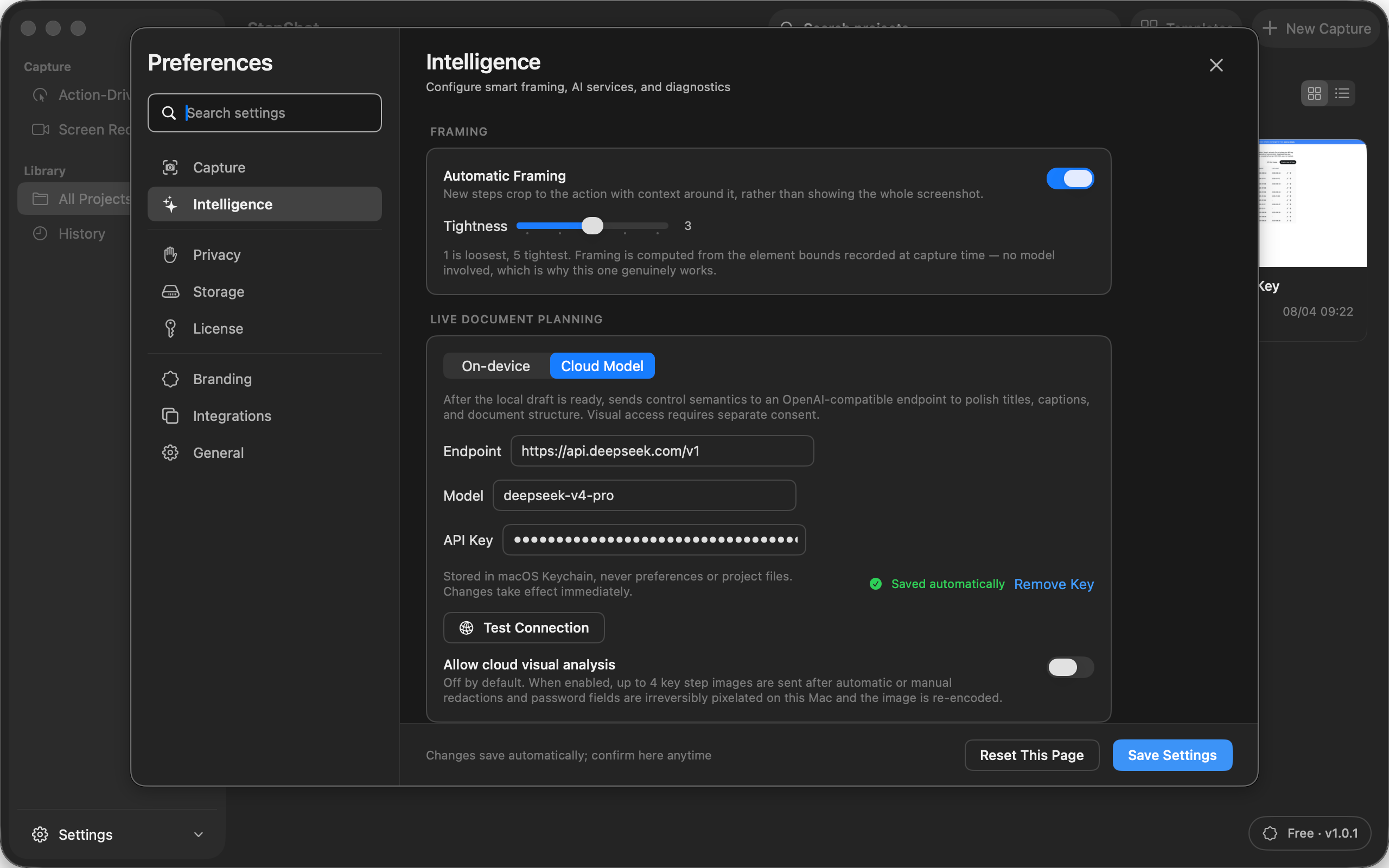
Text semantics and screenshots carry different disclosure risks, so they should not share one vague AI switch. Send only the information needed for the chosen task, use a provider the author configured deliberately and keep credentials in secure system storage. If visual analysis is offered, require separate consent and sanitize selected samples locally before transmission.
Human review remains necessary after the response arrives. The author must verify factual accuracy, sensitive details, ordering and the final rendered files. AI can accelerate editorial decisions; it cannot own approval for an operational procedure.
How StepShot keeps authors in control
StepShot for macOS 14 and later records real workflows and builds a complete draft with its local planner. Authors can inspect keep and skip reasons, edit every step and restore skipped actions. An optional user-configured OpenAI-compatible model can suggest changes to the document name, titles, descriptions, visibility and order. Suggestions are reviewed individually, author-written content is protected, and a failed cloud request leaves the local draft intact.
Cloud optimization sends text semantics by default. Visual analysis requires a separate, default-off consent and can attach up to four samples after local redaction. The finished guide remains editable and can be exported as PDF, Markdown or self-contained HTML.
Explore the StepShot capture and AI workflow, read the capture guide, or compare Free, Pro and Team export limits.