
AI SOP guide · Sep 22, 2026
AI SOP generator: document exception paths without guessing
The normal path is only part of a procedure. Capture failures and recovery separately so an AI-assisted draft does not present an untested branch as fact.
Define the branch before writing it
A routine SOP might say: open a request, check its status and approve it. But what happens when the request is incomplete, the approval control is missing or the system rejects the action? A generator can turn the successful run into fluent instructions. It cannot verify an exception it never observed. Start by listing the conditions that actually change the next action, then decide which ones belong in this document.
For each branch, name the entry condition, the person allowed to act and the visible signal that confirms the branch. Keep the normal route short. Put alternate routes near the decision that triggers them, rather than collecting vague troubleshooting notes at the end. If a branch belongs to another role or team, link to its owner instead of implying every reader can execute it.
Capture a real example of each important route
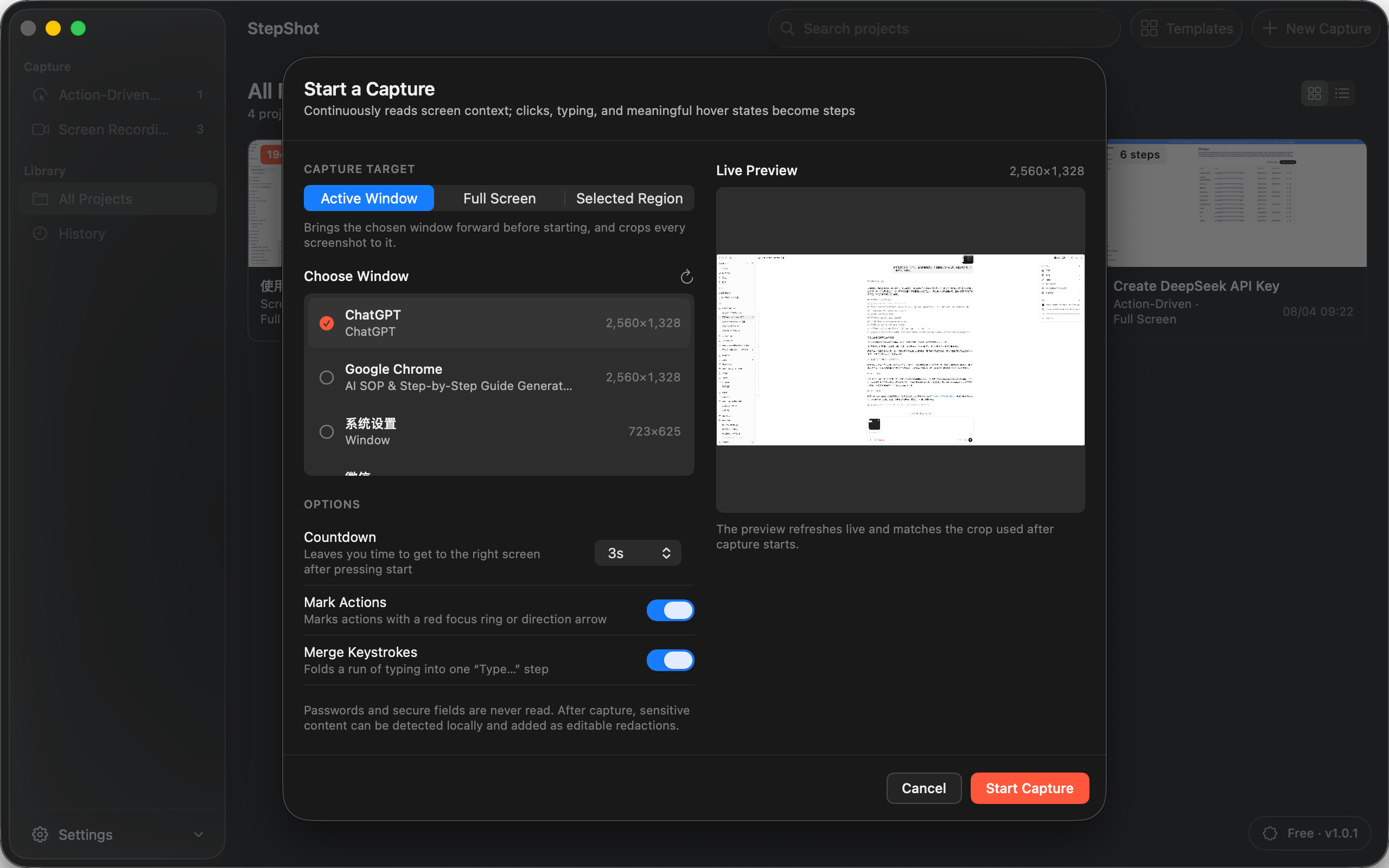
Run the task in an appropriate test or permitted production environment. Record the normal path and, when safe, a separate instance of each important exception. Note the starting state, the precise message or control that distinguishes the branch and what the screen shows after the recovery action. Do not manufacture an error in a live system merely to obtain a screenshot; use a sanctioned test case or explicitly mark the route as not yet verified.
A screen recording can preserve context around a missed transition, but a frame by itself does not prove why a failure occurred. Check the surrounding action and result before adding that frame as a step. If a condition is rare and no repeatable example exists, write a bounded escalation instruction: what the reader should stop doing, what evidence they may safely collect and who should decide the next move. That is more useful than a confident but invented fix.
Keep observations and advice distinct
Write the trigger as something a reader can see: “If the status remains Pending after submission” is testable; “If the service is broken” is an unsupported diagnosis. Then specify a permitted action and an observable stopping point. A useful branch reads: condition, action, expected result, and escalation if that result does not appear. Avoid claims that retrying is harmless unless the workflow owner has checked duplicate submissions and other side effects.
Give an AI tool the captured sequence and explicit limits. Ask it to clarify wording, propose headings and flag missing transitions, not to invent error messages, permissions or recovery actions. Keep each proposed reorder or skipped step reviewable against the original run. A shorter draft is not an improvement when it removes the one warning that prevents an irreversible action.
Test the handoff at the branch point
Have a reviewer start from the stated prerequisite and follow the document without the author's help. At each decision, ask whether the condition is distinguishable from the normal path and whether the next step gives enough information to proceed or stop. Test the return path too: after recovery, does the reader resume at a named step, repeat a check or end the procedure? A branch that rejoins in the wrong state can create more damage than a missing branch.
Review screenshots for unrelated accounts, names and tokens before sharing. Automated redaction candidates need human confirmation, and the exported document needs a final inspection. Note which branches were exercised, which remain unverified and who owns the next review after the application changes. This makes the SOP's confidence visible without pretending every possible failure has been covered.
Where StepShot fits
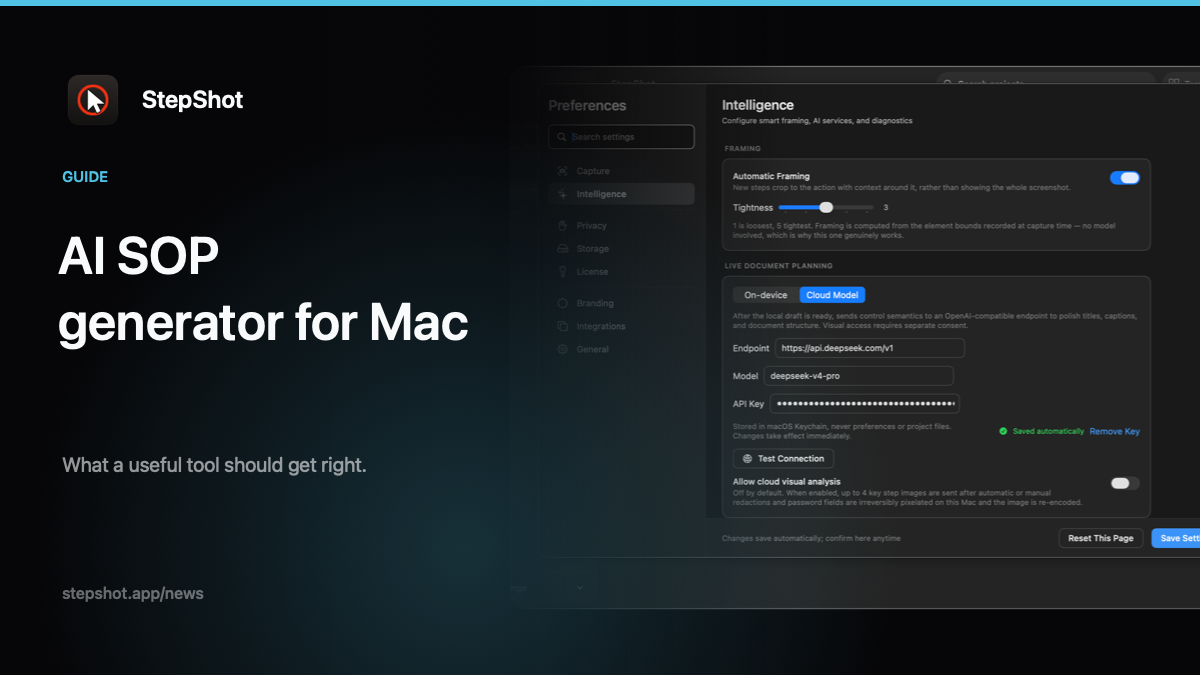
StepShot for macOS 14 and later turns recorded activity into an editable local draft. Authors can capture a window, screen or region in action-driven or recording mode, repair a missed step from recorded footage, and edit instructions, order and screenshots. Its local planner works without a cloud model. Optional optimization uses a user-configured OpenAI-compatible endpoint and sends text semantics by default; up to four locally sanitized visual samples require separate consent. Suggestions are reviewed before application, and a cloud failure keeps the local draft.
The tool cannot create evidence for a branch nobody performed. Use the capture guide to record the real route, the editor guide to repair and arrange steps, and the AI SOP review checklist before publication. StepShot exports Markdown and self-contained HTML, with PDF available on paid licences; the Free tier can export the first 10 captured steps. The final decision about exception policy and whether a recovery was actually tested remains with the workflow owner.