
SOP export · Sep 18, 2026
Export an SOP for the way readers work
The best SOP format is determined by the reader's next action, not by the author's favorite file type. Use the delivery context to choose an output you can review, maintain and trust.
An SOP can be accurate in its source project and still fail at delivery. A technician may need a printable handout beside a machine. A knowledge-base editor may need readable Markdown with image files and links. A customer may need one browser-ready file that opens without a publishing system. Choosing the format early makes those constraints visible before the guide is approved.
Start by naming the reader, destination and feedback loop. Then match the output to the job it must perform.
Choose PDF for fixed, printable handouts
PDF is useful when page boundaries, branding and a stable visual layout matter. Training sessions, field checklists and approval packets often benefit from a file that looks the same on every device and can be printed or archived.
Review the actual pages before delivery. Check that screenshots remain legible at the intended paper size, headings do not split awkwardly and every page has enough context to stand on its own. A PDF is a finished artifact, so record the version or approval date where readers can find it. Remember that PDF is not automatically the most accessible or maintainable option; frequent UI changes can make a static handout stale.
Choose Markdown for maintained knowledge bases
Markdown fits repositories and documentation systems where editors need to update text, review changes and preserve history. It works well when the team already has a publishing pipeline, link conventions and a place to store the accompanying images.
Export the image directory with the document. Test relative paths from the destination rather than from the authoring project, and open the rendered page in the target knowledge base. Search for broken links, missing alt text and instructions that depend on a screenshot no longer present. Markdown makes revision practical, but it does not remove the need to review the rendered result.
Choose HTML for a portable browser guide
A self-contained HTML file is a good handoff when recipients should open a guide directly in a browser without access to your CMS or repository. It can preserve headings, images and navigation in one shareable artifact.
Test it from a new folder or an offline copy. Confirm that images, styles and links still work when the file leaves your export directory. Keep the scope clear: a portable file is convenient for distribution, but someone still needs to own updates and replace old copies.
Use the same review gates for every format
Format choice does not replace content review. Re-run the workflow, compare each instruction with the captured evidence and inspect sensitive pixels in the final artifact. Search visible text for credentials, customer data and internal identifiers. Verify that the destination matches the audience approved for that material.
Also test failure recovery. Can a reader tell what to do after an unexpected result? Can an editor find the source project and update the output? A useful export makes both the happy path and the next maintenance action obvious.
Apply the decision in StepShot
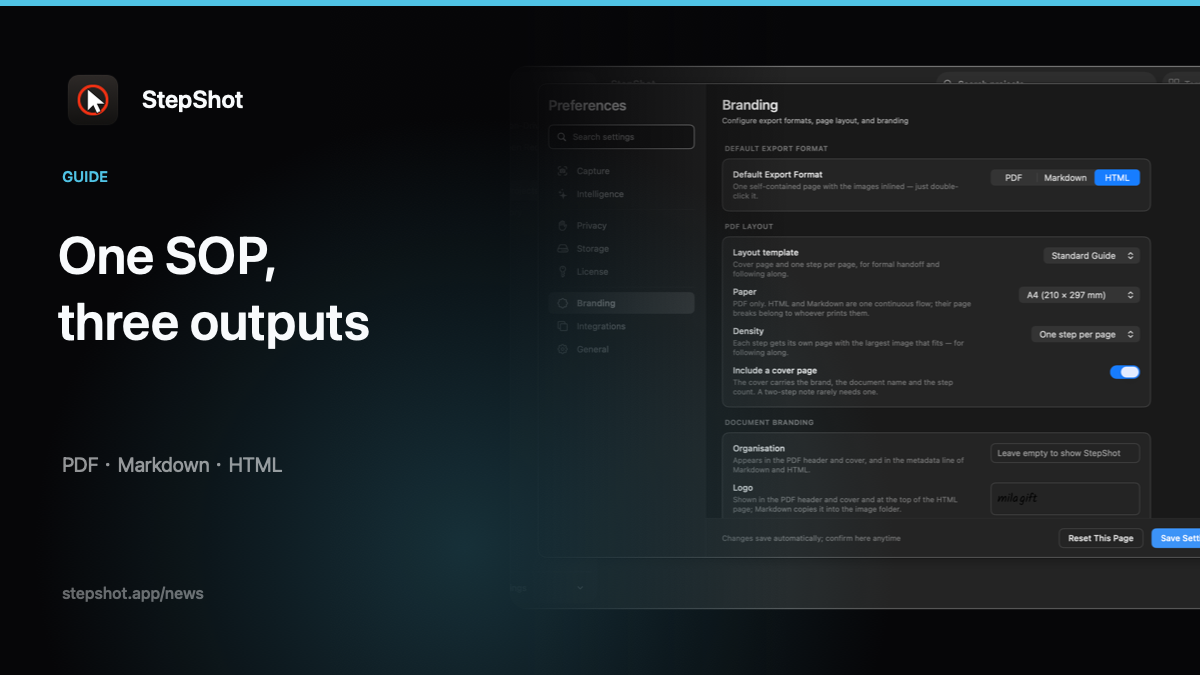
StepShot for macOS 14 and later exports the same edited workflow to PDF, Markdown or HTML. The export plan preserves step order, framing, annotations, click markers and confirmed redactions across formats. PDF supports paper size, branding and layout choices; Markdown writes the document with its named image directory; HTML packages a browser-readable file for direct sharing.
Choose the destination before exporting, open the finished artifact and review it as a reader would. See the export guide for format and layout details, compare the format decision checklist, or start with the StepShot features overview.