
Guide · Aug 13, 2026
Screen recording alternative for teams that need SOPs
Screen recordings preserve a complete demonstration, but teams that need repeatable instructions often need an artifact built for scanning, editing and reuse.
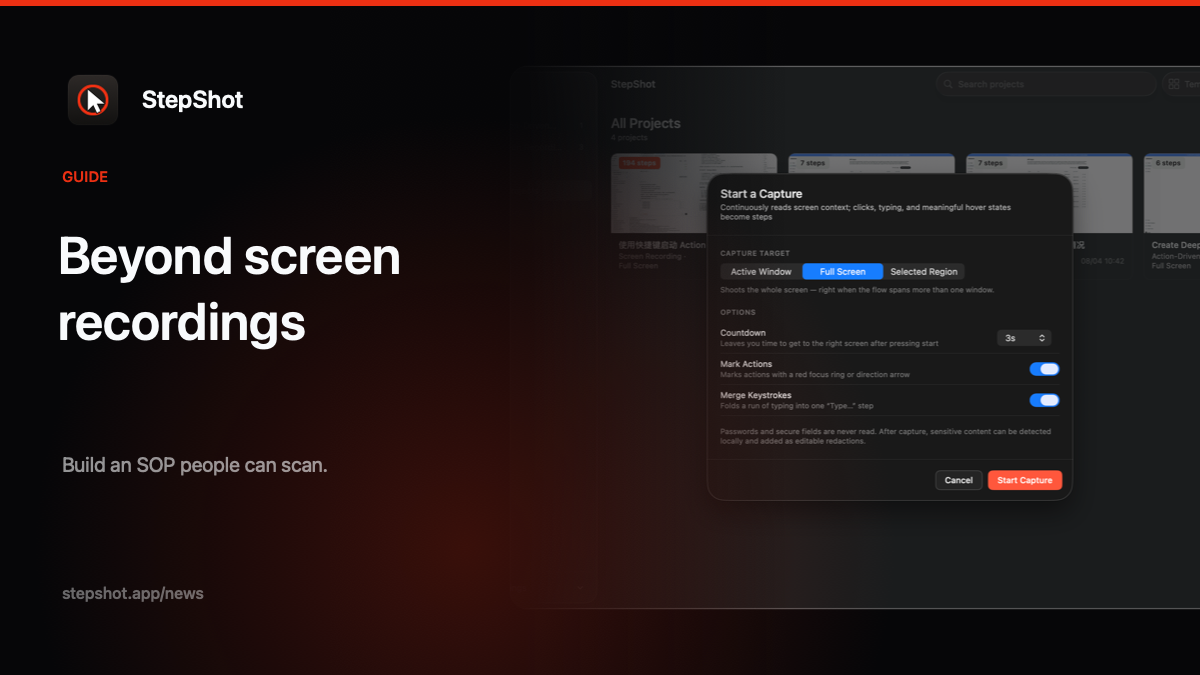
Choose the output before the capture method
A screen recording is a natural way to show software. Press record, complete the task and share the result. That works well when the viewer needs motion, timing or a narrated explanation. It is less effective when the same material must become an operating procedure that people consult during work.
An SOP reader usually wants to find one decision or action without replaying everything that came before it. They may also need a printable handout, content for a knowledge base or source files that another author can update. In those cases, the useful screen recording alternative is not another video format. It is a structured, step-by-step document created from the real workflow.
Why video becomes difficult to maintain
Video is sequential. A reader cannot see its full structure at a glance, and search results rarely take them directly to the exact click they need. A small interface change can also force an author to rerecord a long demonstration, even when only one part of the process changed.
Review is harder for the same reason. A subject-matter expert can comment on a numbered step much more precisely than on an approximate timestamp. Written steps also make gaps visible: a missing prerequisite, an unexplained choice or a screenshot that exposes sensitive information is easier to notice when each action stands on its own.
What a practical alternative should preserve
Replacing video should not mean reconstructing the process from memory. The author should still perform the task once and retain visual evidence of the real interface. The capture tool can then organize meaningful actions into a draft while leaving the author in control of titles, explanations and order.
Look for editable screenshots, adjustable framing, click markers, annotations and redaction. The author should be able to remove noise, merge closely related actions, insert context and replace an outdated image without rebuilding the entire procedure. This turns capture into a starting point rather than a locked recording.
Use recording as source material when motion matters
Some workflows still benefit from continuous recording. Hover states, brief dialogs and fast transitions may be difficult to capture perfectly as isolated events. A useful documentation workflow can retain the recording as source material, then let the author locate a better frame, create a missing step, replace a screenshot, or split and merge steps during review.
This hybrid approach keeps the evidence of a real run without requiring the finished SOP to remain a video. The recording supports the author; the reader receives concise instructions.
Match the document to its destination
Before publishing, decide how the SOP will be consumed. PDF gives training and operations teams a fixed page layout. Markdown is convenient for repositories and knowledge-base workflows that control their own presentation. A self-contained HTML file can be opened and shared without depending on remote images or a publishing platform.
Whichever format you choose, test the actual output. Check step numbering, screenshot legibility, redactions and links. A structured document is easier to revise than a video, but it still needs an accountable human review before it becomes an instruction others rely on.
How StepShot supports this workflow
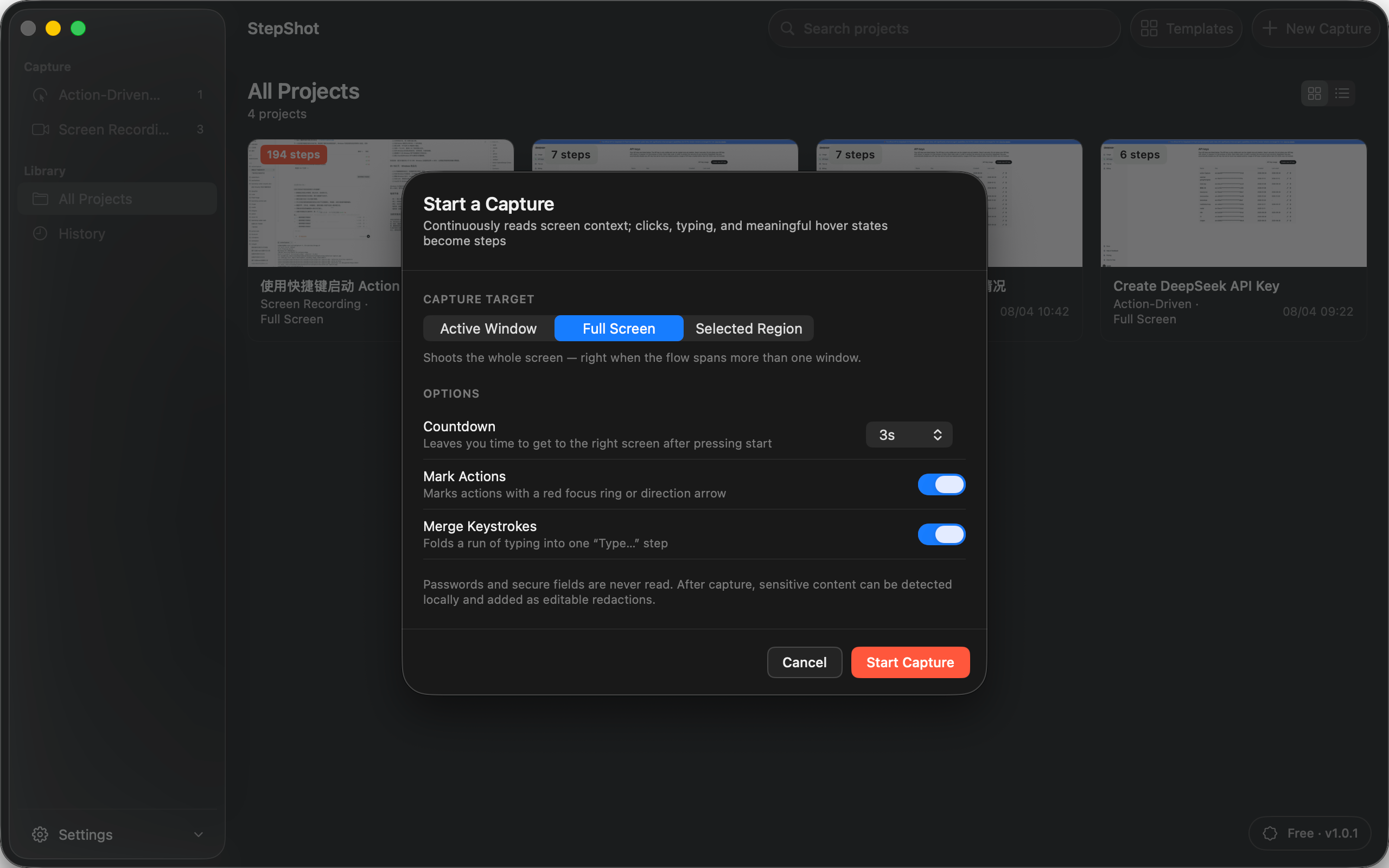
StepShot for macOS 14 and later offers both action-driven capture and continuous recording for active windows, full screens and selected regions. Its local planner creates an editable draft from real actions. Authors can reorder, merge or skip steps, add notes and headings, adjust framing and annotations, and review locally proposed redactions.
Recording-mode projects can be reviewed to create or repair steps from captured frames. Capture, editing and export run locally by default. Optional cloud planning uses a user-supplied OpenAI-compatible endpoint, sends text semantics by default, and requires separate consent for up to four locally sanitized visual samples. Finished SOPs can be exported as PDF, Markdown or self-contained HTML.
Explore the StepShot feature set, review the capture modes and targets, or compare export limits across Free, Pro and Team before choosing a workflow for your next SOP.