
Onboarding guide · Aug 19, 2026
Onboarding documentation from real employee workflows
Good onboarding documentation helps a new employee complete a real task without guessing what the author meant. The fastest reliable starting point is the workflow itself: record the task, turn its meaningful actions into steps, and have the person who knows the process review the result.
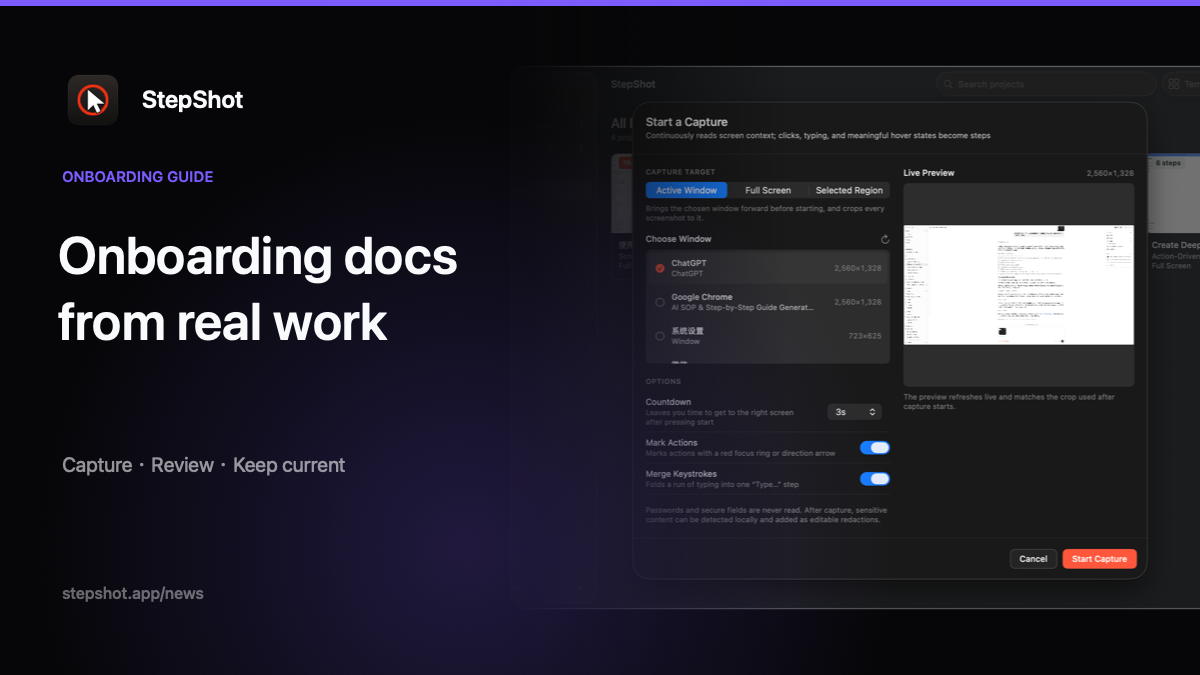
Choose one outcome for each guide
“Learn the finance system” is too broad for a useful onboarding document. “Submit a test expense for approval” gives the author a starting state, a visible finish and a way to check whether the instructions work. Break a role into outcomes that a new employee can complete in one sitting, such as requesting access, preparing a report or updating a support ticket.
Before recording, note the prerequisites that will not appear on screen: required permissions, example data, the account or environment to use, and who can approve the result. Keep those conditions beside the workflow rather than expecting screenshots to explain them.
Capture the task as an experienced employee performs it
Ask a subject-matter expert to complete the process at a normal pace. Capturing the real workflow preserves the sequence, interface labels and visual state that a new hire will encounter. It also reveals small but important decisions that are easy to omit when someone writes instructions from memory.
Not every recorded action belongs in the final guide. Repeated clicks, exploratory scrolling and corrections may be useful evidence but poor instructions. Review what was kept or skipped, restore anything instructional, and remove noise only after confirming that no dependency was lost.
Edit for a newcomer, not for the expert
A captured sequence shows what happened; onboarding documentation must also explain why the step matters. Replace vague titles with direct actions, add the expected result after consequential steps, and insert a short note where a choice depends on policy or role. Preserve the product's exact menu and control names so the reader can match the instruction to the screen.
Then test the draft with someone who did not record it. Ask them to complete the task without coaching. Their pauses reveal missing prerequisites, unexplained terms and screenshots framed too widely. Correct the document, not the learner, and repeat until the task can be completed from the guide alone.
Remove sensitive details before distribution
Onboarding workflows often pass through employee records, internal tools, email addresses or access settings. Use sample data where possible, crop out unrelated areas and redact any detail the learner does not need. Automated detection can propose regions, but a human must inspect every screenshot and the final exported files.
If optional cloud assistance is involved, make the boundary explicit. Text semantics and visual samples should be separate choices, and any image sent for analysis should be sanitized locally first. Teams with stricter requirements should be able to keep the entire capture, editing and export path on the device.
Publish for the way people will use it
The same onboarding procedure may need several destinations. A PDF works for a fixed training handout or controlled review. Markdown fits a versioned knowledge base. A self-contained HTML file is portable and easy to open without depending on external image hosting. Name an owner and record when the guide was last verified regardless of format.
Do not schedule updates only by date. Connect each guide to a trigger: an interface release, policy change, permission change or repeated support question. When a tool changes, recapture the affected path, compare it with the current document and update only the steps whose evidence or wording is no longer accurate.
How StepShot supports onboarding documentation
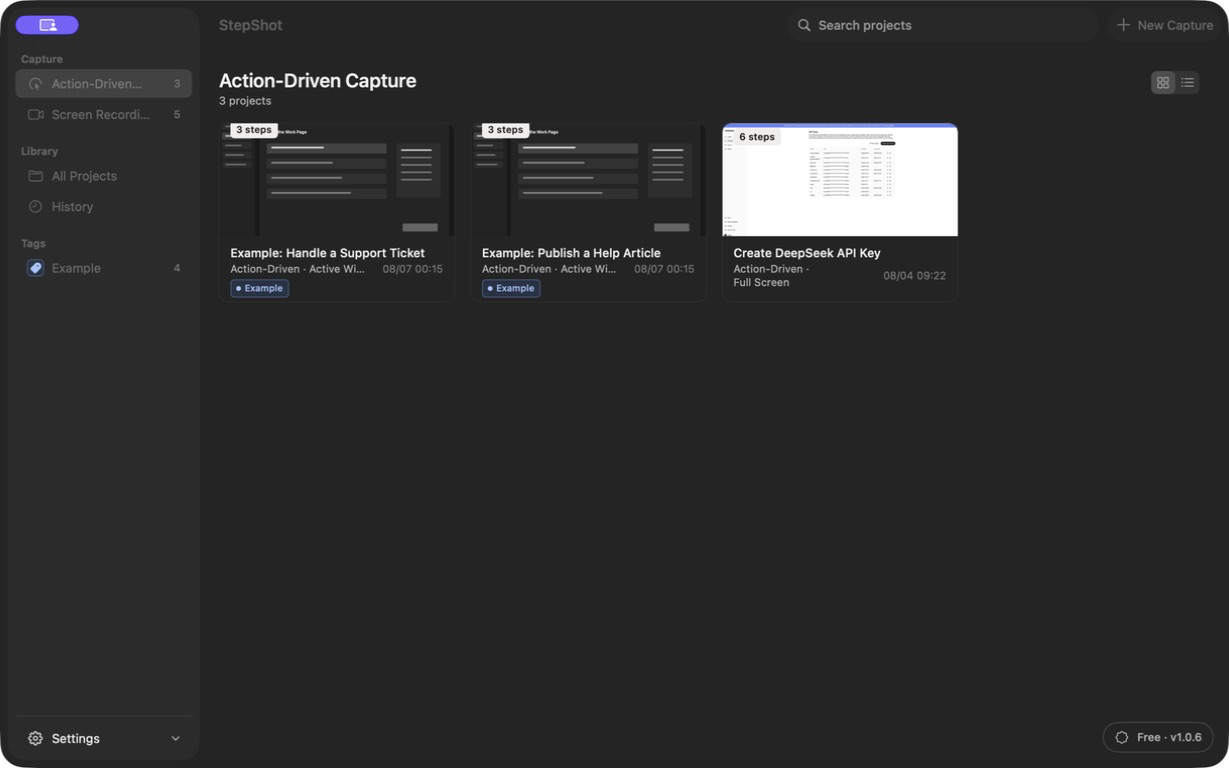
StepShot for macOS 14 and later records a real workflow in action-driven or screen-recording mode and creates an editable local draft. Authors can reorder, merge, skip or restore steps; add notes and section headings; adjust framing and annotations; and review local OCR redaction candidates before export. Password characters are never read.
The local planner works without a cloud model. Optional, user-configured OpenAI-compatible optimization can suggest titles, descriptions, visibility and order while keeping changes reviewable; a failed request leaves the local draft intact. Finished guides export as PDF, Markdown or self-contained HTML, subject to the selected plan's limits.
Review the StepShot workflow documentation features, follow the capture guide, or compare Free, Pro and Team export options.