
Product information · Oct 19, 2026
Mac app download page verification checklist
A release-aware review for keeping a Mac download page consistent with the installer people can actually use.
A download page is often the last product description someone reads before installing an app. If the page, pricing table and installer describe different products, the visitor has to resolve the contradiction alone. A practical review starts with the public package and the exact page being published, not a development roadmap or an internal feature list.
Start with the public build
Record the installer URL, displayed version, supported macOS version and processor architectures. Download the file from the same link a visitor sees. Check its identity and launch behavior on the relevant hardware and OS version; a page preview or successful upload cannot prove that the installed app opens. Confirm that the link is HTTPS, points to the intended release and has not silently switched to a test package.
For StepShot, the public Mac product supports macOS 14 and later, on Apple Silicon and Intel Macs. The download page should describe that public package rather than a Windows private test build or an unreleased integration. Keep the displayed platform requirements aligned with the installer whenever the release changes.
Walk the first-run path
Open the downloaded app as a new user would. Note which permissions it requests and why they are needed. Check the wording on the download page and linked help against the actual first-run screens. For a capture tool, screen recording and interaction permissions are material to whether a reader can complete the promised task. A permission prompt should not come as an unexplained surprise after installation.
Repeat the test with an existing project if the release changes onboarding or migration behavior. Preserve existing data during this check, and do not treat a clean-install success as proof that an upgrade works. Link to the relevant documentation so the reader has a route to resolve a denied permission.
Match feature claims to the same build
Make a short claim inventory from the page: capture modes, editing tools, exports, AI behavior and supported destinations. For each claim, identify where it appears in the public build. Mark a feature as planned or remove it if only a development branch implements it. This matters especially for integrations, where working code can precede release approval and real-world acceptance.
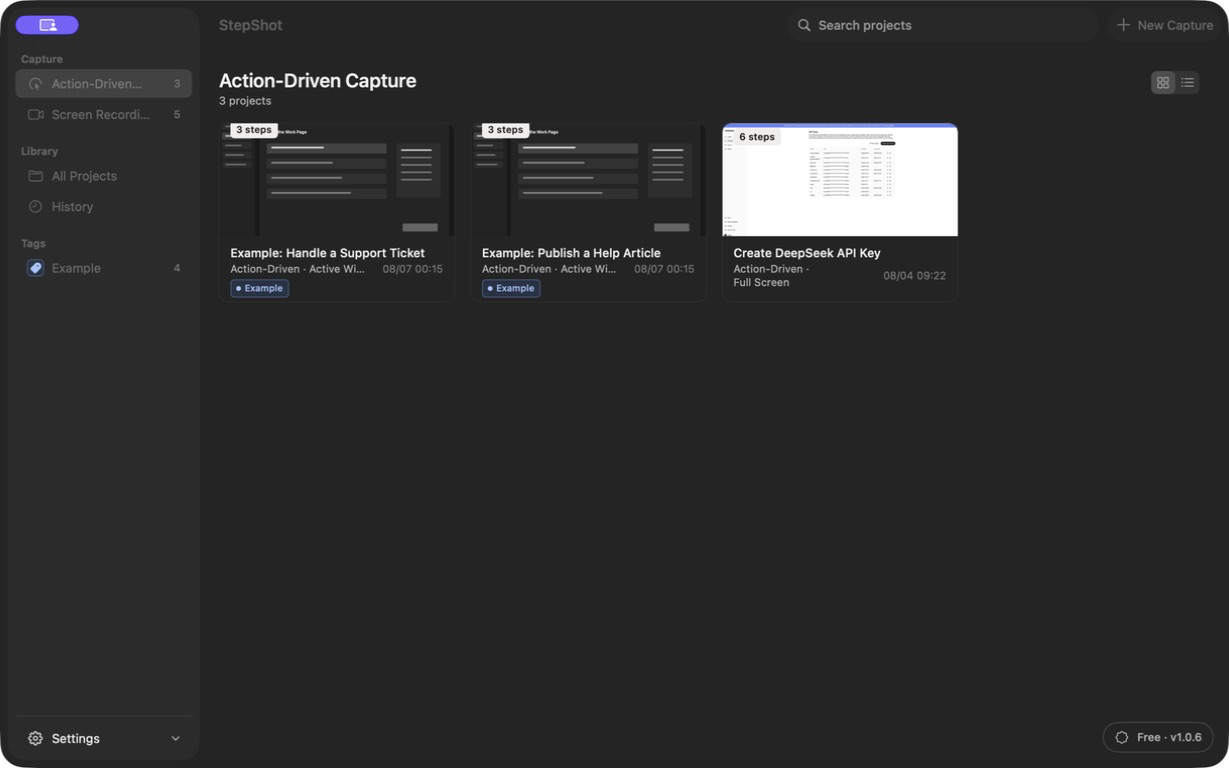
StepShot for Mac captures a real workflow, lets the author edit the resulting steps and exports PDF, Markdown or self-contained HTML within the applicable plan limits. Do not describe native Notion publishing, Google Drive delivery, automatic translation or a finished Windows release as part of the current public Mac download.
Check price and privacy in context
Read the call to action alongside the current pricing page. Check the free export limit, which formats require a paid license, device allowances and whether any promotion has ended. An old trial banner or screenshot can contradict otherwise accurate text. Test purchase and license-support links without placing an order as part of a routine content review.
For privacy, distinguish default local capture, editing and export from optional cloud AI. StepShot's local planner needs no cloud model. A user can configure an OpenAI-compatible endpoint; text semantics are sent by default, while visual samples require separate, default-off consent and local sanitization. Avoid both an absolute “nothing ever leaves the device” promise and a vague “AI-powered” claim that hides this choice.
Verify the published artifact
Check the final page on desktop and mobile, including title, description, screenshots, image alternatives, language variants and links. Open the download URL, pricing, privacy and help routes from the production origin. Inspect the sitemap and canonical URL after publication. Record the reviewed page revision, installer version, test machine and reviewer so the next update has a concrete baseline.
Finally, schedule a new review when the public installer, system requirements, license terms or first-run flow changes. The StepShot product facts reference can help identify claims to revisit, but the live installer and published terms remain the acceptance evidence. Publish only the claims that both the page and the downloadable app can support.