
Product reference · Oct 12, 2026
StepShot for Mac product facts: October 2026
Use this short checklist to keep software listings, buying pages and internal references aligned with the StepShot build readers can actually use.
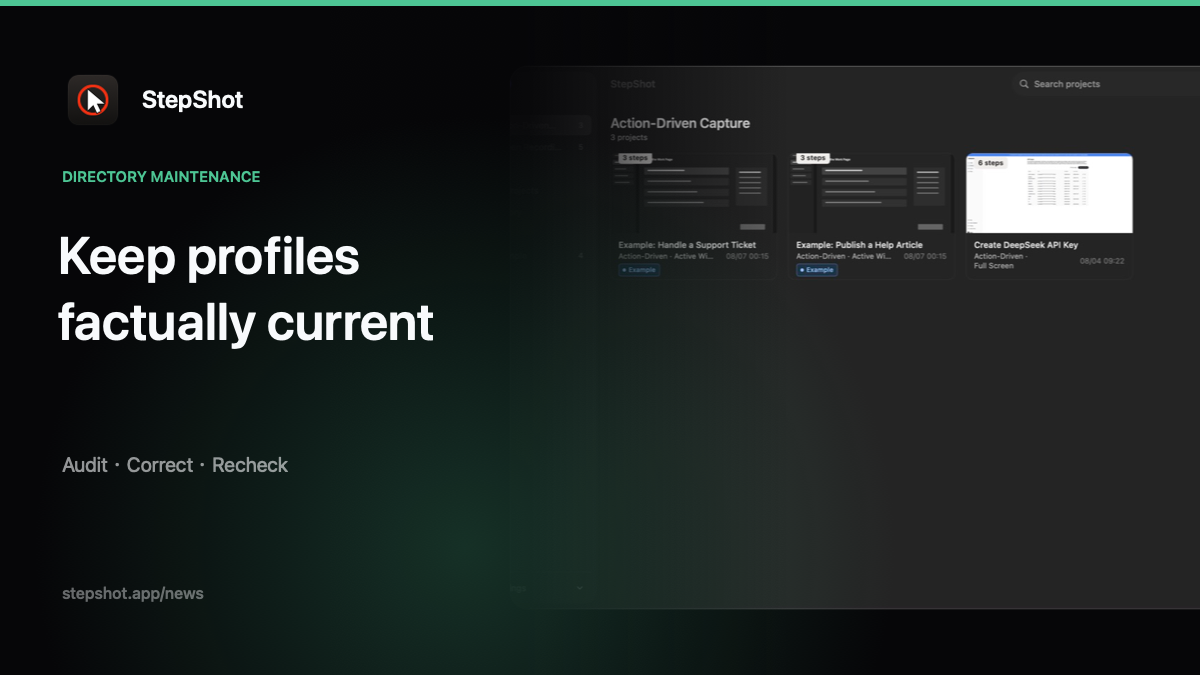
Public product pages are useful only when their claims match the current software. A dated screenshot, an old price or a planned feature presented as available can send a reader down the wrong path. This October checklist is a practical reference for reviewing StepShot descriptions without adding claims that the product cannot demonstrate.
Confirm the platform first
StepShot for Mac requires macOS 14 or later and the public Mac package is a Universal Binary for Apple Silicon and Intel. Describe that support precisely. Do not turn the Windows project contract or validation work into a claim that a native Windows release is available.
When checking a listing, record the page URL, review date and the build or release record used as evidence. The website's download page should remain the source for current system requirements and public installers.
Check what capture and editing include
The supported workflow includes action-driven capture and recording capture. Authors can target an active window, the full screen or a selected region, then edit steps, titles, order, framing, annotations, click markers and reviewed redactions. The recording path can locate a frame and repair a missing step.
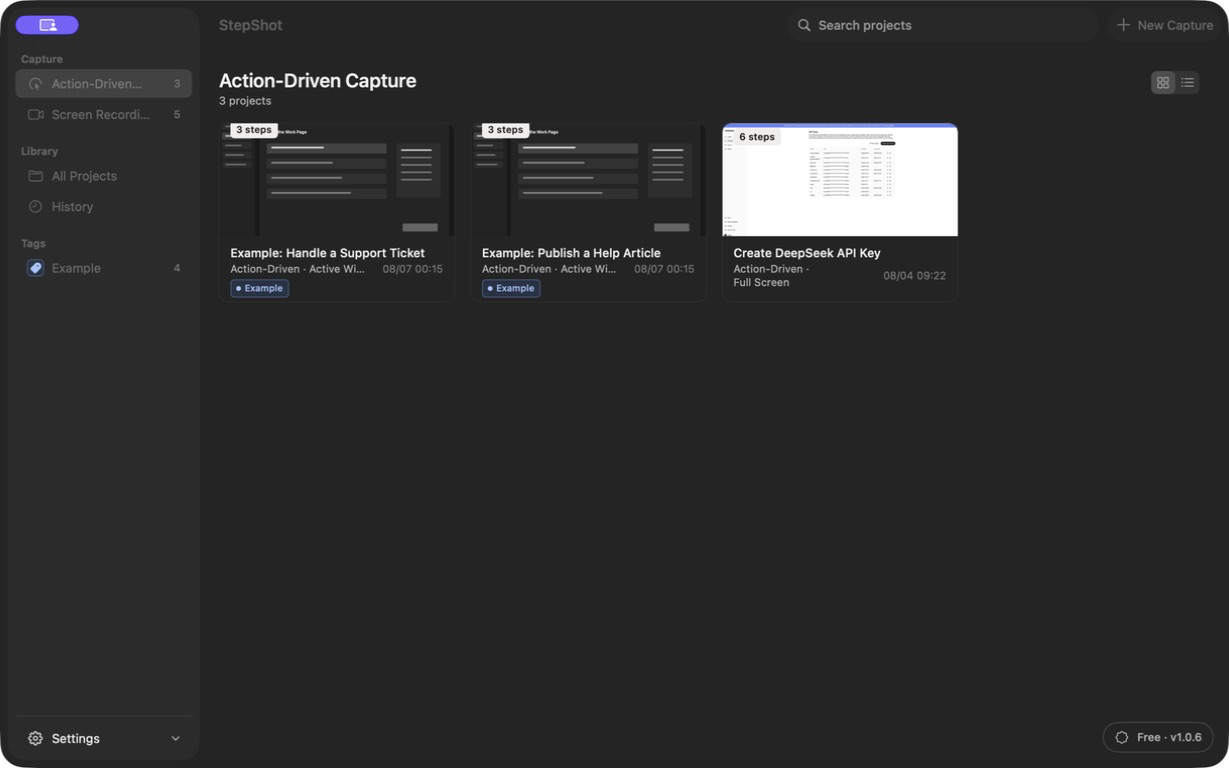
Keep the wording tied to these visible paths. StepShot does not publish directly to a knowledge base, provide Notion export or automatically translate a finished guide. Those boundaries belong in any comparison or feature summary.
Verify AI and privacy wording
Capture, editing and export run locally. The deterministic local planner can organize a draft and explain keep or skip decisions. An optional OpenAI-compatible endpoint can help with text structure and wording; it uses the user's own endpoint and key. Text semantics are the default cloud payload. Visual samples require a separate, default-off consent and are sanitized locally before sharing.
Do not shorten this to “everything stays on the device” without the cloud exception. Password fields are not read, but authors still need to review screenshots and redaction candidates before sharing a guide.
Match the entitlement and output claims
PDF, Markdown and self-contained HTML are supported exports. Free use includes unlimited capture and editing, with export limited to the first 10 steps. PDF and branding are paid features; Pro is a $129 one-time purchase for two devices, and Team is $299 one-time for five devices. Recheck pricing and documentation whenever a public listing is updated.
Finally, save the checked URL, date, screenshot source and reviewer in the team's change record. Accurate product facts are maintenance work: a small, repeatable review is better than a broad page that quietly drifts away from the software.