
Operations SOP guide · Aug 21, 2026
How to keep operations SOPs current after UI changes
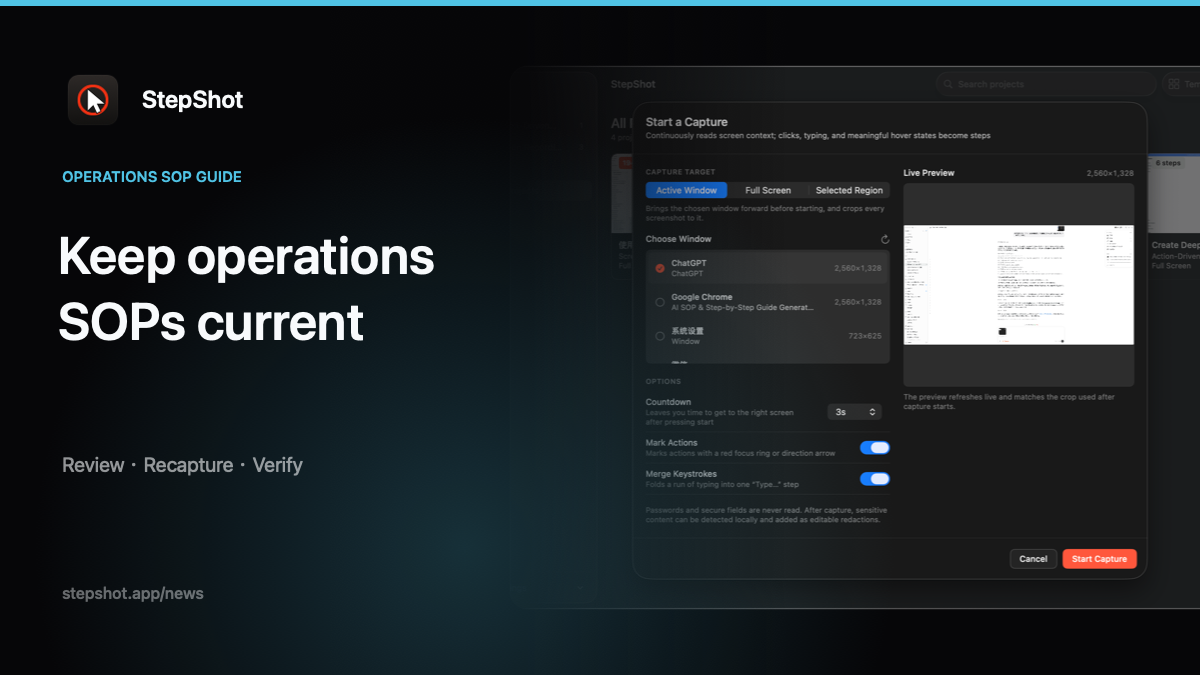
An operations SOP becomes risky when its screenshots describe yesterday's interface. The practical answer is not a full rewrite after every release, but a maintenance workflow that identifies changed evidence, recaptures the affected path and records what was reviewed.
Define what makes an SOP stale
A new button color does not always invalidate a procedure. A renamed control, moved menu, changed permission requirement or different confirmation state often does. Separate cosmetic changes from changes that affect what an operator must find, decide or verify.
Give each SOP an owner and a concrete review trigger. Useful triggers include a software release, a support escalation, a failed audit check or an operator reporting that the documented result no longer appears. Calendar reviews still help, but they should be a backstop rather than the only signal.
Run the current workflow before editing the words
Open the existing SOP beside the current software and perform the task in a safe environment. Mark the first point where the evidence diverges: the label, location, prerequisite or result has changed. Continue until the old and new paths converge again. This defines the smallest section that needs replacement.
Do not update screenshots from memory. Performing the workflow reveals intermediate dialogs, permissions and error states that release notes may not mention. It also distinguishes an interface change from a local configuration difference that should become a prerequisite or exception in the document.
Replace a section, not the document's history
Capture the changed path and edit it into the same level of detail as the surrounding SOP. Preserve stable introductions, policy notes and decision rules. Replace only the steps whose action or visible result changed, then renumber and check every cross-reference.
For each replacement step, write an action and an observable check. “Open Settings” is incomplete if the operator also needs to confirm that a particular account or permission is active. Observable results make the procedure testable and help the next reviewer decide whether a later UI change is consequential.
Review privacy and exceptions again
A recaptured screen may expose different data even when the task is familiar. Review names, email addresses, internal URLs, account identifiers and tokens in every new image. Crop unrelated regions and verify each redaction in the finished output. Automated detection can propose sensitive regions, but it does not replace author review.
Retest branches near the changed section. A moved control may also have new disabled states or permission requirements. Keep policy decisions in labeled notes rather than baking them into screenshots, and name the team or role responsible for exceptions that cannot be resolved by the standard path.
Publish with a verifiable maintenance note
Record the review date, the software state checked and the sections changed. For a Markdown knowledge base, let version control preserve the diff. For a self-contained HTML guide or a PDF handout, archive the approved prior output according to your team's document policy so readers can distinguish current instructions from historical evidence.
Before replacing the published SOP, ask someone who did not author the revision to complete the changed path. Their test should begin from the stated prerequisites and end at the documented result. If they need verbal help, the revision is not finished.
How StepShot supports maintainable operations SOPs
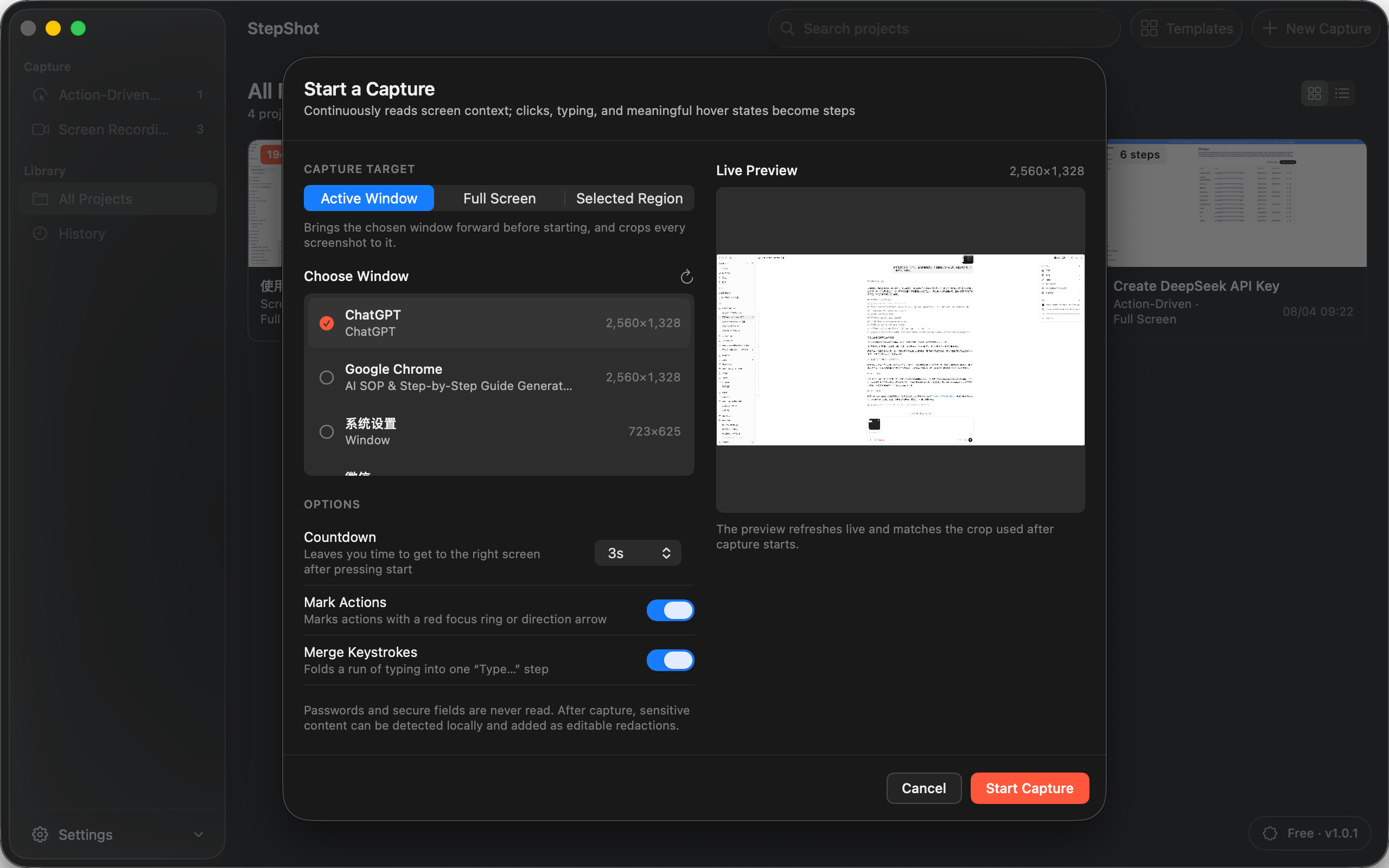
StepShot for macOS 14 and later captures a real workflow as an editable local draft. Authors can reorder, merge, skip or restore steps, insert notes and section headings, replace screenshots from recorded frames, and adjust framing and annotations. Local OCR can propose redactions for review, while password characters are never read.
Capture, editing and export can remain local. The optional OpenAI-compatible planner is user-configured, sends text semantics by default and presents suggestions for review; visual samples require separate consent and local sanitization. Completed procedures export as PDF, Markdown or self-contained HTML, subject to the selected plan's limits.
Review the StepShot workflow documentation features, use the editing guide, or compare Free, Pro and Team export options. For a related maintenance approach, read the guide to onboarding documentation from real workflows.