
SOP export guide · Sep 11, 2026
How to choose PDF, Markdown or HTML for an SOP
The best SOP format is the one that fits the reader, the approval process and the next change. Use this decision guide before exporting a workflow.
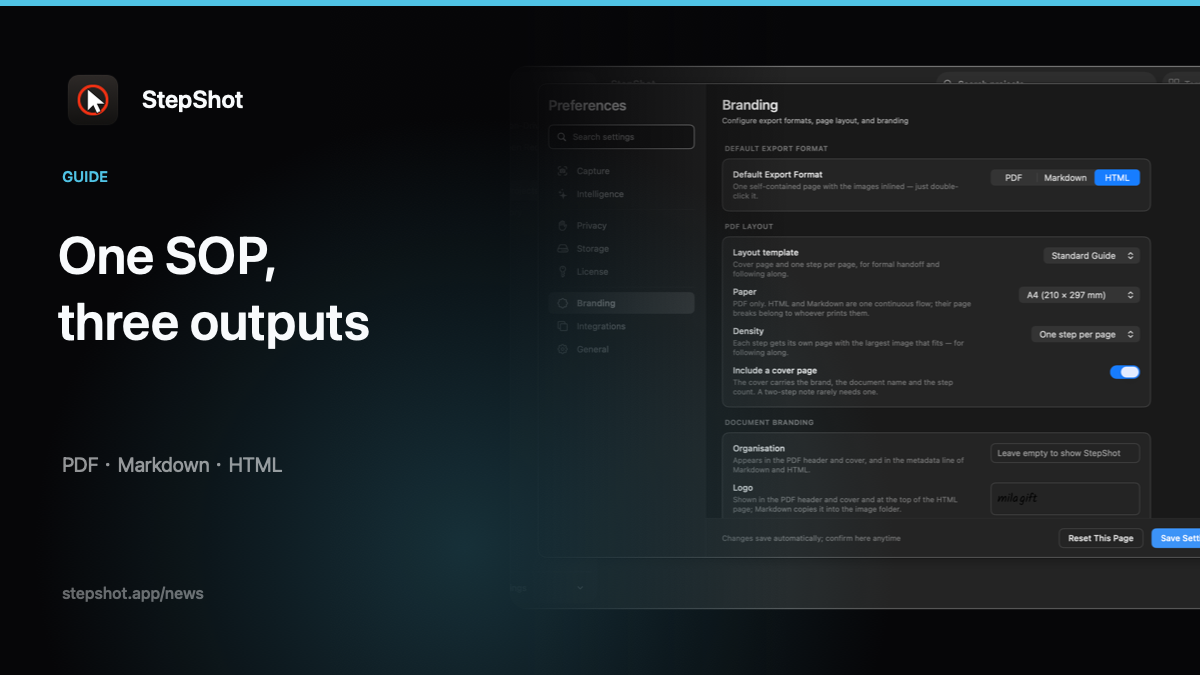
Start with the handoff
Write down where the SOP will live, who reads it and who owns the next revision. A printed training pack, a repository-backed knowledge base and a one-file internal handoff can all describe the same task, but they reward different formats.
Also record whether readers need offline access, whether the document needs a fixed approval copy and how quickly the procedure is likely to change. Those answers are more useful than choosing a format because it is familiar.
Choose PDF for fixed, approved layouts
PDF is a strong fit for training handouts, controlled checklists and sign-off packages where every reader should see the same pages. Paper size, page breaks, headers, footers and branding are part of the deliverable.
Inspect the actual PDF at normal reading size. Confirm screenshots remain legible, annotations are not clipped and redactions are present in exported pixels. Preview the selected A4 or Letter layout rather than approving a canvas that only resembles the final pages.
Choose Markdown for continuous maintenance
Markdown fits an SOP that lives in a repository or documentation pipeline. Text changes are easy to review in a diff, links remain explicit and writers can update prerequisites without rebuilding a fixed page layout.
Test the destination's Markdown dialect, front matter and image conventions. Keep the generated image directory with the document, check relative paths after moving the export and remove stale images when the workflow changes.
Choose self-contained HTML for a portable guide
Self-contained HTML is useful when readers need one browser-openable file that can be archived or shared through an approved channel. Embedding images avoids a broken companion folder and preserves a comfortable screen-reading layout.
Open the exact file from a different folder and, when policy allows, with the network disconnected. Confirm images load, headings remain ordered, links go where expected and the file does not request remote assets. Portability does not remove access-control or retention requirements.
Keep one reviewed source
Do not maintain three independently edited copies. Approve the step order, wording, framing and redactions once, then generate each output from that source. Review every generated artifact because page wrapping, image paths and browser rendering can expose format-specific defects.
Assign an owner and a change trigger. A product release, permission change or redesigned screen should prompt a targeted re-run even if the calendar review date has not arrived.
How StepShot handles the decision
StepShot for macOS 14 and later captures and edits workflow steps locally, then builds PDF, Markdown and self-contained HTML from one export plan and the same image renderer. Authors can review crops, annotations and permanent redactions before delivery. Free exports include the first 10 captured steps; PDF layout and complete branded export are paid features.
Use the export guide, review the feature set, and confirm current limits on pricing. Whichever format you choose, open the final file and follow its instructions once before sharing it.