SOP format comparison - Oct 31, 2026
Detailed SOP vs quick reference: choose the right scope
A detailed SOP and a quick reference can describe the same workflow while serving different reading situations. One explains how to perform the task from a defined starting point. The other helps a reader who already knows the procedure recall its essential actions and checks. Choose the intended use before shortening the content, so that a concise guide does not quietly become an incomplete one.
Start with what the reader already knows
A detailed SOP is worth considering when readers need help finding controls, understanding prerequisites or recognizing unfamiliar results. It can include navigation, explanations and screenshots that establish the context of each action. Its length should come from the work that needs explanation, rather than from a requirement to illustrate every routine interaction.
A quick reference may fit a familiar task that readers repeat after learning the full procedure. State that expectation explicitly. Identify the knowledge or preparation it assumes, and give readers a route to the fuller guide. A short document should not imply that someone can safely perform an unfamiliar task simply because the page looks easy to scan.
Compare explanations with reminders
In a detailed guide, explain why a decision is needed when that context affects the action. Show the relevant interface state and describe what success looks like. Include the conditions under which a reader should stop instead of continuing. Keep the explanation next to the step it supports so readers do not have to reconstruct the sequence from scattered notes.
In a quick reference, use precise action names and concise checkpoints. Remove background that the intended reader genuinely does not need, while preserving the distinctions that change the outcome. “Save” and “publish” are not interchangeable reminders if the application treats them differently. Brevity should come from deliberate selection, not from replacing several meaningful actions with a vague verb.
Keep consequential checks in both versions
When a check prevents a reader from acting in the wrong place or on the wrong item, evaluate it carefully before removing it. A workspace name, selected record or confirmation state may deserve space even in the shorter version. Do not assume that an experienced reader never needs to verify those details.
Use the same tested workflow as the basis for both versions. If you cannot explain which information is intentionally omitted and why, the short version may not be ready. Review it against the full procedure and note any conditions it no longer covers. An abbreviated guide should have a clear scope rather than leaving its omissions for readers to discover.
Select screenshots for a specific purpose
A detailed SOP can use screenshots to orient readers and show intermediate states. A quick reference may need fewer images, but a well-chosen checkpoint image can still resolve ambiguity. Keep labels readable and retain the landmarks needed to recognize the location. A smaller document is not useful if its remaining images require guesswork.
Inspect the relationship between text and image after shortening the sequence. Removing a navigation step can leave the next screenshot showing a panel the reader has not been told how to open. Combining instructions can also make one image appear to support several different outcomes. Resolve those gaps before calling the shorter version a usable reference.
Maintain the pair as an explicit editorial choice
If you publish both forms, name them clearly and link each to the other where appropriate. Record which workflow revision they describe and review both when the interface or procedure changes. A revised full SOP does not establish that a separately stored quick reference has been updated. Test each delivered artifact for its stated audience.
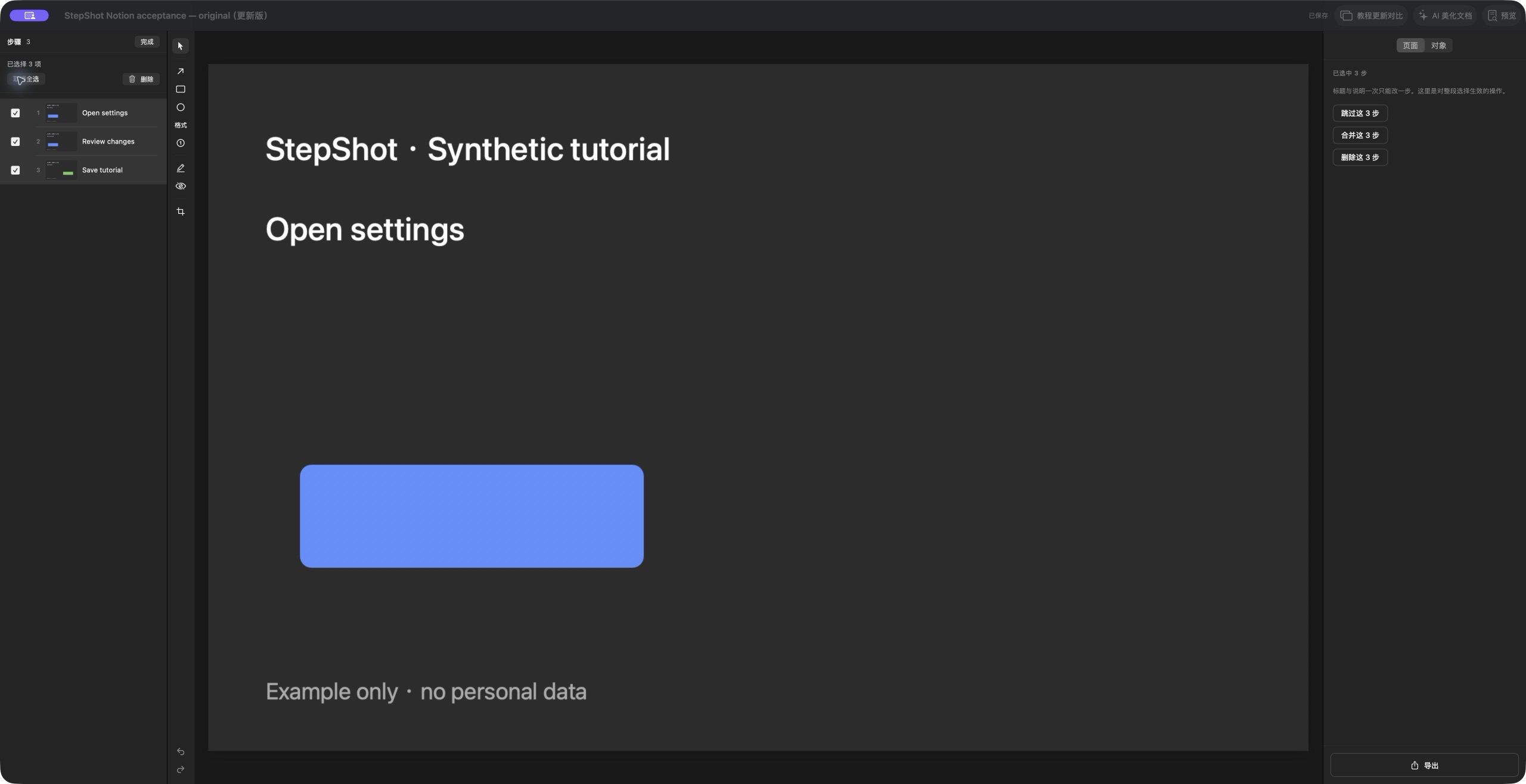
StepShot for macOS 14 and later lets authors edit titles and descriptions, reorder steps and add notes or section headings. Use these controls to shape the evidence for the reader's task; they do not decide which instructions your audience can omit. Read the capture guide for collecting the workflow and the editor guide for arranging the result. Review the finished guide as a complete procedure or a clearly scoped reminder before sharing it.