
Documentation comparison · Sep 19, 2026
AI SOP generator vs. manual documentation: where each fits
An AI SOP generator can reduce drafting effort, but it cannot replace workflow evidence, privacy review or ownership. Compare the jobs before choosing a method.
Start with evidence, not generated prose
Manual documentation begins with a person performing the task, selecting screenshots and writing each instruction. That can be the fastest path for a short, stable procedure where the author already knows the correct result.
An AI SOP generator is most useful when it receives evidence from a real run and turns that evidence into a structured first draft. It can suggest headings, clarify wording and group related actions, but it should not invent clicks, settings or outcomes that were never observed.
Make the choice based on repetition and risk. A one-off checklist may not justify a capture workflow, while a frequently revised customer or operations process benefits from structured evidence that can be reviewed again.
Compare the first draft
With a manual process, the author controls every sentence from the start. The tradeoff is mechanical effort: capturing states, numbering steps and keeping text aligned with images can take longer than expected.
AI assistance moves effort from blank-page writing to review. Ask whether every generated instruction points to a captured action, whether the starting state is visible and whether the expected result can be checked. A fluent paragraph is not evidence that the workflow is correct.
Keep human review in charge
Neither method can decide whether a business rule has changed or whether an exception matters to a particular team. A reviewer must run the workflow, compare the draft with the application and correct omissions before publication.
For repeatable review, use explicit gates: action accuracy, result verification, recovery guidance, terminology and ownership. Treat suggestions as edits to approve or reject, not as an automatic replacement for the author.
Compare privacy boundaries
Manual writing does not make screenshots private by default. Inspect account names, customer data, internal URLs, notifications and background windows before sharing any image.
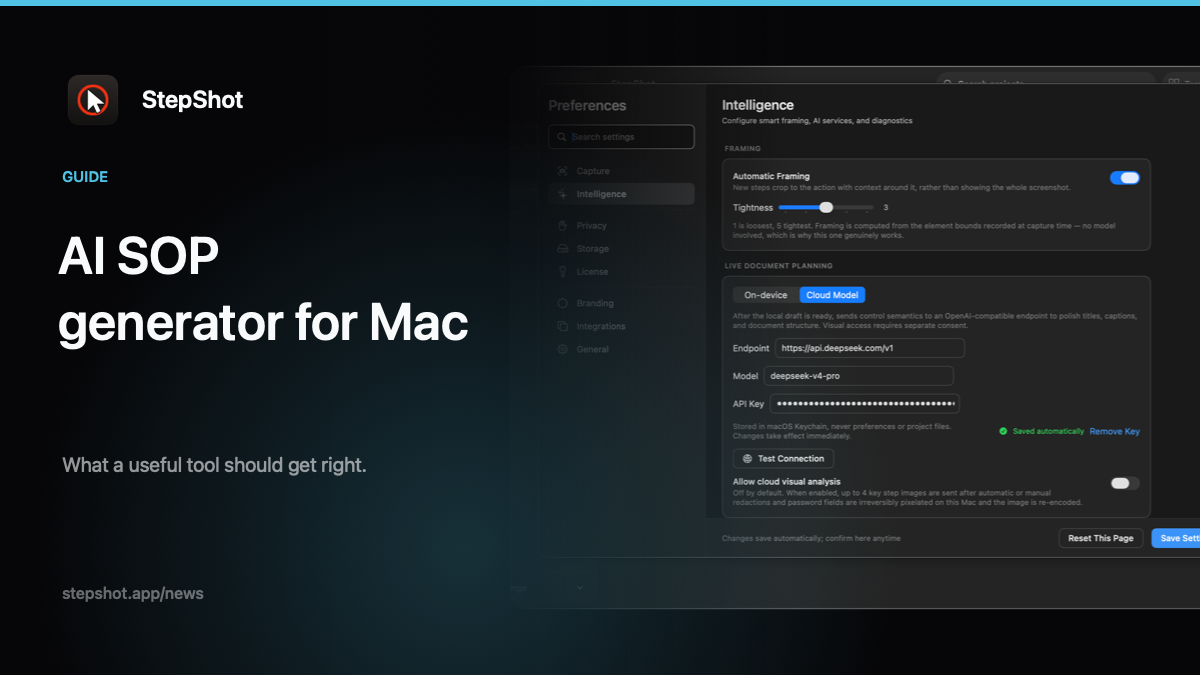
When AI is involved, map the provider boundary before sending content. A local-first workflow can keep capture and editing on the Mac. Optional cloud optimization should use the user's own OpenAI-compatible endpoint, send text semantics by default and require a separate opt-in for locally sanitized visual samples. Confirm the final exported pixels, not only the editor view.
Compare maintenance after launch
A manually assembled SOP often scatters screenshots, annotations and source notes across files. Updating one changed screen can leave old evidence attached to new instructions.
A structured AI-assisted project can make steps easier to reorder, replace and review, but it does not know that a permission, policy or product behavior changed. Assign an owner and a trigger for review. Re-capture the changed path, then ask the model to improve the new draft only after the evidence is current.
Where StepShot fits
StepShot for macOS 14 and later records real actions or screen footage, builds a local draft and keeps each step editable. Authors can reorder, merge or skip steps, add notes and headings, annotate screenshots and confirm irreversible local redactions before export.
Optional AI optimization uses an OpenAI-compatible endpoint configured by the user. The local draft remains available if the request fails. StepShot exports PDF, Markdown and self-contained HTML; free users can capture and edit without a time limit but export only the first 10 steps, while PDF and branding are paid features.
Use the feature overview to inspect the editing workflow, read the capture guide for the two modes, and compare current limits on pricing. Manual documentation is still the right choice for a small, stable task. AI earns its place when it reduces repetitive drafting while evidence, privacy and approval stay with people.