
AI SOP guide · Oct 13, 2026
AI SOP generator: write verifiable outcomes
A useful instruction tells the reader how to know that the action worked, not just which control to click.
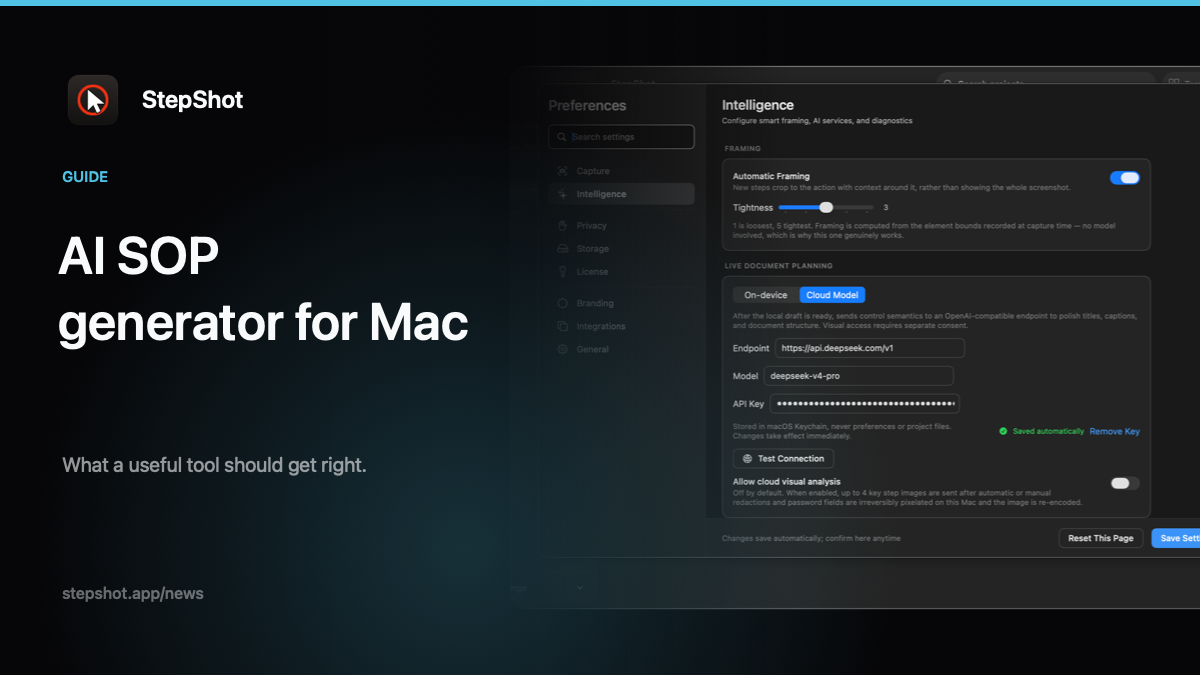
An AI SOP generator can turn captured actions into a readable draft, but a fluent sentence is not proof that a task succeeded. “Save the settings” leaves a first-time reader wondering whether the click registered, whether a warning appeared and which state should remain after reopening the page. A verifiable outcome closes that gap. It names evidence the reader can observe and gives the author a practical way to test the guide before distribution.
Start with the task's final state
Write down what a successful run changes: a saved record, an updated status, a downloaded file or a confirmed configuration. Identify where that result is visible and who has permission to see it. If a result can be checked only by an administrator, do not imply every reader can verify it. Give the reader a visible checkpoint they actually have access to, and assign the deeper check to the appropriate reviewer.
Keep the outcome separate from the action. “Select Save” describes an input; “the new label appears in the list after refresh” describes observable evidence. The latter must be tested in the real application. An AI draft should not invent confirmation banners, exact labels or persistence behavior that was not observed.
Attach checkpoints where mistakes become expensive
Not every click needs a paragraph of verification. Put checkpoints after actions that change permissions, publish content, replace data or hand work to another person. For a multi-page workflow, add a checkpoint before the reader leaves a screen that contains information they may need to correct. A useful checkpoint can describe the expected screen, the changed field and the next safe action if the result is absent.
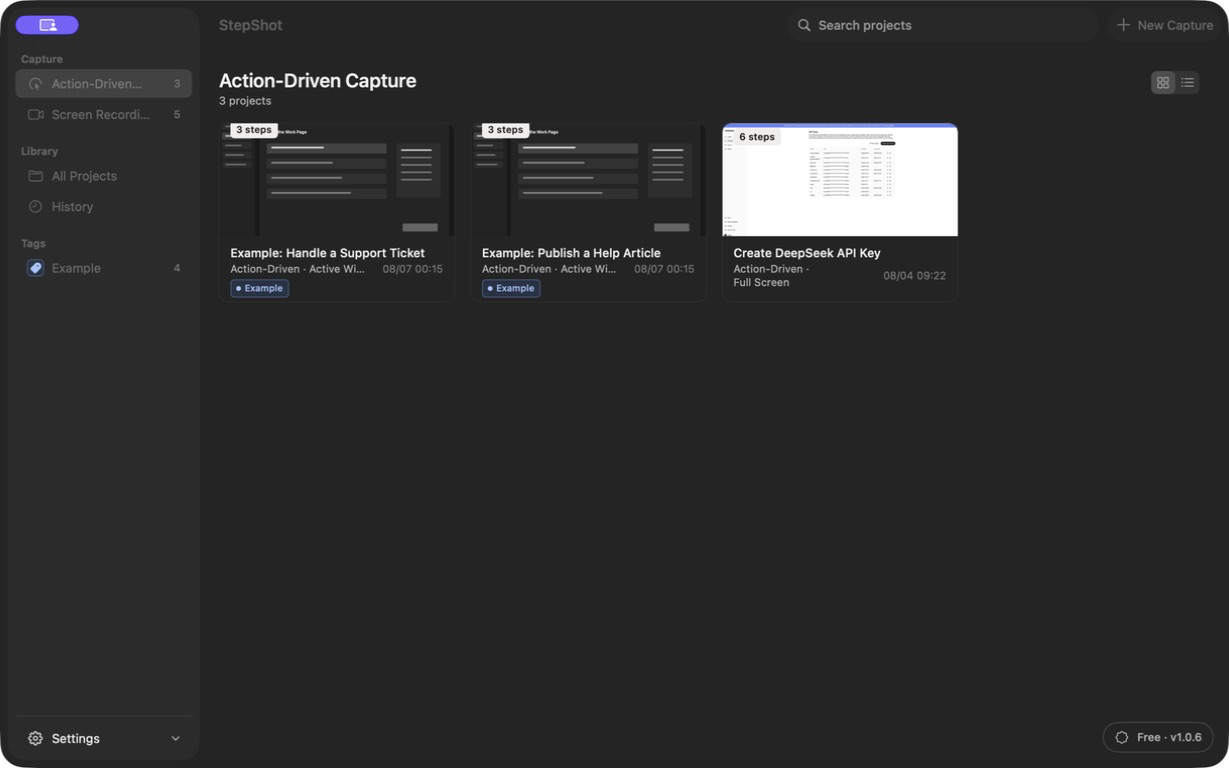
Record the actual path once, then review the resulting steps against the application. StepShot for Mac supports action-driven and recording capture, and authors can edit titles, descriptions, order and screenshots after capture. Its local planner can suggest a draft, while optional cloud optimization is an author-controlled review path. Neither path should be treated as an authority for an outcome the author has not checked. See the feature overview for the current capture and editing workflow.
Test the negative case without guessing
Ask what the reader would see if the action did not work: no changed status, a disabled button, a validation message or an unchanged file. Only describe a specific error when you reproduced it. If the failure path is not known, use a modest instruction such as “stop and ask the process owner before repeating this change.” Repeating a destructive operation can be worse than pausing.
For branching workflows, state the condition before the instruction: which role, record state or account setting determines the route? Then test each branch independently. A single captured run proves only the path taken. The conditional-workflow guide explains how to keep observed branches distinct from assumptions.
Make acceptance a human decision
Give a reviewer a short acceptance test: start from the stated prerequisites, follow the guide without coaching, identify the result at every checkpoint and confirm the final state. Ask the reviewer to mark any ambiguous control label, missing transition or screenshot that no longer matches the product. Revise the source project, then test the exact exported file in the place where readers will receive it.
StepShot exports Markdown and self-contained HTML, with PDF available under paid entitlements; the pricing page describes the current limits. The format does not validate the process for you. Review privacy-sensitive screenshots and the finished document before sharing. When a guide gives the reader an observable result, a safe stopping point and a tested final state, AI-assisted wording becomes useful documentation rather than an unsupported promise.