
AI SOP guide · Sep 29, 2026
AI SOP generator: five checks before you trust the draft
An AI SOP generator can turn a recorded workflow into a useful first draft. Before anyone follows it, check the evidence, privacy boundary, editable decisions and final export.
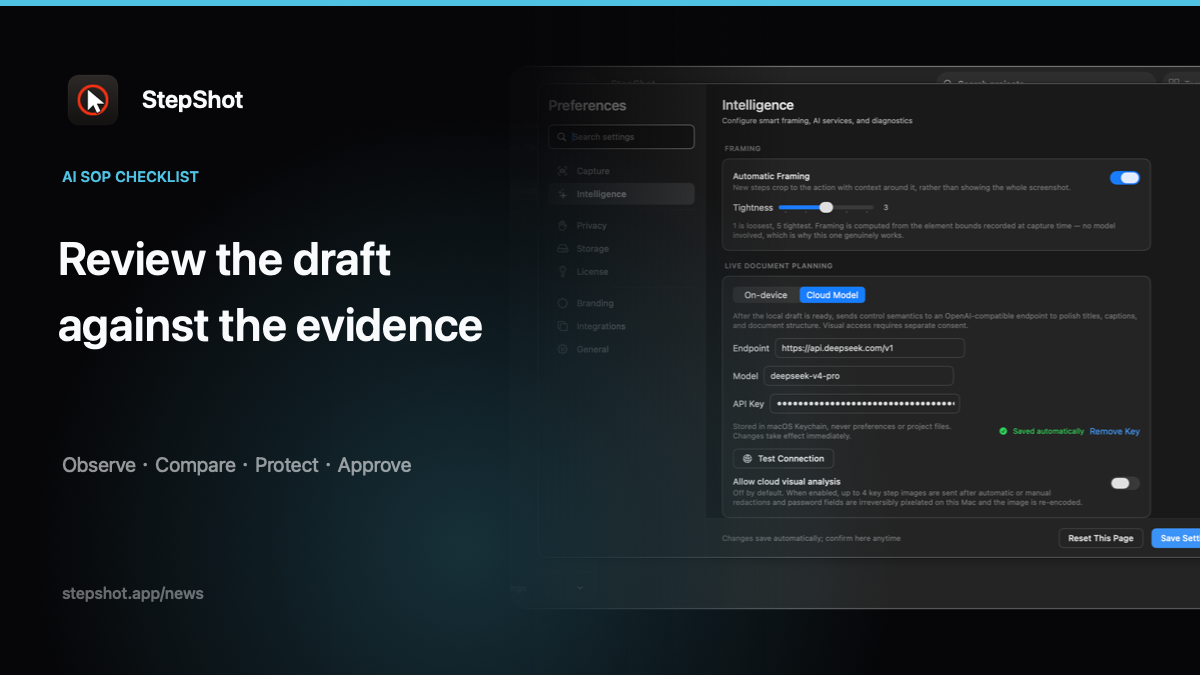
Fluent instructions are not the same as verified instructions. A model may shorten a sentence, infer a missing transition or make an observed result sound universal. A short review gate keeps the speed of AI-assisted drafting while leaving responsibility with the person who knows the task.
1. Check every action against the source workflow
Start with the recording or captured session, not the generated prose. Confirm the starting state, the controls used and the result visible after each meaningful action. If the draft names a button, field or permission that was never observed, mark it as an assumption and recapture the missing path.
This check also catches over-compression. Combining two actions can hide a required confirmation, and removing a pause can make a branch impossible to follow. Keep the smallest sequence that lets a reader reproduce and verify the task.
2. Separate observed facts from helpful wording
Ask which parts are evidence and which parts are explanation. Titles, transitions and summaries can be improved for clarity. Application names, action order, field values and visible outcomes need to remain faithful to the current interface.
Review exceptions separately. A permission error, alternate role or failed validation should be labelled as a condition rather than blended into the main path. Recovery advice is useful only when the team has actually checked that it works.
3. Inspect the privacy boundary before cloud assistance
Decide whether the task needs cloud processing at all. StepShot completes capture, editing and export locally by default. Its optional OpenAI-compatible planner sends text semantics by default; up to four visual samples require a separate setting and are sanitized locally first.
Review the endpoint and the selected samples yourself. Local detection can suggest redaction regions, but it cannot guarantee that every identifier, notification or private URL was found. Password characters are not read, yet authors still need to inspect the finished frames and exported file.
4. Keep the draft editable
A trustworthy AI SOP workflow lets an author correct the model without rebuilding the document. Check that steps can be renamed, reordered, merged, skipped or removed, and that notes, headings, crops, annotations and redactions remain available for review.
Do not approve a generated paragraph just because it sounds polished. Preserve the source evidence alongside the approved wording so the next maintainer can tell what changed and why.
5. Test the actual export with a new reader
Open the file people will receive. Check PDF page breaks and contrast, Markdown image paths after moving the folder, or self-contained HTML without the authoring app. Verify links, numbering, screenshots and redactions at the size readers will use.
Then ask someone who did not capture the workflow to follow it from the stated starting point. Record where they hesitate or choose the wrong control. Those observations are stronger evidence than a final grammar pass.
Make the approval traceable: name the workflow owner, record the interface or build checked, add the approval date and define the next review trigger. A release, permission change or policy update should reopen the review even when the generated wording still sounds current.
Use the gate in StepShot
StepShot for macOS 14 and later creates an editable local draft from a real Mac workflow. Authors can review planner decisions, adjust steps and framing, annotate and redact screenshots, then export PDF, Markdown or self-contained HTML. A failed optional cloud request leaves the complete local draft intact.
Use the feature overview to map the workflow, read the redaction guide before sharing sensitive frames, and check export documentation for format-specific review. The result should be a named, dated approval of a known workflow, not a promise that generated text is always correct.