
AI SOP guide · Sep 8, 2026
AI SOP generator for Mac: five checks before you trust a draft
An AI SOP generator can make a procedure easier to read, but a polished paragraph is not proof that the workflow is correct. Use these five checks before publishing.
1. Check the source workflow
Start with a task performed in the current Mac application, not a prompt describing how someone thinks it works. Capture the meaningful clicks, keystrokes and resulting screen states. The draft should point back to observable evidence for each action.
If a step is missing, repeat the workflow and capture it. A model can fill a gap with plausible language, but it cannot verify an unobserved control, value or outcome.
2. Check every generated instruction
Separate facts from editorial help. Application names, control labels, action order and visible results should match the recording. Headings, summaries and transitions can be improved for clarity, but review each change individually.
Pay special attention to merged or reordered steps. A shorter procedure may accidentally hide a confirmation, prerequisite or branch for a different user role. Keep recovery instructions close to the action that can fail.
3. Check the privacy boundary
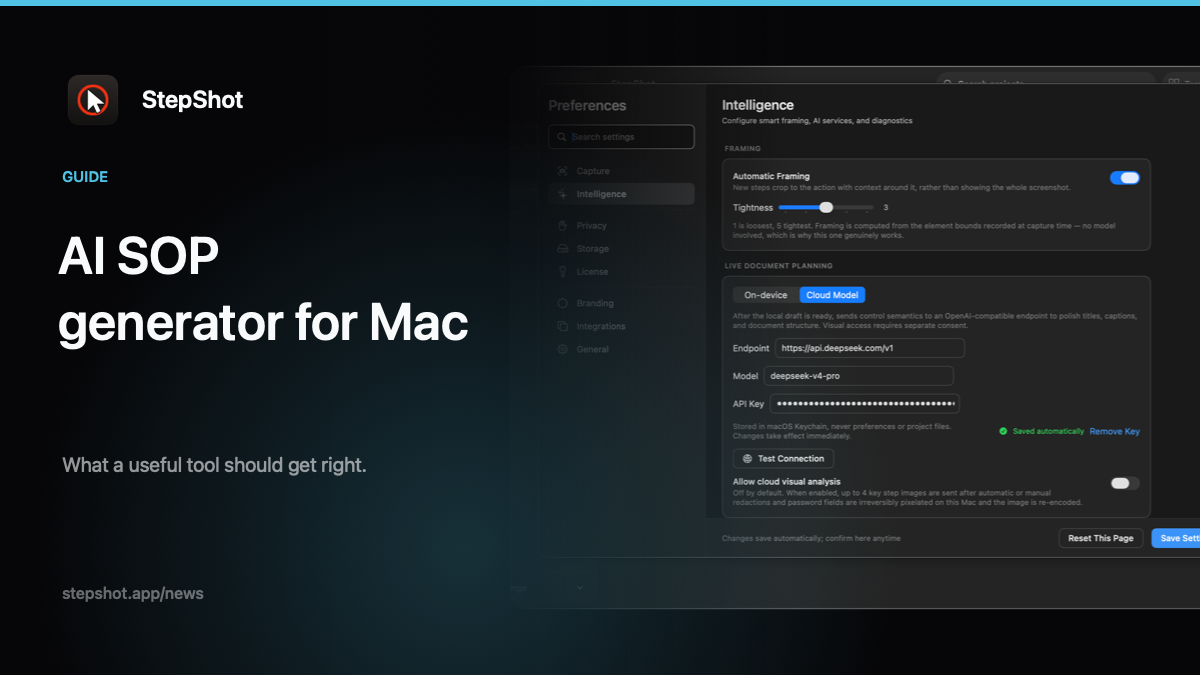
Before using a cloud planner, inspect what leaves the Mac. Text semantics may be enough for naming and structure. When visual context is necessary, choose only representative samples and redact names, email addresses, account identifiers, tokens and unrelated content locally first.
Visual consent should be separate from general cloud use. Confirm the endpoint and retention terms for the service you configure; bringing your own OpenAI-compatible endpoint provides choice, not an automatic privacy guarantee.
4. Check the exported artifact
Review the file readers will receive, not only the editor preview. Test PDF page breaks and contrast, Markdown image paths after moving the folder, and self-contained HTML by opening it independently. Make sure annotations, headings and redactions survive export.
Have someone unfamiliar with the task follow the guide from its stated starting point. Their pauses and wrong turns are more useful than another round of stylistic polishing.
5. Check ownership and currency
Record who approved the SOP, which application version and workflow were checked, and what event should trigger another review. A dated approval is a defensible claim; “always current” is not.
StepShot for macOS 14 and later builds a local, editable draft from a real workflow. Its optional OpenAI-compatible planner sends text semantics by default; up to four visual samples require separate consent and local sanitization. Authors can reorder, annotate, crop and redact steps, then export PDF, Markdown or self-contained HTML. See the feature overview, capture documentation, redaction guide and export documentation for current boundaries.
The approval rule
Trust an AI-assisted SOP only when its actions are evidenced, every suggestion is reviewed, sensitive data is minimized, the exported format works in context and a named owner has approved the dated version. Fluency is useful; verification is the standard.