
Guide · Aug 16, 2026
Why SOP tools need PDF, Markdown and HTML export
An SOP is not finished when it looks right in an editor. It is finished when readers can use it in the system, review process and working conditions they already have.
Choose the destination before the format
Teams often ask which SOP export format is best, but the useful question is where the document must live. A training handout, a version-controlled knowledge base and a portable guide have different requirements. Selecting the destination first prevents a polished document from becoming difficult to publish or maintain.
Identify who approves the SOP, how readers open it, whether it needs to work without a network connection and who will update it after the interface changes. Then export a representative workflow and test the actual files. A format label alone does not prove that images, links, page breaks or revisions will survive the delivery path.
Use PDF when layout is part of the instruction
PDF is the practical choice for controlled training packs, printable checklists and handoffs where every reader should see the same pages. Fixed paper size, covers, headers, footers and predictable image placement make the result easy to approve and distribute. It also works when the recipient should not need a documentation platform.
That stability has a cost. PDF is awkward as the editable source for frequently changing procedures, and small screenshots can become unreadable when too much content is forced onto one page. Preview the real PDF rather than trusting an editor canvas, check A4 or Letter output, and verify that annotations and redactions remain clear at normal reading size.
Use Markdown when maintenance matters most
Markdown fits teams that review documentation in a repository or publish through a knowledge-base pipeline. Text changes produce readable diffs, links remain explicit and the source is not tied to one visual editor. A writer can revise a warning or prerequisite without rebuilding a fixed page layout.
Images are separate assets, so naming and packaging matter. An SOP export should create a predictable image directory beside the document and replace stale screenshots on a later export. Before adopting the format, test the Markdown dialect used by the destination, relative image paths and any front matter the publishing system requires.
Use self-contained HTML for a portable guide
A self-contained HTML file keeps the instructions and images together while preserving a browser-friendly reading experience. It can be shared as one artifact, opened locally and moved without breaking an image folder. This is useful for a review copy, an internal handoff or a guide that must work without a hosted content system.
Portability should be verified, not assumed. Open the file with the network disabled and confirm that it does not request remote images, fonts or scripts. Check navigation, readable scaling and browser security restrictions. If the final destination is a managed website, treat the HTML as an interchange artifact rather than bypassing that site's normal review and accessibility checks.
Keep one approved source for every output
Export options become risky when each format is edited separately. A correction may reach the PDF while the Markdown guide keeps an outdated screenshot. The maintainable approach is one editable SOP project with an approved step order, wording, framing, annotations and redactions, followed by format-specific exports from that same source.
Review every output after generation. Confirm that skipped steps stay excluded, screenshots use the intended crop, sensitive details are permanently removed and links point to reachable locations. Record the source project owner and the product change that should trigger the next review.
How StepShot handles SOP export
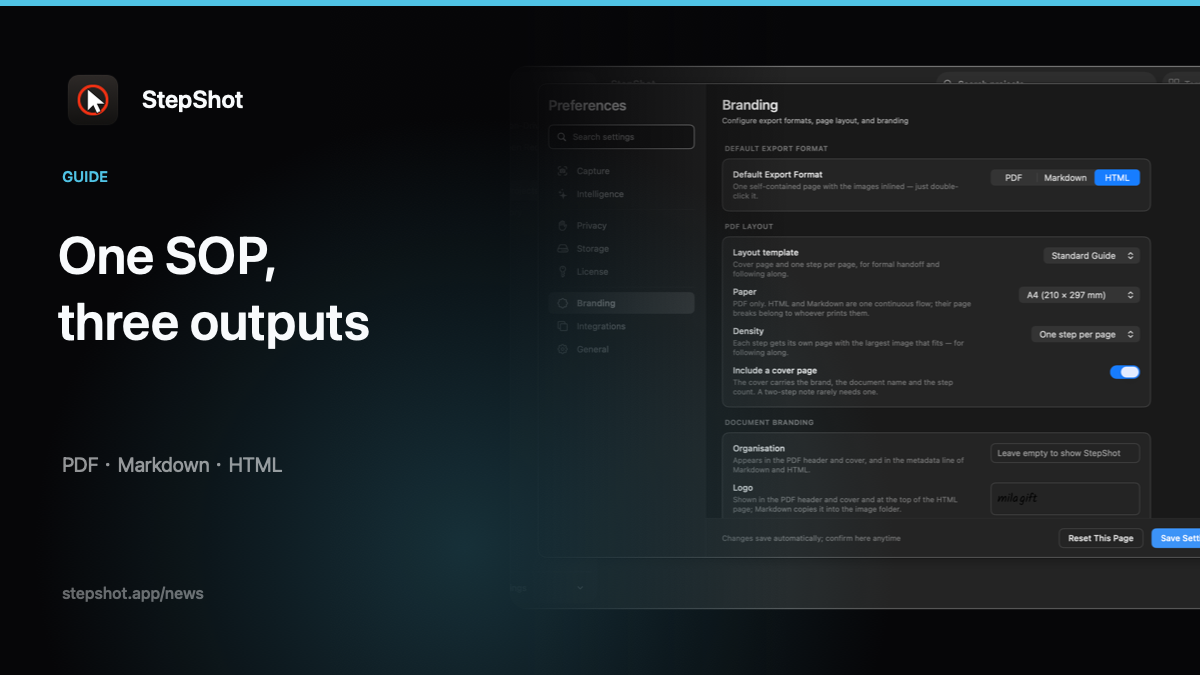
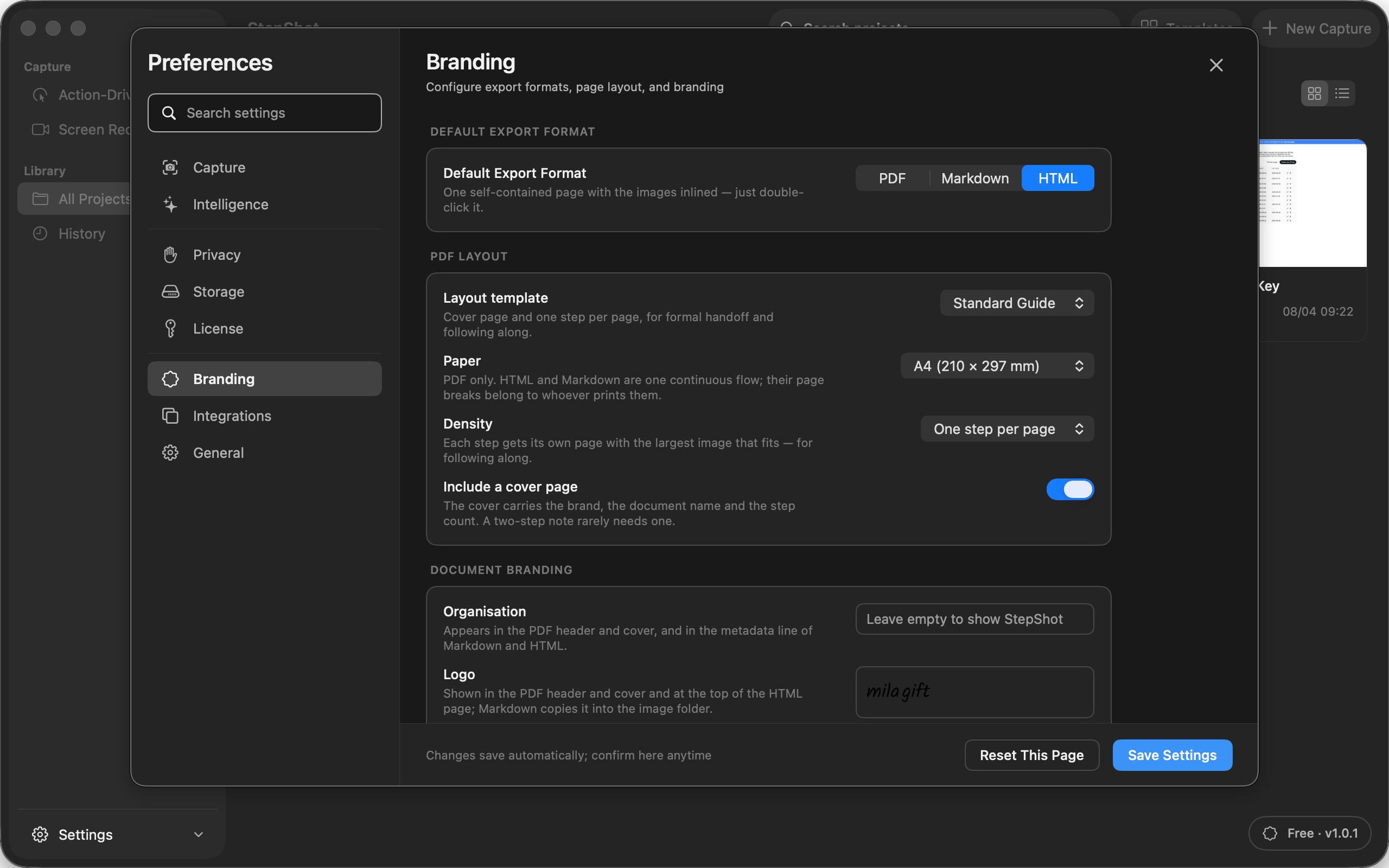
StepShot captures a real Mac workflow and turns it into an editable sequence of screenshots, titles and descriptions. Its canvas and exporters use the same image renderer, while PDF preview uses the actual PDF generator. Authors can choose all valid steps or the current step, standard or high image quality, and branding options before export.
PDF supports fixed tutorial and SOP layouts. Markdown exports a document with a matching image directory, while HTML embeds its images in one file and does not load remote resources. Export runs in the background and uses staged replacement so a failed write does not replace an existing finished document. Free exports include the first 10 captured steps; PDF layout and full branded export are paid features.
Compare the three StepShot export formats, review the complete feature set, or check Free, Pro and Team limits before choosing the delivery format for your next SOP.