
Guide · Aug 15, 2026
Turning support screenshots into reusable knowledge base articles
A screenshot can answer one ticket quickly. A structured article turns the same product knowledge into an answer that support teams can review, search and maintain.
Capture the complete resolution path
Support screenshots often begin as fragments: one image in a ticket, another in a chat reply and a final confirmation captured later. Those images may solve the immediate case, but they do not preserve the sequence, starting conditions or expected result. Reusing them means reconstructing the procedure every time the question returns.
Begin with a clean, repeatable version of the task. Write down the reader's starting state and the outcome they should see, then perform the resolution from beginning to end. Capturing the workflow as it happens keeps screenshots attached to the actions that produced them and exposes missing steps before the article reaches a reader.
Build an answer, not a screenshot gallery
A useful knowledge base article tells the reader when the procedure applies. Add prerequisites, identify the correct account or permission state, and state what success looks like. Give each step an action-led title, then use the description for the reason, exception or verification that the image cannot communicate by itself.
Remove repeated navigation and incidental clicks. Merge actions that express one decision, but split any step that asks the reader to make two independent choices. Headings help readers jump to the relevant phase, while short notes can record a warning without turning every caption into a paragraph.
Make every image earn its place
Crop each screenshot around the control and enough surrounding interface to establish context. A click marker or concise annotation can direct attention without covering labels. Keep image framing reasonably consistent across the article so readers do not have to reorient themselves at every step.
Review screenshots for names, email addresses, account identifiers, internal URLs and customer information. Redaction must be permanent in the exported pixels, not a removable overlay. Automated OCR can suggest sensitive regions, but the author remains responsible for checking every image before publication.
Choose a maintainable publishing source
The best format depends on where the knowledge base lives. Markdown is useful when articles are reviewed in a repository or imported into a system that accepts text and image assets. Self-contained HTML keeps an article and its images in one portable file. PDF is better for a fixed training handout than for a frequently updated web article.
Keep the editable capture project alongside the published article. When a product screen changes, compare the current procedure with the source, replace only the affected evidence and export again. A searchable project library, stable names and tags make that maintenance work easier than searching old tickets for the original screenshots.
Review the article as a support outcome
Ask someone who did not capture the workflow to follow the draft from the stated starting point. They should be able to identify the correct screen, complete each action and recognize the final result without opening the original ticket. Record any missing assumption as article content rather than explaining it privately to the reviewer.
Assign an owner and a review trigger before publishing. A release that changes navigation, permissions or account states should prompt a focused check of affected articles. This turns maintenance into a small editorial task tied to a known change instead of a large cleanup after readers report that several screenshots are obsolete.
How StepShot fits a support documentation workflow
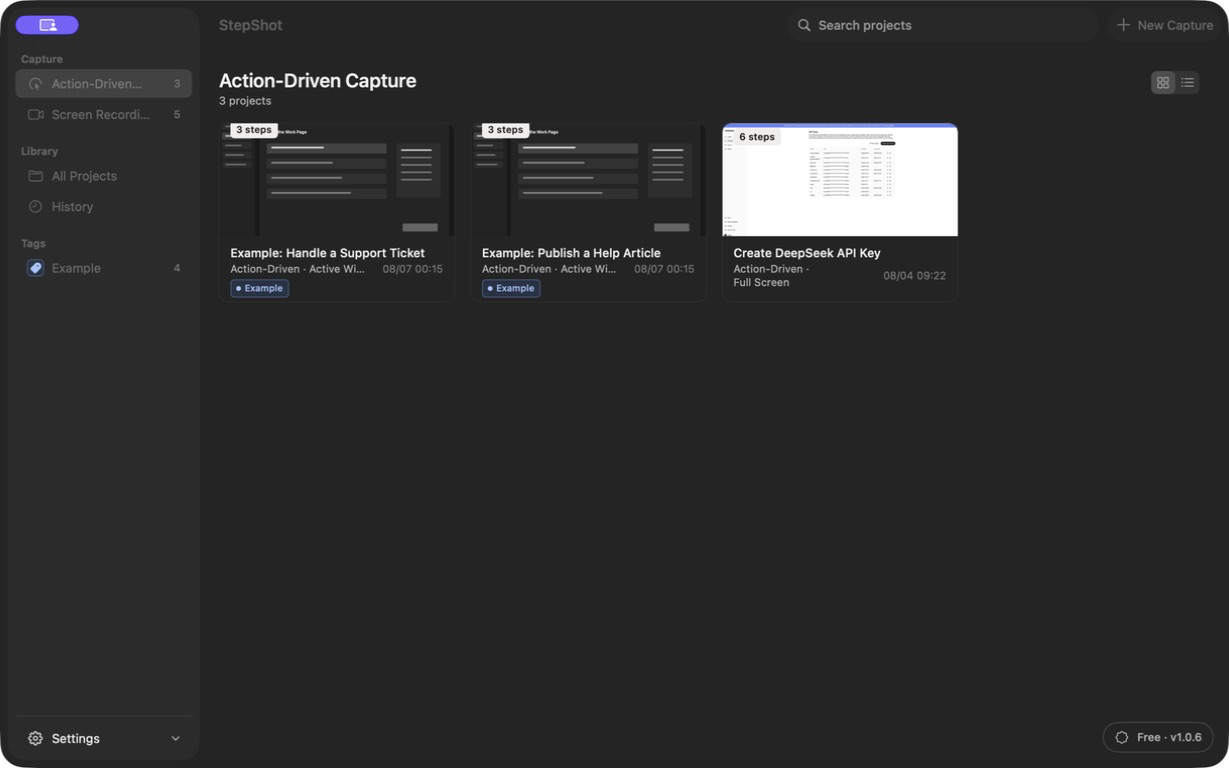
StepShot captures a real Mac workflow in action-driven or recording mode and turns it into an editable sequence of screenshots, titles and descriptions. Authors can reorder, merge or skip steps; add notes and headings; adjust framing and click markers; annotate images; and review locally detected redaction candidates.
Capture, editing and export remain local by default. Optional cloud planning uses a user-provided OpenAI-compatible endpoint and sends text semantics by default. Visual samples are sent only after separate consent and local sanitization. Finished articles can be exported as Markdown or self-contained HTML, while PDF is available for fixed-layout handouts.
Explore the StepShot feature set, review the editing workflow, or see how PDF, Markdown and HTML export differ before building your next support article.