Product workflow note - Oct 26, 2026
StepShot project files: hand off work to another author
A finished tutorial and an editable StepShot project serve different recipients. A reader needs the instructions you approved. Another author may need the step sequence, source images and editing context to prepare the next revision. Before sending a file, decide which job the recipient will perform. The right handoff starts with that decision, rather than with whichever file is easiest to find.
Choose between reading and continuing the work
Ask whether the recipient will follow the procedure or change it. For reading, export a guide and check the exact output. For continued authoring in StepShot, use the project workflow instead of assuming an exported document can restore the original editing state. Include a short note explaining which copy is approved and which is intended for revision.
This distinction also helps when one person has both roles. They can receive the reviewed guide as a reference and a separate project for editing, provided they are allowed to receive the source material. Give the two files clear names. Do not let a working copy silently replace the version readers have already been told to use.
Understand what a StepShot project represents
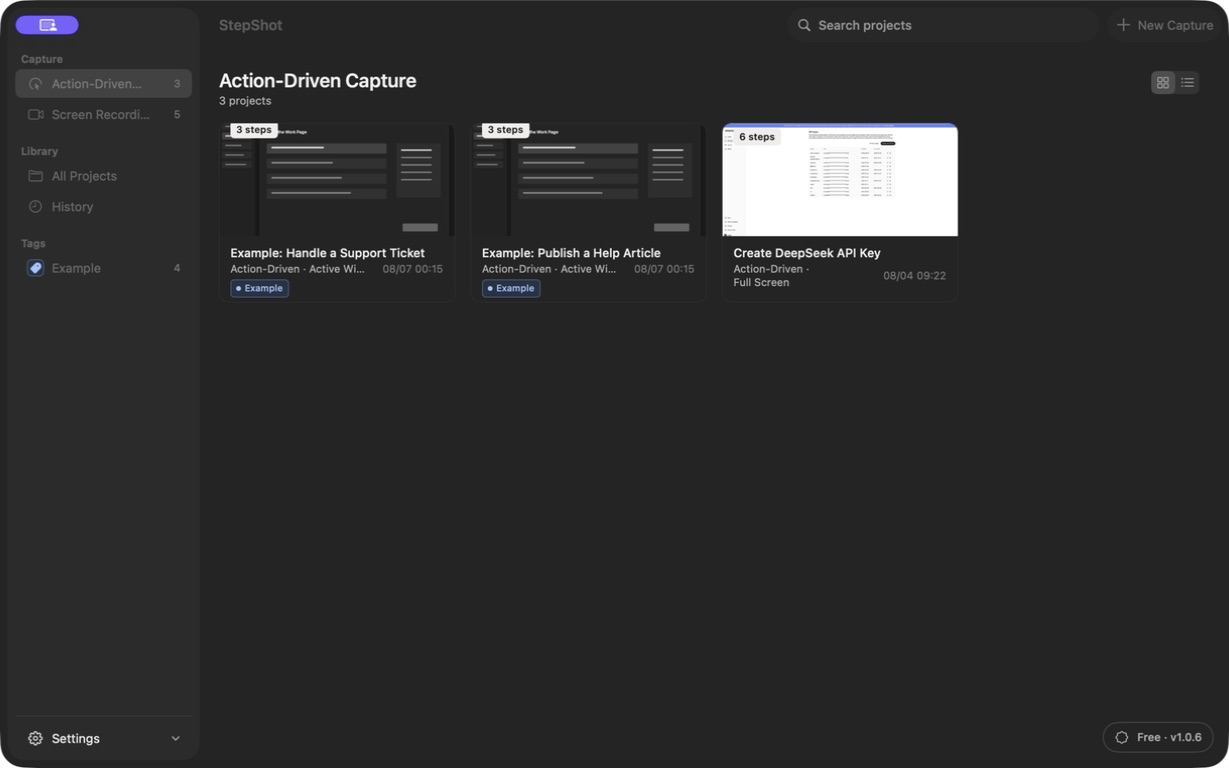
StepShot for macOS supports importing and exporting project archives with the .stepshot extension. The project format stores structured tutorial information, including steps and references to screenshots and optional recording material. It is an authoring artifact, with more context than the rendered instructions alone.
A project handoff is not live collaboration or automatic project synchronization. Agree who will edit the next version and how they will return it. Keep an identifiable original while the recipient checks their copy. If two authors make separate revisions, decide how to reconcile the work rather than treating the latest filename as proof that every change has been included.
Use exported guides for the reader's destination
StepShot exports PDF, Markdown and self-contained HTML. The HTML output keeps images inside one file. Markdown output consists of a document and its associated image directory, so check that the recipient receives both. A missing image folder can leave a document that opens but no longer shows the evidence its instructions describe.
Choose the format for the actual reading destination, then verify its contents there. PDF export requires a paid Pro or Team license; free Markdown and HTML exports are limited to the first ten captured steps. Check the selected range and any omitted steps before handing off a guide. An editable project and an exported guide have different purposes, and receiving one does not establish that the other is complete.
Review source material separately
Before sharing an editable project, inspect the material the next author actually needs. A guide with reviewed screenshots is not evidence that every source image or recording is suitable for the same audience. Think separately about the exported artifact and the authoring source. Do not send a project merely because the final guide looks safe.
Use a safe demonstration project when the recipient only needs to learn the editing workflow. For a real handoff, confirm who should receive it and use your team's approved transfer location. Avoid putting secrets in the filename or handoff note. These are author responsibilities, not a claim that StepShot provides a sharing approval system or a secure-erasure guarantee.
Verify the handoff before replacing the original
Have the recipient open the delivered copy and inspect representative steps, images and any source recording they need. Ask them to confirm what they can edit, not just whether the file arrived. If material is missing or the environment differs, retain the original and resolve the discrepancy before treating the transfer as complete.
Record the revision purpose, the responsible author and the reviewed guide that the project should eventually replace. After editing, export and inspect a new reader-facing copy. The editor guide explains preparing steps and annotations, while the export guide describes output formats and their boundaries. Keep the authoring handoff deliberate, and give readers a clearly identified finished guide.