Product workflow note - Nov 2, 2026
StepShot library: find the project you need to revise
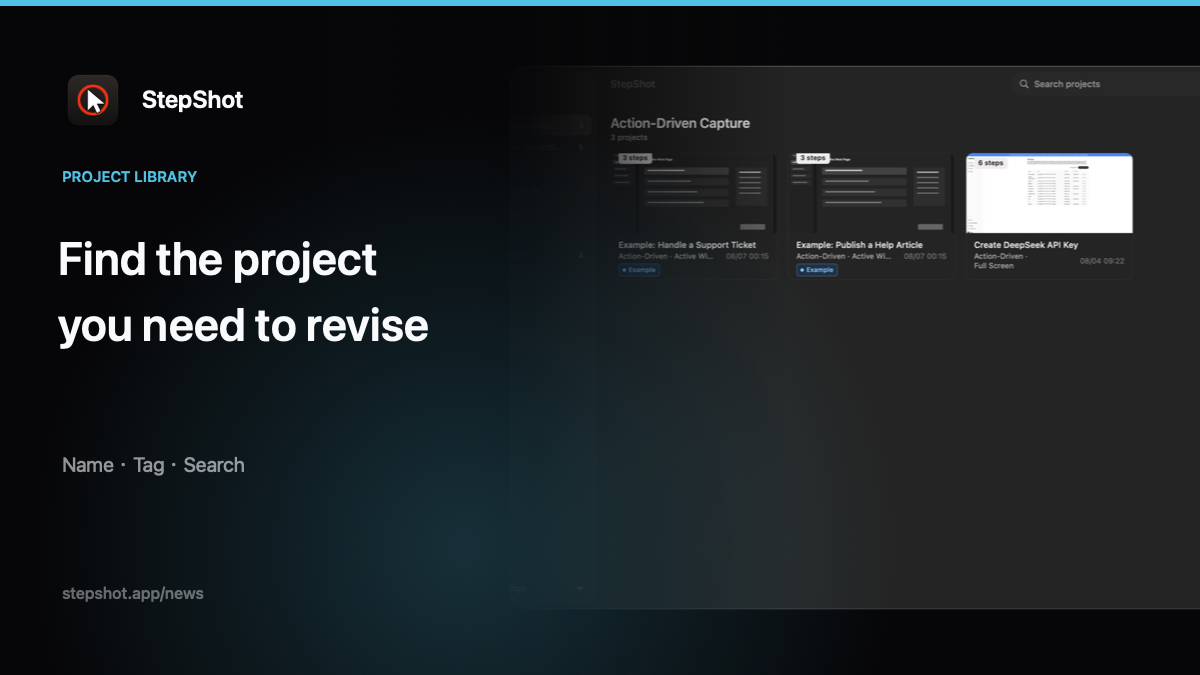
Finding a tutorial to revise is a different task from finding the last guide you exported. The exported file is what readers receive; the project is where an author continues working. StepShot's library gives local tutorial projects names, tags and views that help distinguish them. Use those controls deliberately so that a familiar thumbnail does not become your only clue about which project should change next.
Name projects for the work they explain
Choose a name that identifies the procedure rather than only the day you recorded it. Include the application or workflow when that helps distinguish similar tasks. If several projects cover different environments or audiences, add that distinction in language you will recognize later. Avoid putting customer details, credentials or other sensitive values into a name merely to make it unique.
StepShot supports renaming projects in the library. A useful naming convention is an authoring choice, not an automatic approval status. Calling a project “reviewed” does not establish that its current contents have been checked. Keep any publication decision grounded in the actual guide and the review process you use.
Use tags as reusable categories
StepShot supports adding and removing project tags, with tags available in the library sidebar. Use a small set of meaningful categories that reflect how you look for work. A project might relate to both an application and a documentation purpose. Choose labels that help you retrieve it without inventing a separate category for every recording.
Tags are not folder paths or access controls. Assigning a label does not create a private area, restrict recipients or move a project into a cloud workspace. Keep that boundary clear when discussing organization with another author. A category can help you find material, but it does not decide whether that material is suitable to share.
Search for the task you remember
Project search in StepShot covers project names, tags and step titles. Use a term that is likely to appear in one of those places. If you remember a particular action better than the document title, a meaningful step title can provide another route back to the project. Do not assume the library searches every word visible inside screenshots or every file elsewhere on the Mac.
When the result is unexpected, inspect the current library category and filters before concluding that a project is missing. The library distinguishes capture modes and offers an all-projects view. Broaden the view when you are unsure which mode produced the tutorial, then confirm the candidate by opening its contents.
Keep current work visible without treating it as approved
StepShot supports pinning projects and switching between card and list views. Pin a project you are actively revising or need to return to regularly. Use the view that makes the relevant distinction easier to inspect. Neither a prominent position nor a familiar cover image proves that a project is the correct source for the guide currently in circulation.
Before editing, compare the candidate with the requested change and the version readers are using. Open representative steps and check recognizable details. If you create a separate working copy, give it an identifiable purpose and keep the original distinguishable while reviewing the revision. Organization should reduce confusion about those copies rather than hide it.
Connect library organization to the next verified revision
Once you find the right project, review its scope before changing it. A project can contain material that is not part of the guide you intend to distribute. Confirm which procedure, audience and output you are updating, then inspect the finished artifact after editing. Renaming or retagging a project alone does not update files readers already downloaded.
StepShot for macOS 14 and later combines the library with an editor for preparing tutorial steps. The features overview describes the workflow, and the editor guide explains refining the selected project. Keep names, tags and pins useful to your own retrieval process, then let a separate content review determine which guide is ready to share.