
Product reference · Sep 21, 2026
StepShot for Mac product facts: September 2026
A current, linkable reference for people reviewing StepShot, maintaining a software directory or checking a product description before publication.
Product and platform
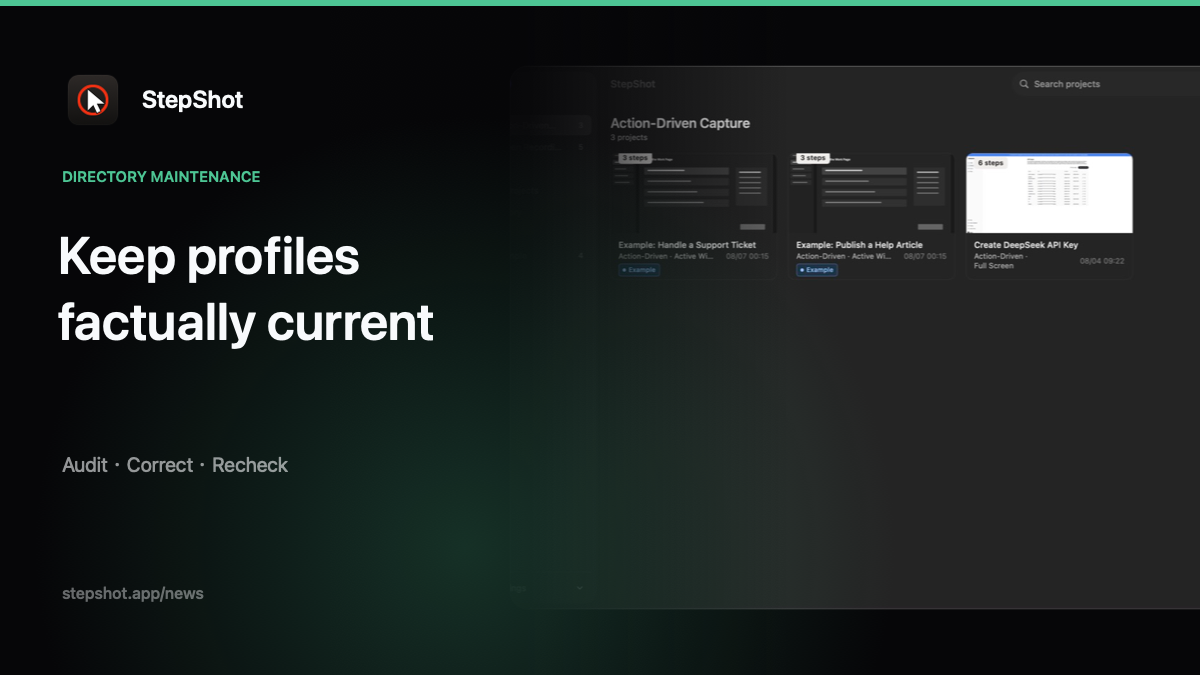
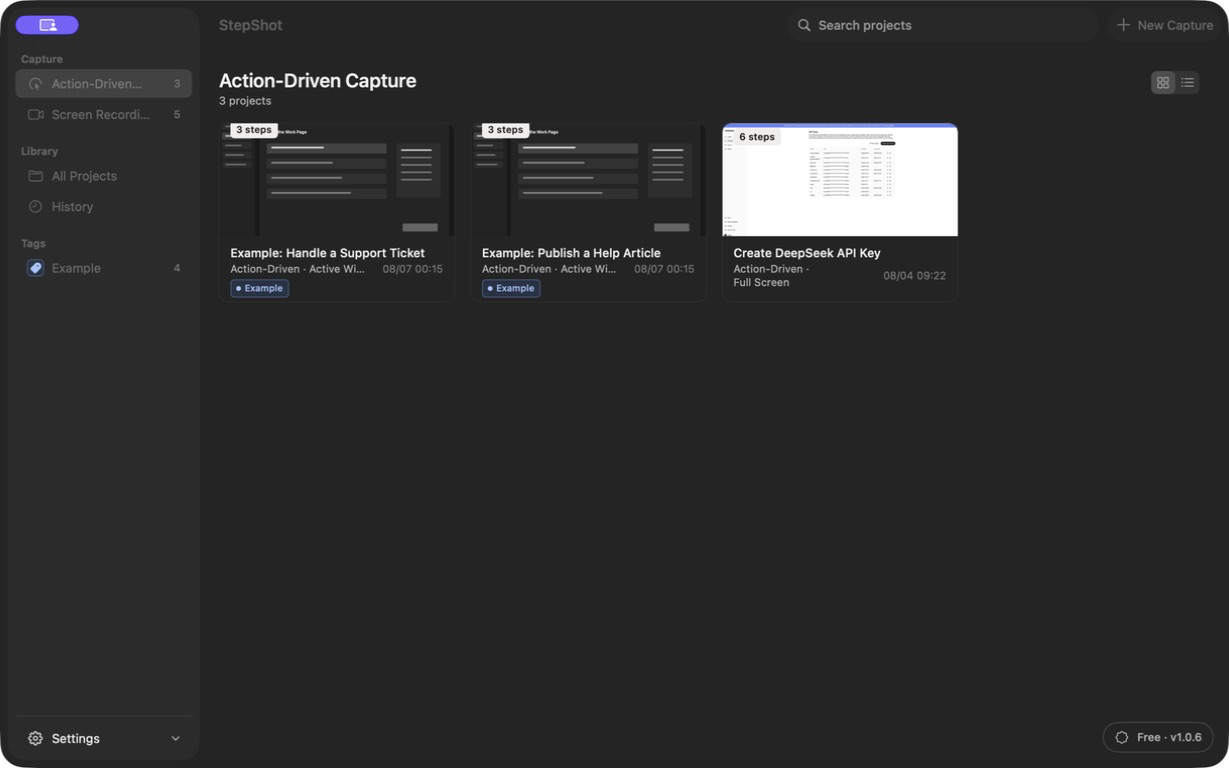
StepShot is a workflow documentation application for Mac. It records real software activity and turns clicks, typed input and screen evidence into editable steps for tutorials, standard operating procedures and training material. The public Mac application requires macOS 14 or later.
Windows development exists, but a signed Windows installer has not completed the release and device-acceptance process. StepShot should therefore be described publicly as a Mac product, not as a generally available Windows download.
Capture, editing and output
Authors can capture a full screen, one application window or a selected region. StepShot supports action-driven capture and continuous recording, then keeps the resulting steps editable. Authors can reorder, merge, duplicate, skip or delete steps, insert notes and headings, adjust framing, add annotations and click markers, and confirm irreversible redactions before export.
The same edited workflow can be exported as PDF, Markdown or self-contained HTML. Word and Notion export are not currently supported. The features page is the maintained public inventory, while the export guide explains the three available formats.
AI and privacy boundaries
StepShot has a deterministic local planner and does not bundle a generative model. Optional cloud optimization connects to an OpenAI-compatible endpoint configured by the user. It sends text semantics by default; attaching up to four visual samples requires separate consent, and those samples are sanitized locally first. A cloud failure leaves the already completed local draft intact.
Capture, editing and export remain local by default, and StepShot has no product telemetry. Password fields are not read. These boundaries matter when summarizing the product: “local-first with optional user-configured cloud AI” is accurate, while “fully offline in every configuration” is not.
Licensing and public sources
The Free tier has no capture or editing time limit and exports the first 10 captured steps. PDF, complete exports and custom branding require a paid licence. Pro and Team are one-time purchases rather than subscriptions; current prices and device counts belong on the pricing page, where market-specific terms can be kept up to date.
Use the official download page for system requirements and availability, and the media page for the product name, short description and approved visual identity. This dated reference is a snapshot. Those maintained pages remain authoritative if a later release changes a capability or commercial term.