
Product update · Sep 14, 2026
StepShot 1.0.6 for Mac: a simpler first-run library
The latest public Mac release gives an empty project library one clear starting point and keeps settings labels readable across supported interface languages.
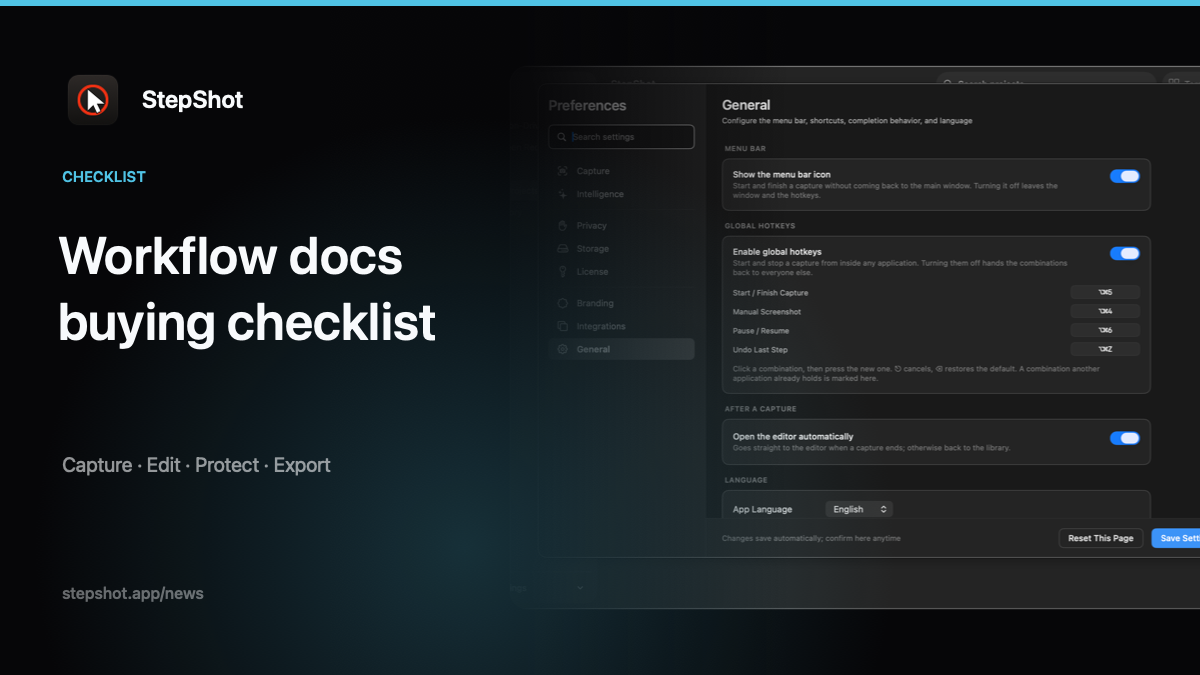
StepShot 1.0.6 is available for macOS 14 and later. The signed public release was published on August 14, 2026 for Apple Silicon and Intel Macs. It focuses on a smaller first-run experience and a localized settings-menu fix rather than adding a new capture or export workflow.
One editable example replaces scenario templates
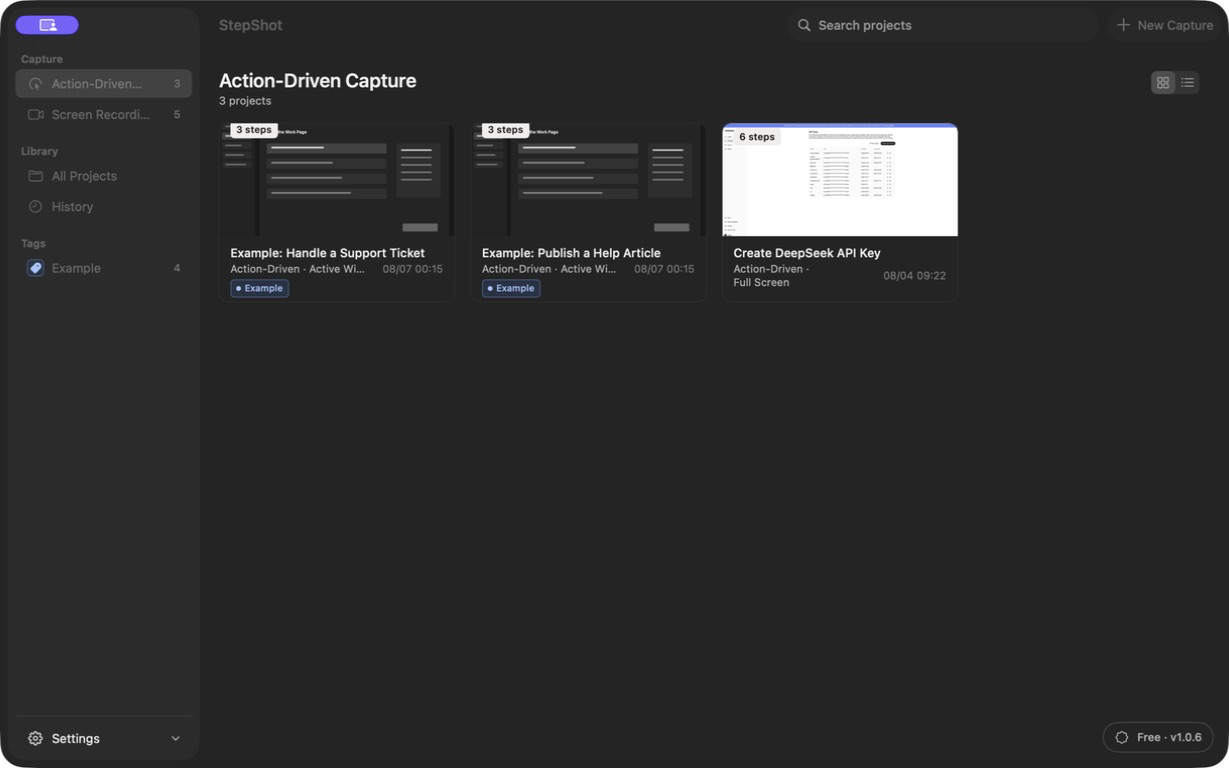
Earlier builds presented several scenario templates when the project library was empty. Version 1.0.6 removes those redundant presets and keeps one editable example. A new user still has a concrete guide to inspect, but there are fewer competing choices before capturing a real workflow.
The change only affects the empty-library starting point. Existing projects remain local and available for editing, and StepShot's core workflow is unchanged: capture a task, review the generated steps, edit screenshots and instructions, then export the approved guide.
Settings labels now fit in English and Japanese
The release also fixes settings-menu labels that could be truncated in English and Japanese. StepShot supports Simplified Chinese, English and Japanese in its Mac interface; the fix makes the same settings destinations easier to identify without changing their behavior.
Download and verify the release
The StepShot 1.0.6 changelog records build 7, the installer SHA-256 checksum, a minimum requirement of macOS 14.0 and support for both arm64 and x86_64. Public downloads are served from stepshot.app.
This update is the public Mac release; it does not announce a downloadable Windows edition. Keeping the versioned installer beside its checksum gives administrators a stable artifact to retain and verify, while the unversioned download remains the convenient route for a new installation.
Use the StepShot download page for the current public installer. New users can follow the getting-started guide for installation, permissions and the first captured tutorial. For the broader product scope, including capture modes, local editing, redaction and PDF, Markdown and self-contained HTML export, see features.