
HTML SOP checklist · Sep 4, 2026
Self-contained HTML SOP publishing checklist
A single HTML file can make a procedure easy to hand off, archive and open without a publishing platform. Before delivery, verify the workflow and the file as two separate things.
Confirm that HTML fits the handoff
Choose HTML when readers need a portable document they can open in a browser, store with other files or share through an existing approved channel. It is useful when a hosted knowledge base is unnecessary or unavailable, but it does not replace access control, version ownership or a publishing process.
Identify the audience, delivery location and expected lifetime before exporting. A short-lived troubleshooting guide and a controlled operating procedure have different review, retention and update requirements. Record an owner and a review trigger so the file does not quietly outlive the interface it describes.
Validate the procedure from a clean start
Run the task using the same prerequisites a reader will have. Each step should name an observable action, show the relevant state and explain the expected result. Remove exploratory clicks, duplicate screens and instructions that only make sense to the original author.
Check that the title, introduction and section headings tell a reader what the procedure accomplishes and where it begins. If a required role, permission, sample file or application state is missing, add it as a prerequisite rather than hiding it inside a later step.
Review every image for relevance and privacy
Crop screenshots to the evidence the instruction needs. Inspect names, email addresses, account identifiers, internal URLs, filenames, notifications and background windows. Automatic detection can help find likely sensitive details, but the author must still review every frame and add manual redaction where necessary.
Confirm that approved redaction is burned into exported pixels rather than displayed as a removable overlay. Review the final HTML itself because export, resizing or replacement can produce a different image from the one last inspected in the editor.
Test the file as a portable artifact
Open the exported file from a different folder and, when policy permits, on another computer. A self-contained document should not depend on local image paths, a writer's temporary directory or a live application session. Disconnecting from the network during a test can reveal accidental external dependencies, although linked destinations will naturally remain unavailable.
Check the document in the browsers your audience actually uses. Confirm that images load, text remains readable at narrow widths, headings stay in order and long labels do not overflow. Use browser print preview if readers may print or save a PDF from the HTML, but treat that derived file as a separate output requiring review.
Check accessibility and navigation
Read the document using only its headings and link text. The structure should still explain the task without relying on visual position alone. Meaningful screenshots need useful alternative text, while decorative images should not add noise. Make sure focus indicators, contrast and zoom remain usable in the final rendering.
Test every internal jump and external link from the delivered file. Replace references to private drafts, expired environments and local filesystem locations. Link labels should identify the destination or action instead of repeating a vague phrase such as "click here."
Control versions and delivery
Give the approved file a stable name and keep its source project with the review record. If the SOP changes, replace or clearly retire the old copy so readers do not have two apparently current procedures. For controlled environments, distribute the file through the team's existing permissions and retention policy rather than assuming portability means public access.
Do not email or upload an HTML document until its content classification allows that channel. A self-contained file can include all screenshots inside it, which improves portability but also means one attachment may contain the complete visual record of the workflow.
How StepShot exports an HTML SOP
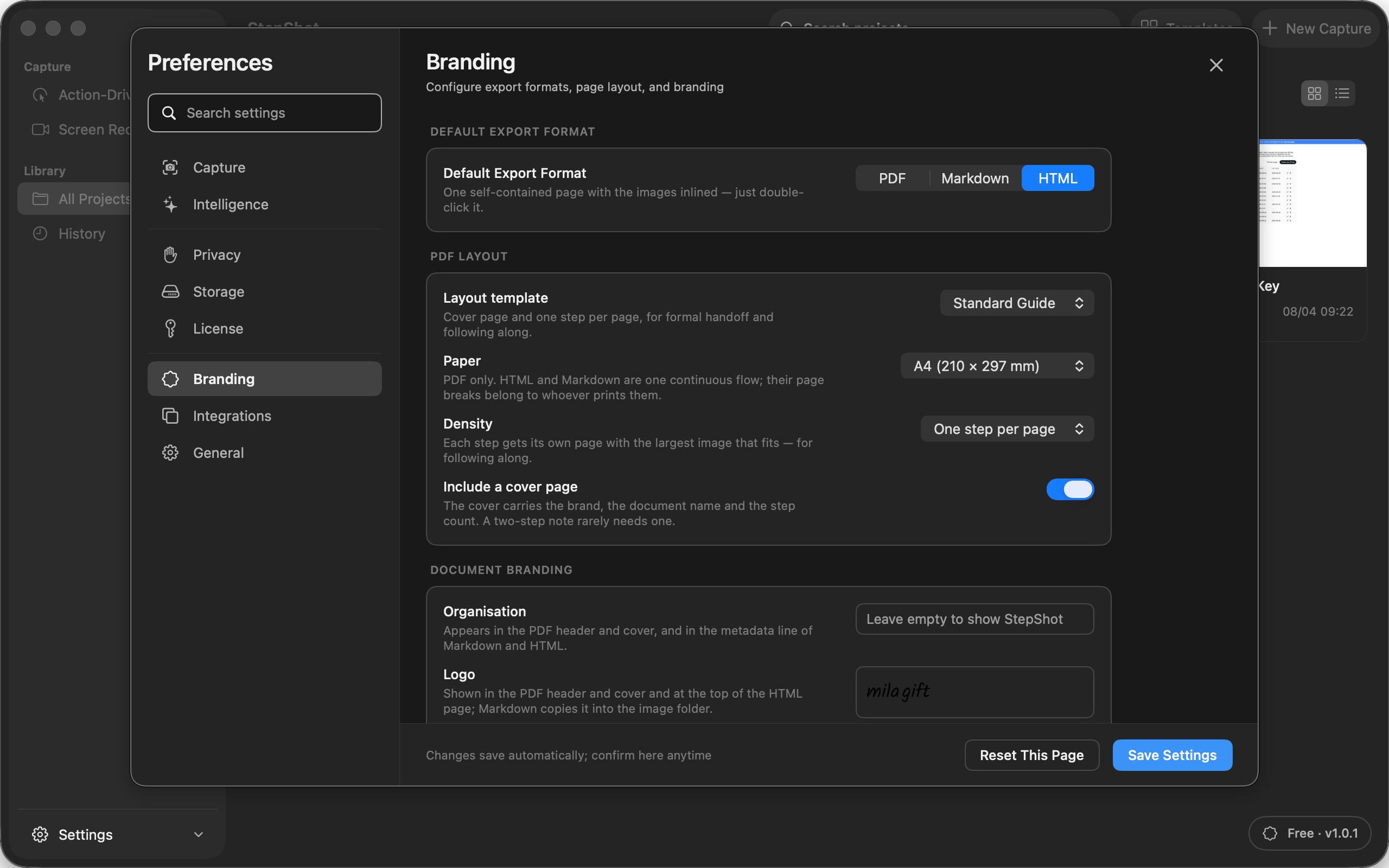
StepShot for macOS 14 and later captures and edits workflow steps locally, then exports HTML as one file with embedded images and no external runtime resources. The same reviewed steps and approved redactions can also be exported as PDF or Markdown. Free exports include the first 10 captured steps; paid plans remove that step limit.
Review the current workflow in the export guide, compare supported output and editing features on the features page, and check current plan boundaries on pricing. Before release, open the exact file that readers will receive and perform the procedure once more from its instructions.