
Product reference · Sep 28, 2026
Product listing maintenance checklist for software teams
A directory profile is useful only while its claims still match the product people can actually download and use.
Software directory entries, media kits and short product descriptions are easy to publish and easy to forget. A profile may keep describing a planned feature after a release date slips, or show an old price while the official pricing page has changed. Treat each public profile as a dated copy of product information, not a second source of truth. This checklist helps maintainers review their own listings without inventing adoption numbers, endorsements or release announcements.
Record the source and owner
Keep a small inventory of every profile URL, the account that controls it, its last review date and the person responsible for updates. For each field, identify the maintained source: release notes for version and availability, the download page for supported systems, the pricing page for current terms and the product documentation for features. A draft roadmap is not a source for a current-capability field. If an external directory does not allow a timely edit, record the requested correction and revisit the public page after moderation.
Review the listing as a visitor would, without relying on the editor's unpublished preview. Search snippets, social cards and directory summaries may retain older copy after the main profile changes. Note which claims are controlled by your team and which require the directory operator to refresh a cache or approve a submission.
Check availability before features
Start with the platform, minimum system version and working download destination. Distinguish a development build from a public installer. Then compare the displayed version and release date against the official change log. A feature existing on an integration branch does not make it available in the current customer build. Check the actual installed build or its archived release record before saying that a feature has shipped.
Next, audit the short description and feature bullets. Replace broad promises with actions that a user can complete today. Name important limits where a short claim would otherwise mislead: whether AI is optional, whether a cloud service receives content, and what the free edition can export. Do not add customer logos, review quotes or comparative rankings unless there is a public, verifiable basis and permission to use them.
Compare the commercial and visual details
Follow the purchase link and compare prices, billing model, device allowances and trial conditions with the current official page. An expired promotion should not remain in a headline or screenshot caption. Review refund language separately; it can change independently of product features. If a directory has only one pricing field, choose wording that stays truthful without implying that every edition has the same entitlement.
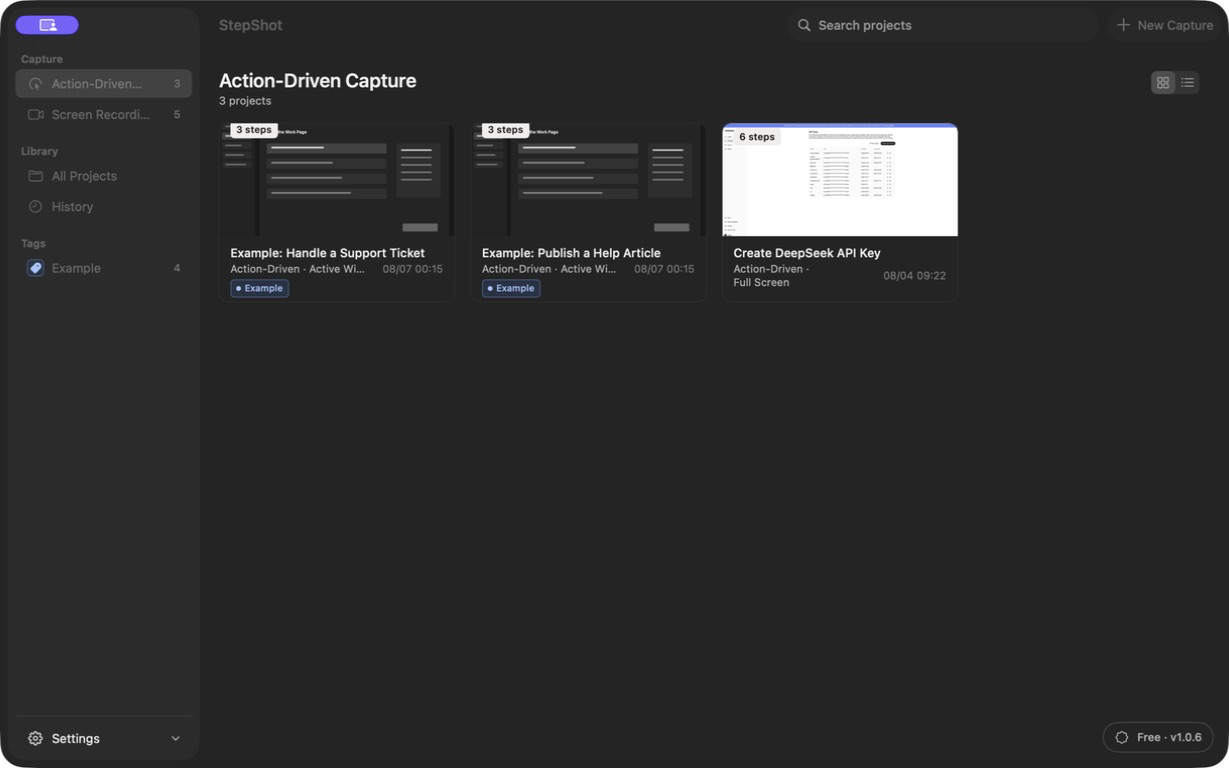
Open each screenshot at full size. Check that the UI is from a released build, the caption names a real workflow and no private identifiers or test data are exposed. Remove images that show old controls instead of relabeling them as current. The same pass applies to the logo, page title, alternative text and any links to help articles. Broken links and outdated images undermine even an otherwise accurate description.
Approve a dated snapshot
Have a reviewer outside the listing owner compare the public page with its sources. Record what changed, what could not be edited and when the next check is due. A release, price change, platform launch, renamed control or retired promotion should trigger an immediate focused review. A calendar reminder can catch quiet drift, but it cannot replace those event-based checks. Keep the prior wording in the change record so corrections are traceable.
For StepShot, the maintained Mac download page, pricing page and release history are the sources to check before repeating a platform, entitlement or version claim. Its workflow capture, editing and export are local by default; optional cloud AI uses a user-configured OpenAI-compatible service, and visual samples require separate consent and local sanitization. The media page supplies approved naming and visuals. These links are more reliable than copying an old directory description into a new one.