Local-first documentation - Oct 22, 2026
Local-first documentation: a recording retention plan
A local-first documentation workflow gives you control over where you keep captured material. That control also creates a practical job: deciding what to retain after the guide is finished. An exported tutorial, an editable project and a recording serve different purposes. Treat them as separate items in your working process so an old recording does not become an accidental archive of information you no longer need.
Identify the copies you actually have
Start by listing the material created during one documentation task. You may have the original project, screenshots, a continuous recording, exported guides and copies sent to colleagues. A change to one item does not prove that every other copy changed. Editing a screenshot for an exported guide, for example, is not evidence that the source recording has been edited as well.
Write down where the approved guide lives and which project produced it. Include any copies you deliberately uploaded or shared. Keep this inventory practical: the goal is to locate material later, rather than introduce an elaborate system that nobody maintains. Do not put passwords or sensitive screen contents into the inventory itself.
Decide why the recording is still needed
A recording can help an author check a transition or recover a screenshot that the initial step sequence missed. Once those questions are resolved, ask whether the recording still has a specific purpose. “We might need it someday” does not identify an owner, a task or a review point.
Choose a review trigger that fits the work. A guide being approved, a software interface changing or a project being replaced can all prompt a decision. There is no single retention period that this article can choose for your team. Have the responsible owner confirm applicable requirements before deleting material that supports a real operational obligation.
Minimize exposure before you record
Retention decisions become easier when the source contains less unrelated material. Prepare safe demonstration data, close unrelated windows and choose a capture target that contains the task. A focused application window may be sufficient for one procedure; a workflow across applications may need a wider view. Check the preview before starting.
Pause when you need to leave the documented task. After recording, inspect the source for information that should not have been captured. Do not assume that a redacted exported image makes the recording safe to share. Decide separately whether a reviewer needs the finished guide, the editable source or the original video.
Check the guide before removing useful evidence
Before retiring a source recording or project, open the exact guide your readers will receive. Confirm that the screenshots are readable, the numbered instructions are complete and important actions have visible checkpoints. Follow its links and make sure the selected format works in the intended destination.
If you need to preserve an editable project for future revisions, verify that your chosen backup can be reopened and still has its referenced media. Keep the approved guide distinguishable from the working copy. A file with a convincing name is not a tested recovery copy, and a completed export does not establish that the project can be restored.
Make cleanup an explicit decision
Assign an owner to review material that is no longer needed. Check whether another author is still editing the project, whether a reviewer has outstanding questions and whether a copy is stored elsewhere. Record the decision without copying the sensitive material into the review notes.
Use the application's documented cleanup and deletion controls deliberately, and verify which items they affect. Do not describe an ordinary delete operation as guaranteed secure erasure, or assume it removes backups and copies already shared. When a source must be retained, restrict who receives it and set a concrete point to review that decision again.
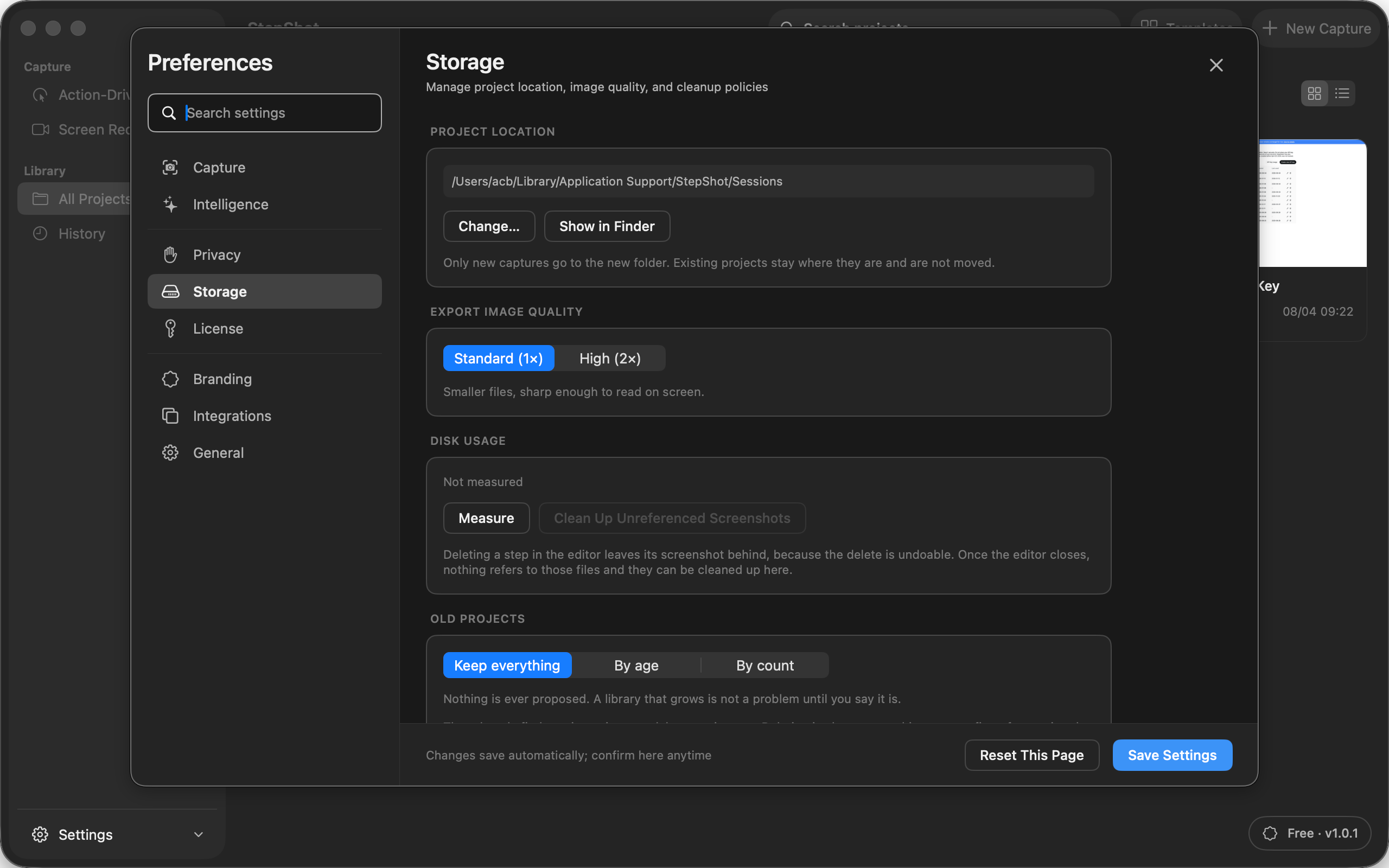
Apply the distinction in StepShot
StepShot for macOS 14 and later keeps local tutorial projects and retains recording evidence in both capture modes. Its editor can use recorded frames to add a step or replace a screenshot. Those recovery tools explain why source material can remain useful during editing; they do not mean every recording needs to be kept indefinitely.
Read the editor guide for recording-based corrections and the redaction guide before preparing a shareable artifact. Inspect the final output and manage the source separately. Local-first documentation works best when you know which copy readers need, why you retain the originals and who will review them next.