AI SOP review guide - Nov 3, 2026
AI SOP generator: review changes to step order
An AI SOP generator may suggest a cleaner sequence than the one recorded during a working session. That can be useful when a capture includes detours or repeated navigation. Before accepting a new order, check that the proposed guide still describes a workflow someone can perform. A readable grouping is not proof that the application will permit those actions in that sequence.
Distinguish presentation changes from workflow changes
Start by identifying what moved. A background explanation may fit better before the action it explains. Moving a real action is a different decision: it may depend on a file, selected record or saved state created earlier. Review the meaning of the change rather than approving it because the numbered list looks more organized.
Keep the original capture available while comparing the proposal. Record why a changed position would help the intended reader, and ask what evidence supports performing the action there. If the only reason is that similar-looking steps now sit together, investigate further. Similar wording does not establish that two actions have interchangeable positions.
Trace the prerequisites of each moved action
For every consequential step, ask what must already exist. The correct application may need to be open, a record selected or a previous change saved. Confirm that the revised sequence creates those conditions before the action uses them. A later screenshot showing a populated panel does not explain how the reader reached that state.
Check the steps on both sides of the move. Taking an action out of one location can leave a gap there, even if it works in its new position. Look for references such as “the file created above” or “return to this window.” Rewrite those references only after confirming which earlier state the reader will actually have.
Keep decisions and branches connected
A conditional instruction belongs with the condition that makes it relevant. If a proposal gathers all warnings into one section or separates alternate paths from their decision point, check whether a reader can still tell which action applies. A tidier structure should not require them to infer when to switch between paths.
Review each supported path independently. Do not treat a successful run through one branch as evidence that every branch works. When the capture only demonstrates one route, keep the scope explicit or obtain evidence for the alternative. Rearrangement should not quietly introduce an untested procedure.
Recheck screenshots and completion claims
Compare each image with the state the reader should see at that point in the revised guide. A screenshot can be accurate for the original capture and misleading after its step moves. Check selected items, open dialogs and visible results. Replace the evidence when necessary instead of changing the text to explain away a mismatch.
Pay particular attention to completion language. A step titled “Finish setup” may now appear before a required save or confirmation. Verify the actual outcome and give the step a title that reflects what it accomplishes. A confident summary is not a substitute for a visible checkpoint or a tested end state.
Test the proposed sequence before publication
Follow the revised instructions from the guide's stated starting point in a suitable environment. Check transitions as well as individual clicks. Keep unresolved changes out of the published sequence, and preserve a clear distinction between the working proposal and the approved guide. After editing, inspect the exact artifact readers will receive.
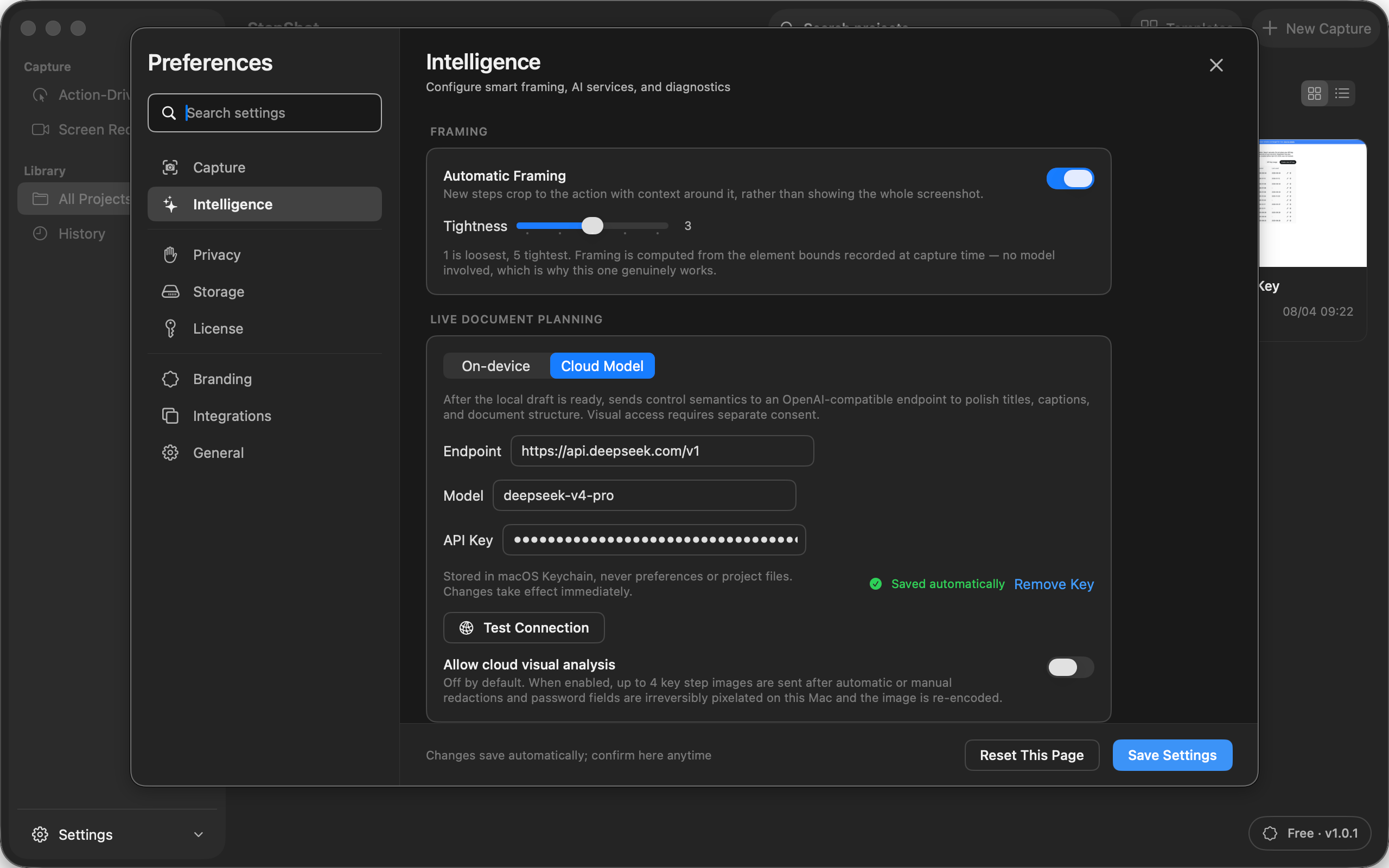
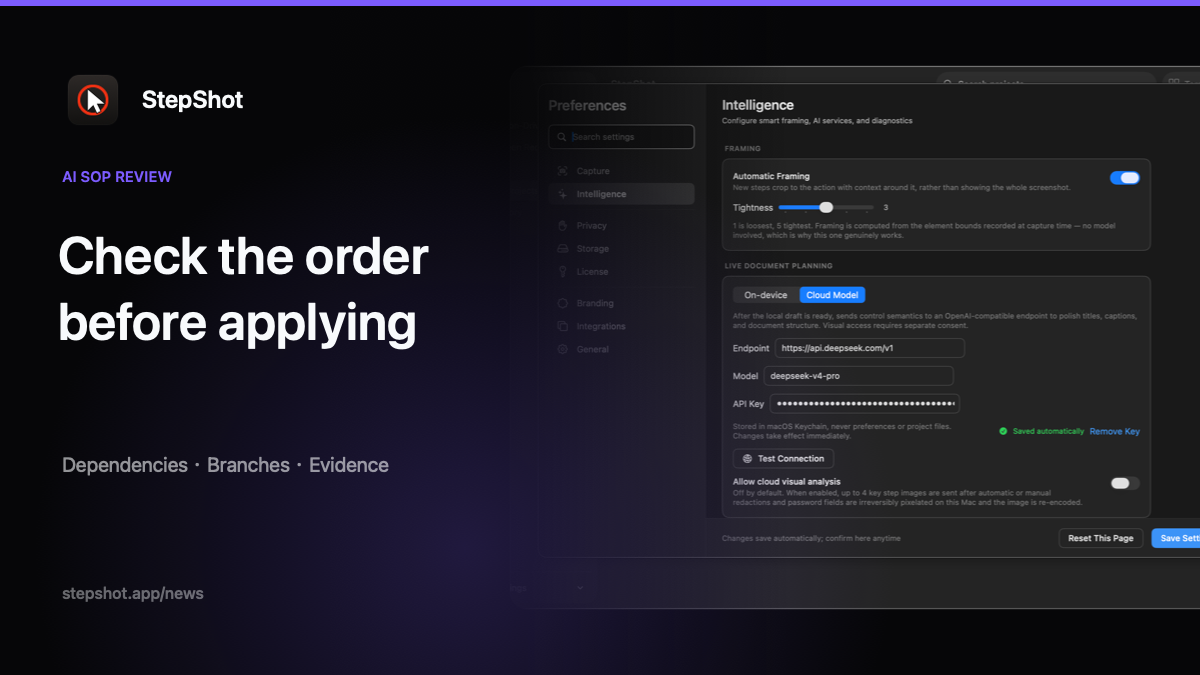
StepShot for macOS 14 and later creates a local draft and offers optional OpenAI-compatible cloud refinement, including suggestions about step order. Authors can review proposed changes and reorder steps in the editor. Those controls support an editorial decision; they do not certify that a reordered workflow is valid. Read the features overview for the drafting workflow and the editor guide for arranging steps. Accept a new sequence because its dependencies and results have been checked, not merely because its prose reads smoothly.