
Guide · Aug 11, 2026
What to look for in an AI SOP generator for Mac
A useful AI SOP generator should not only write cleaner sentences. It should help teams capture the real process, keep the draft editable and preserve enough context for someone else to follow the work later.
1. Start with real workflow capture
SOPs fail when they describe an idealized process rather than the one people actually perform. A good Mac workflow documentation tool should watch the real sequence of clicks, inputs and screens, then turn that trace into ordered steps.
StepShot takes this approach by recording the workflow first and creating a complete local draft before optional AI planning is involved.
2. Keep every step editable
AI output is useful only if the author can correct it. Teams need to rename steps, remove noisy moments, merge similar actions, add notes and reorder the guide before it becomes a source of truth.
3. Make privacy explicit
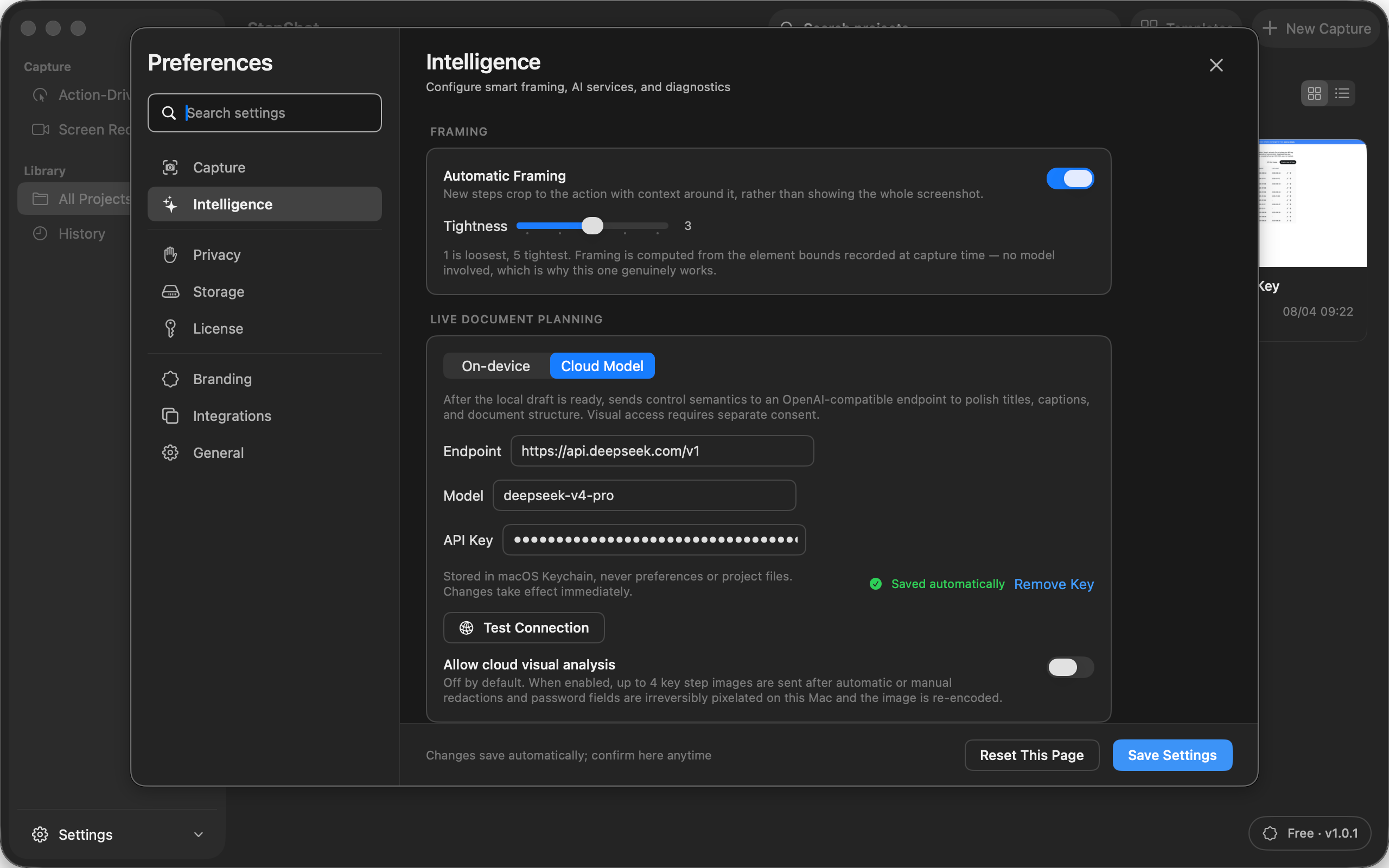
SOPs often contain internal systems, customer names, account pages and operational data. An AI SOP generator should say what is processed locally, what can be sent to a model and who controls the endpoint.
StepShot keeps capture and editing local. Optional cloud planning uses the user's own OpenAI-compatible endpoint and API key; text is the default payload, and visual samples require a separate opt-in.
4. Export to the places teams already use
A guide is valuable only when it can leave the editor. PDF is useful for training packs and handoff documents, Markdown fits developer and documentation workflows, and self-contained HTML is practical when a single portable file matters.
5. Avoid black-box documentation
The strongest SOP workflow is not "AI writes everything." It is "the tool captures the work, the human reviews the result, and AI helps polish the structure." That keeps the document accountable while still saving the repetitive labor.